Free tracked shipping to United States · tracking link by email
Shipping and Tracking
Every order ships with tracking. You get the tracking link by email as soon as your order leaves the warehouse, and you can follow it any time on the Track Order page.
You have 30 days after delivery to request a return, with the item unused and in its original packaging. Arrived damaged or not as described? Send us a photo and we’ll make it right.
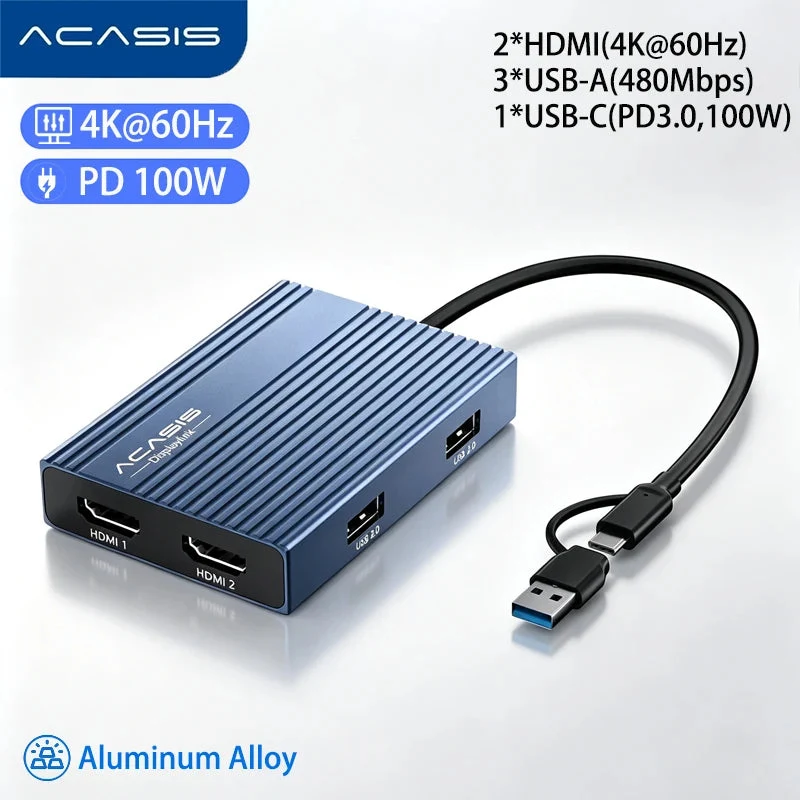
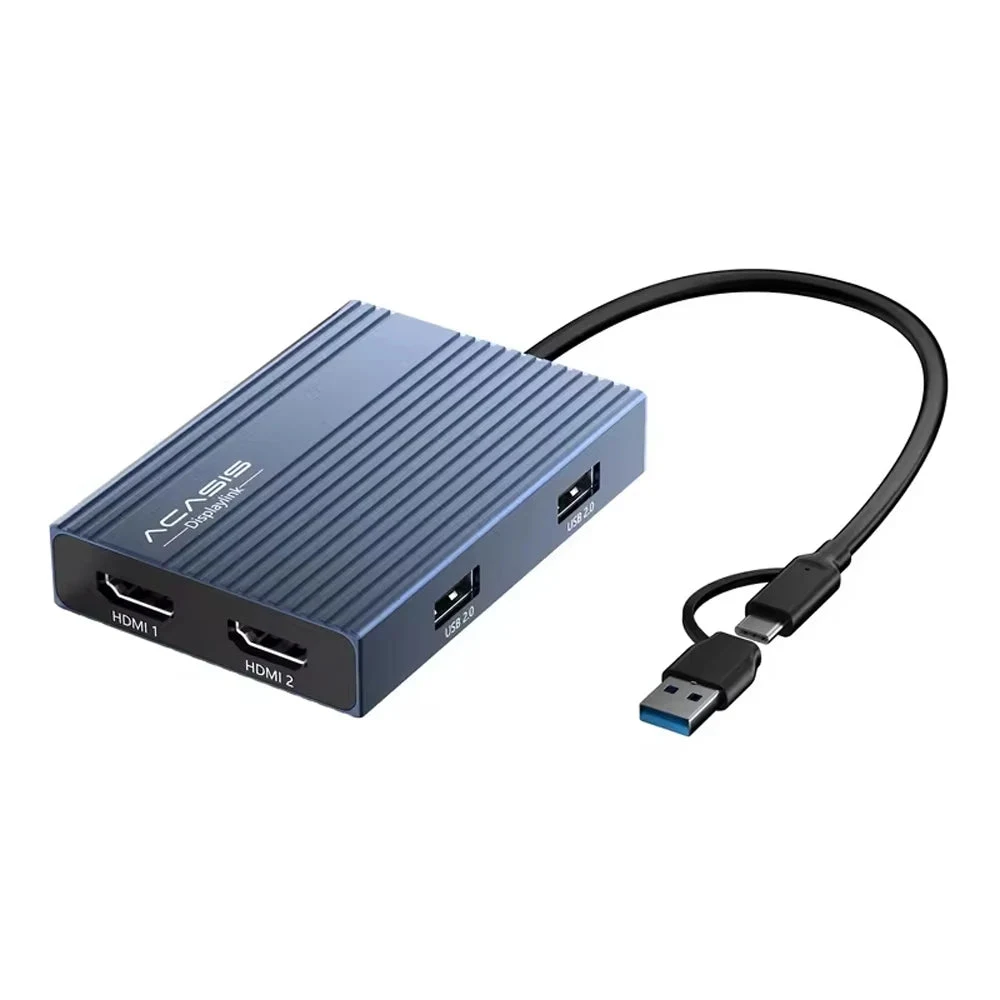
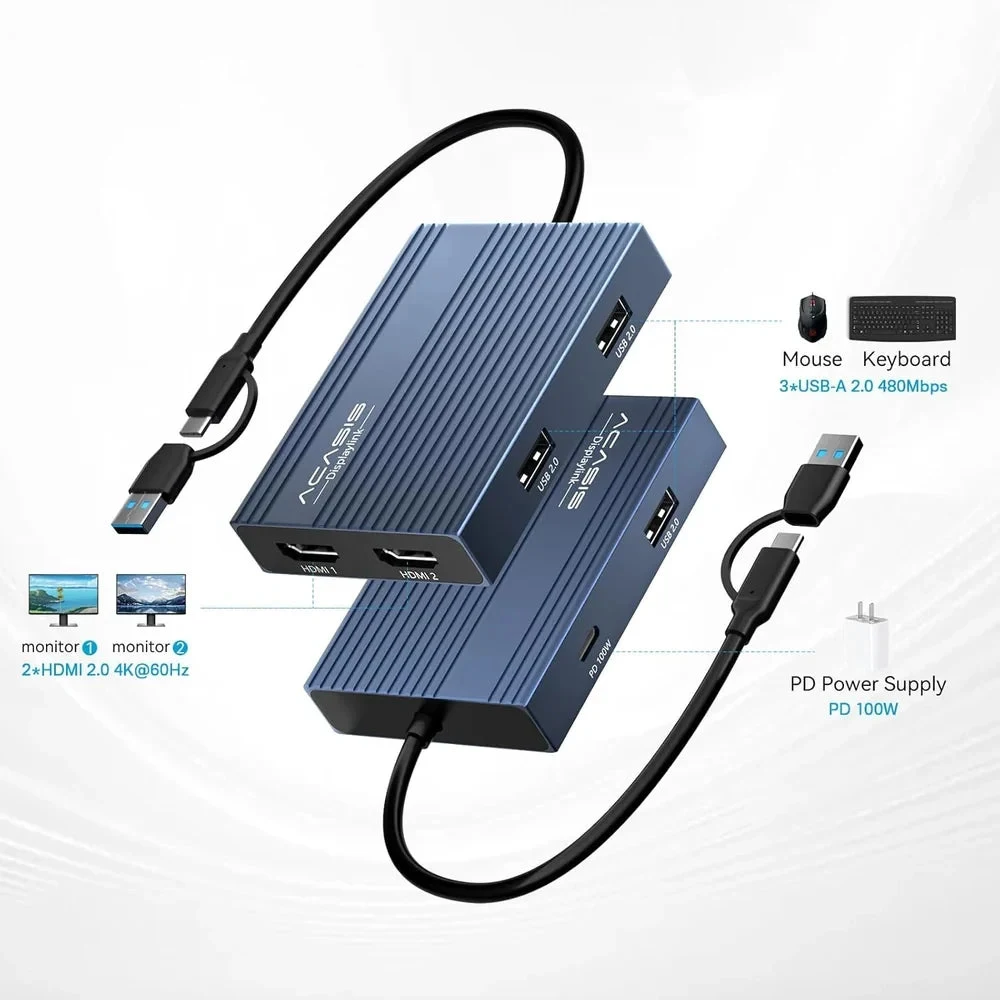
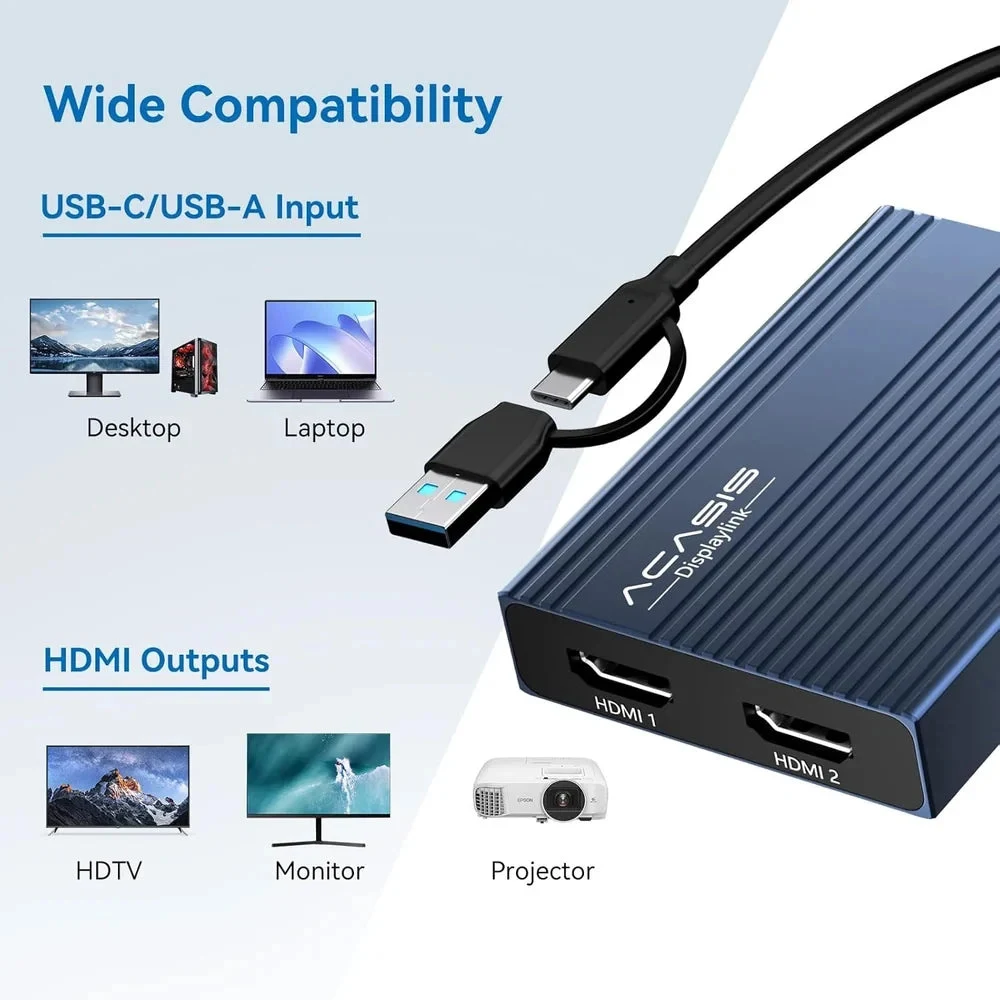
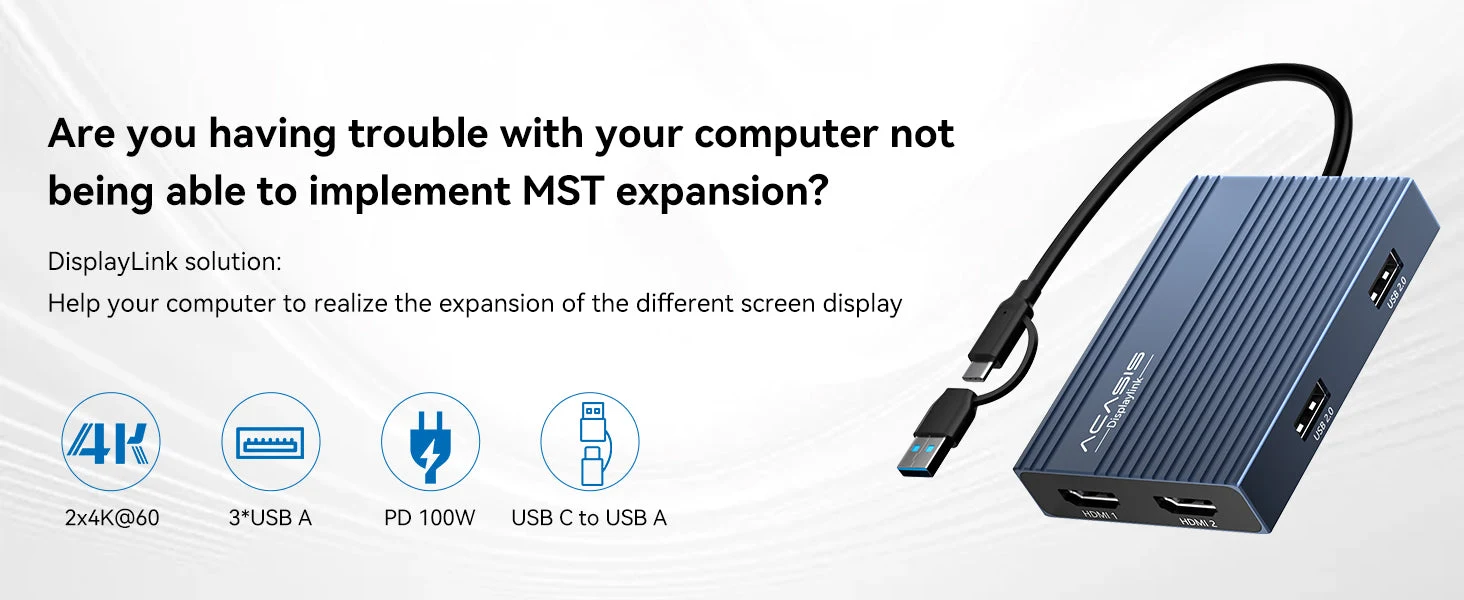
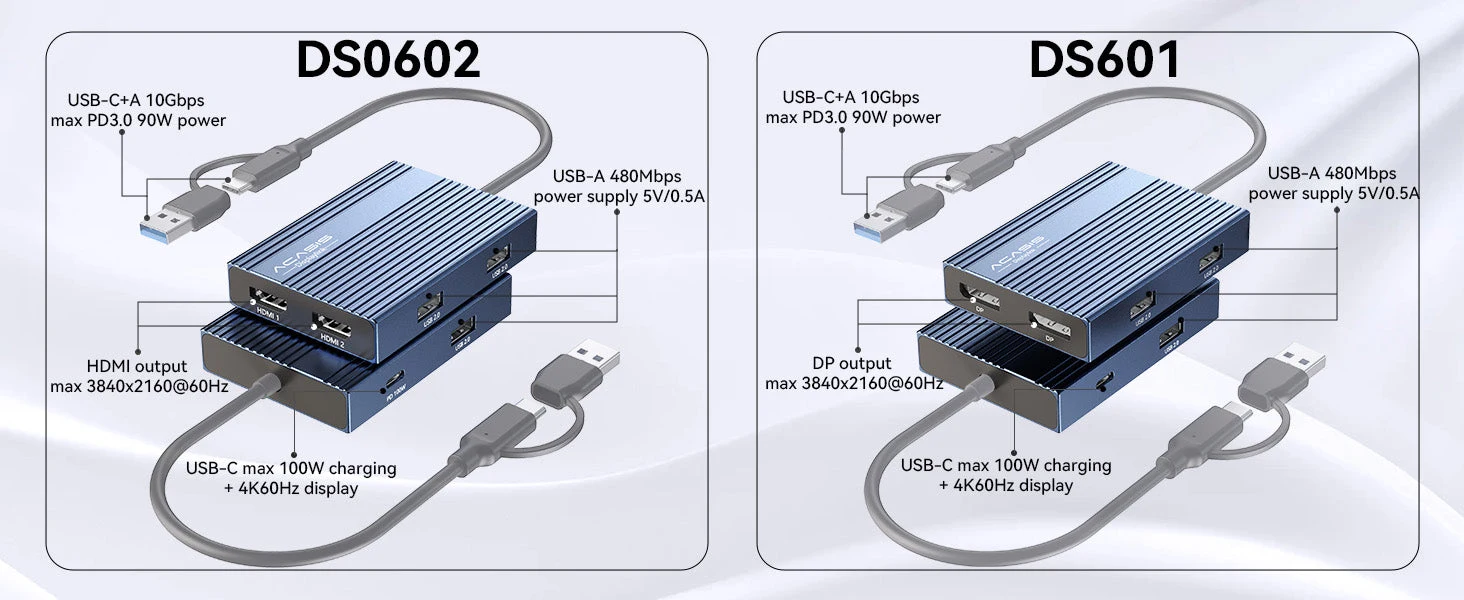
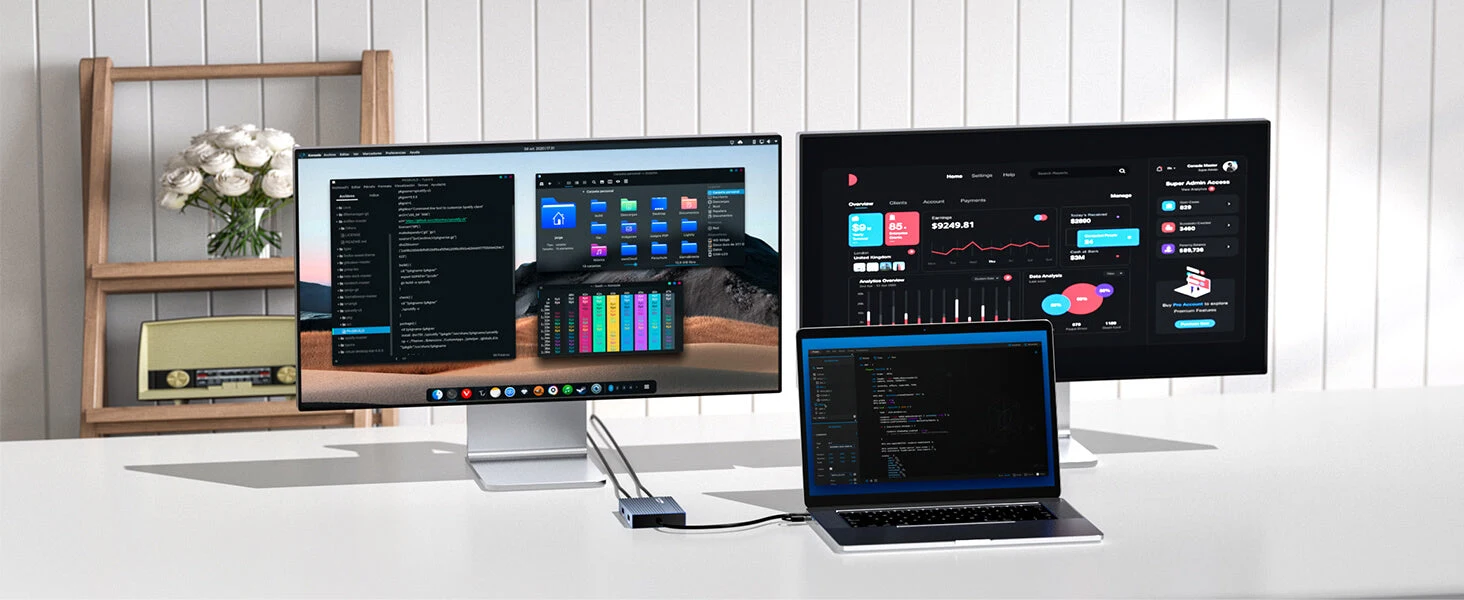
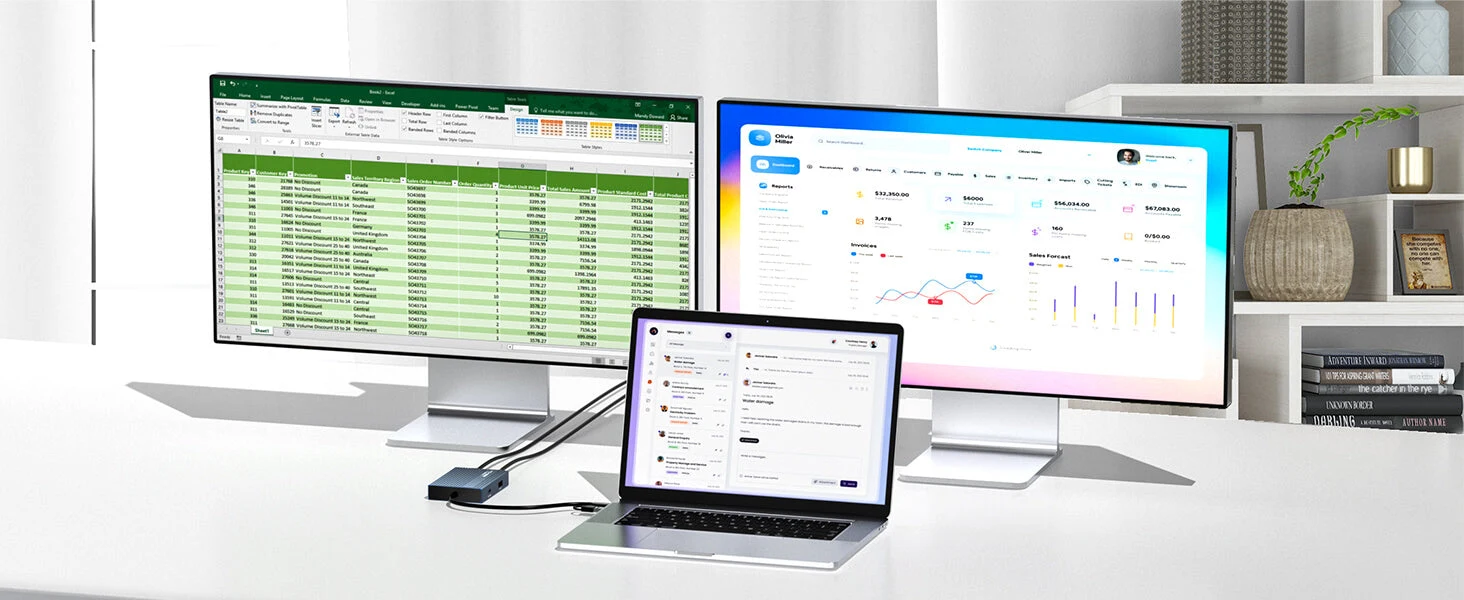
The Acasis DisplayLink HDMI Adapter solves MST expansion compatibility issues by enabling dual 4K@60Hz displays, featuring 3 USB-A ports, 100W PD charging, and USB-C/A connectivity for seamless multi-screen setup. It’s an ideal solution for those who use multiple web and office apps simultaneously.
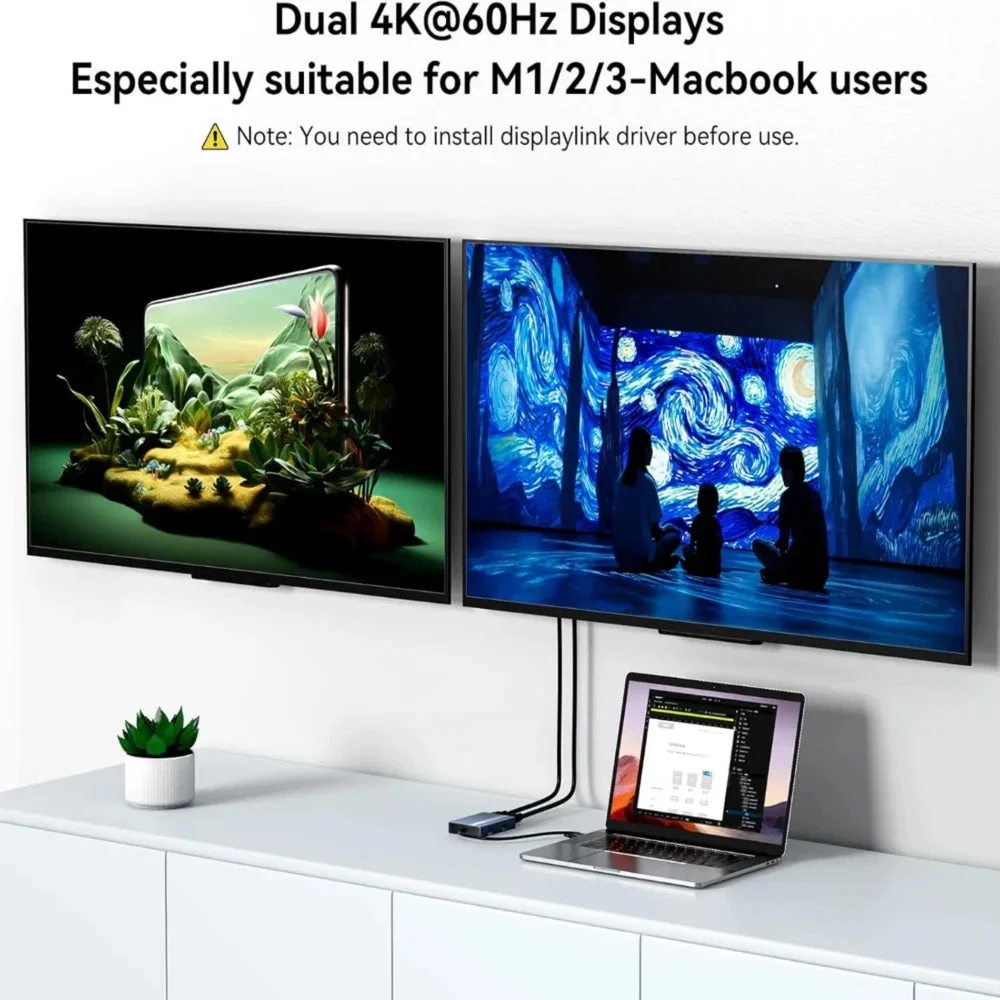
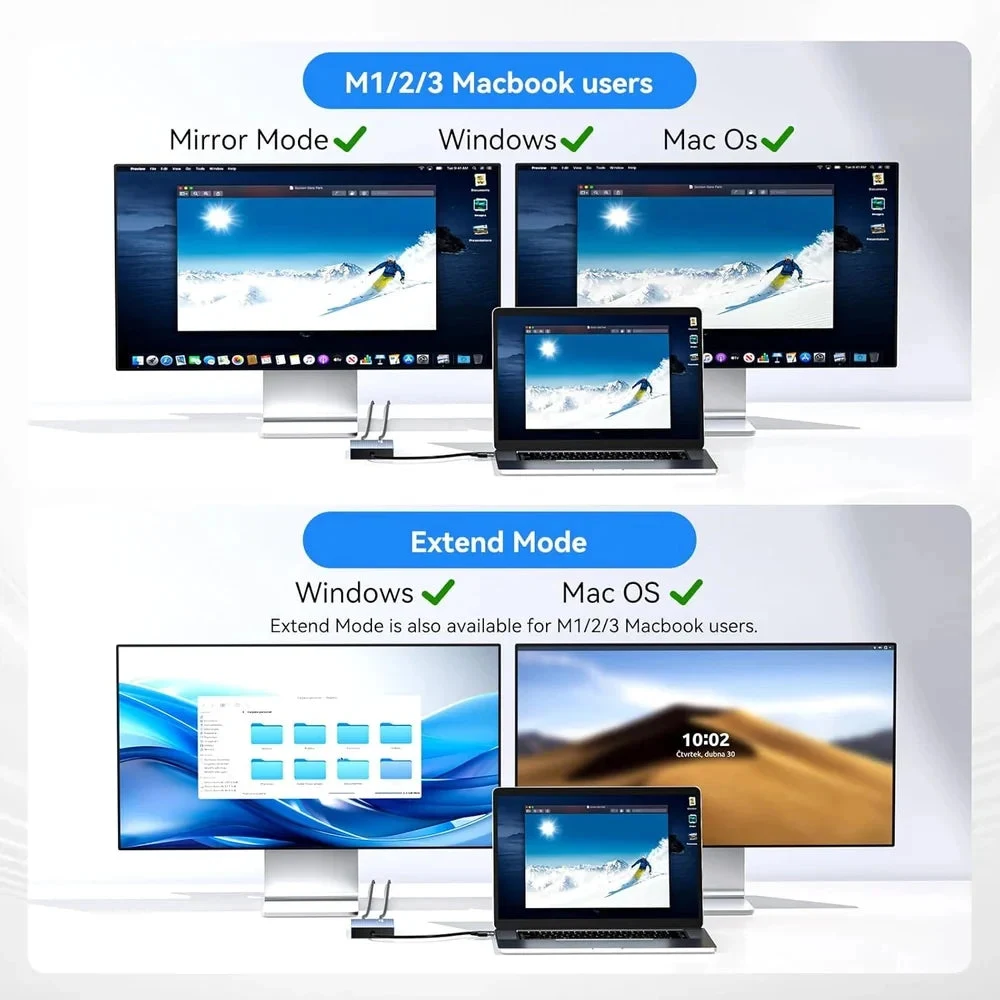
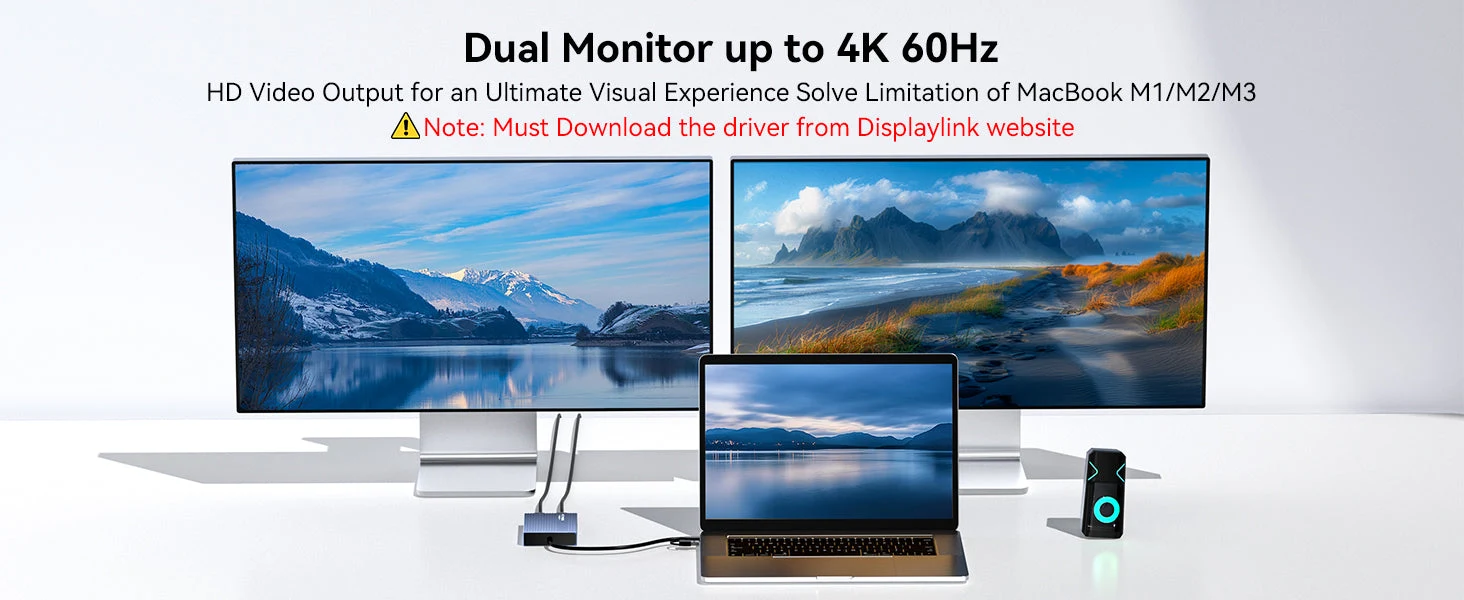
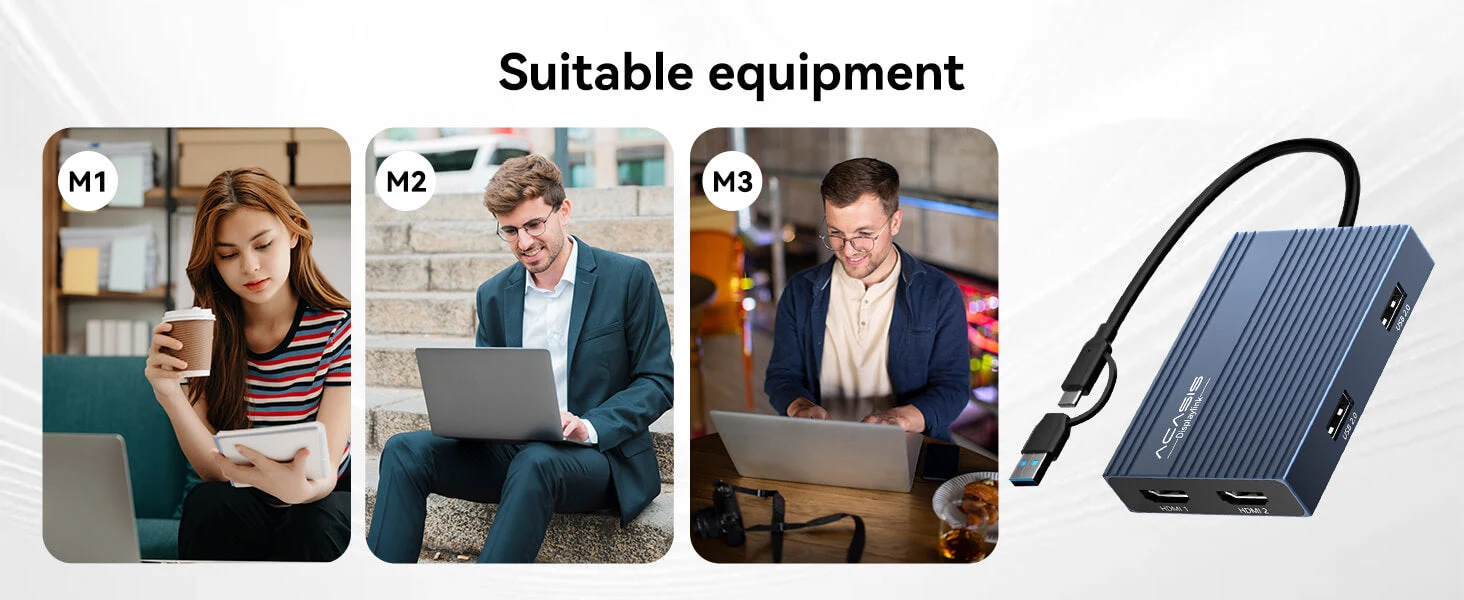
Designed for seamless compatibility, this DisplayLink HDMI Adapter adds two extended monitors even onMacs with M1, M2, or M3 chips, which natively only support one external display, solving the limitation of external displays.With dual-display capability, you can boost productivity by up to 35%.
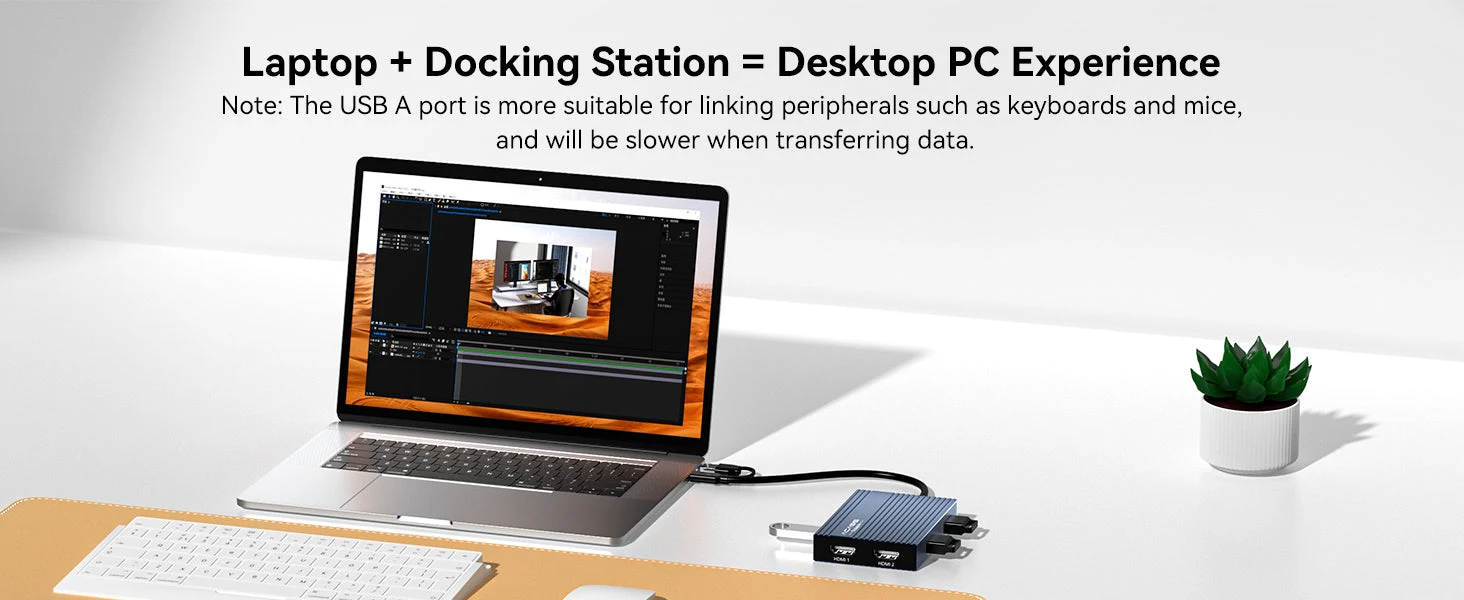
The DisplayLink HDMI Adapter extended display can connect your mouse, keyboard, and flash drives effortlessly with 3x USB-A ports (480Mbps speed), making your work more convenient. Note: The USB-A port of this device is not suitable for transferring large files.
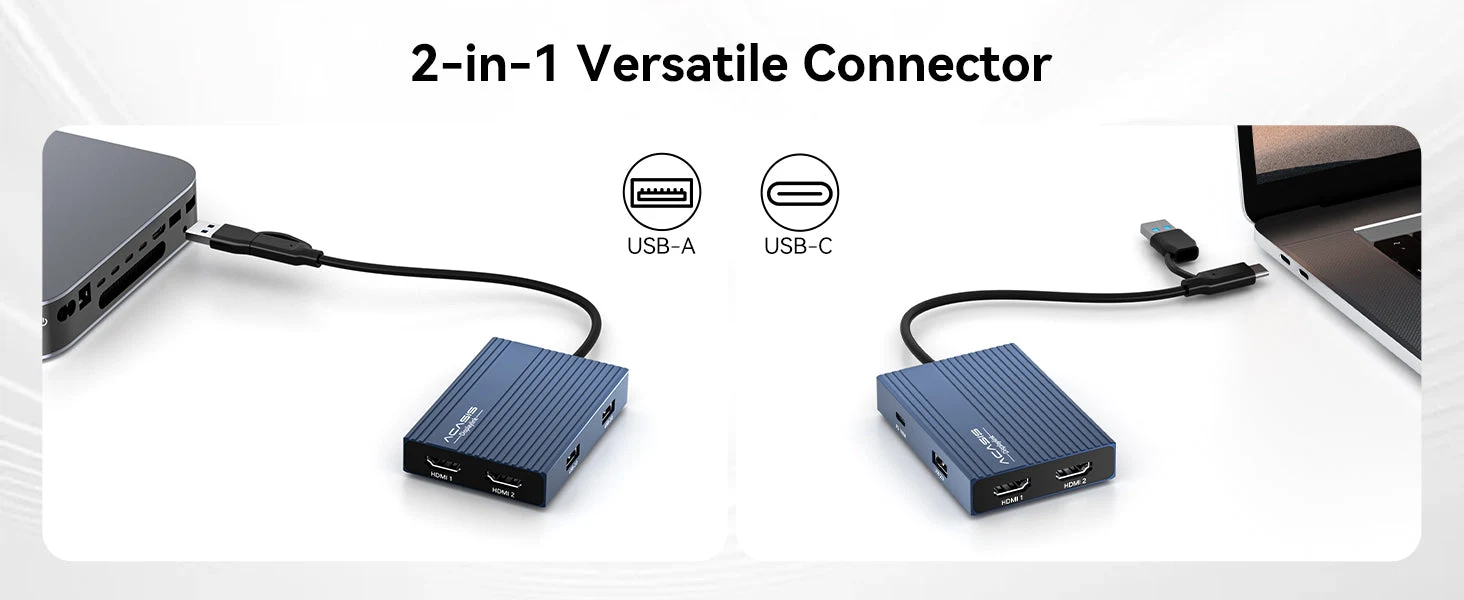
One easy, affordable solution vs costly hassle of multiple adapters and cables.This DisplayLink HDMI Adapter adds two crystal-clear 4K monitors (up to 60Hz) via a single USB-C/USB-A port.
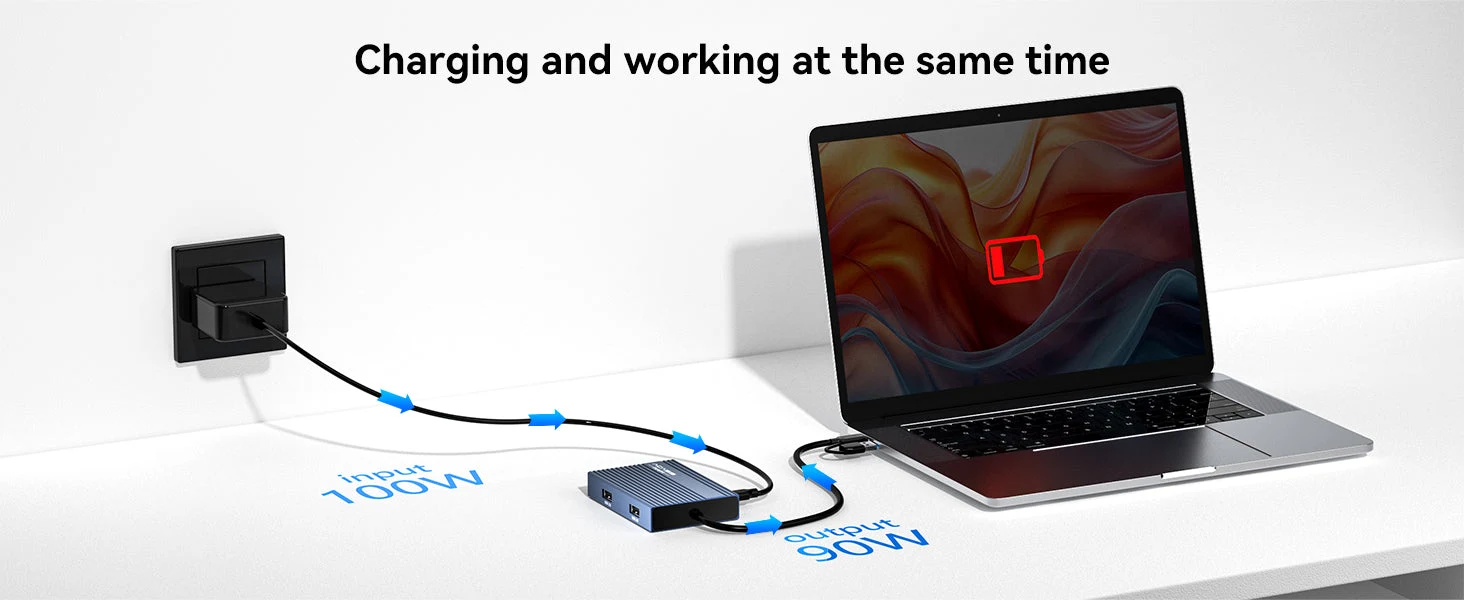
USB to Dual 4K 60Hz HDMI Adapter Keep yourMacBook Air/Proor Dell/HP laptop powered up while working. The 100W USB-C PD port delivers high-speed charging, so you won’t drain your battery during long sessions.
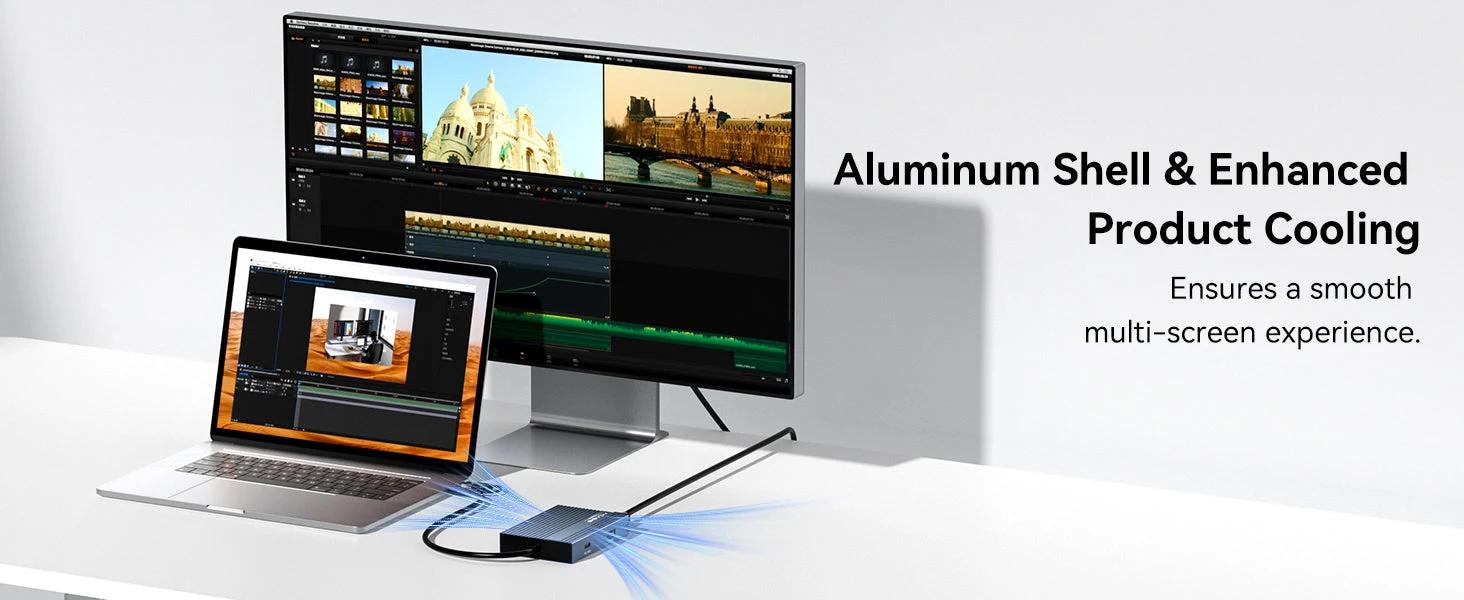
Aluminum shell design provides enhanced cooling performance, ensuring stable operation and a smooth multi-screen experience during extended use sessions.
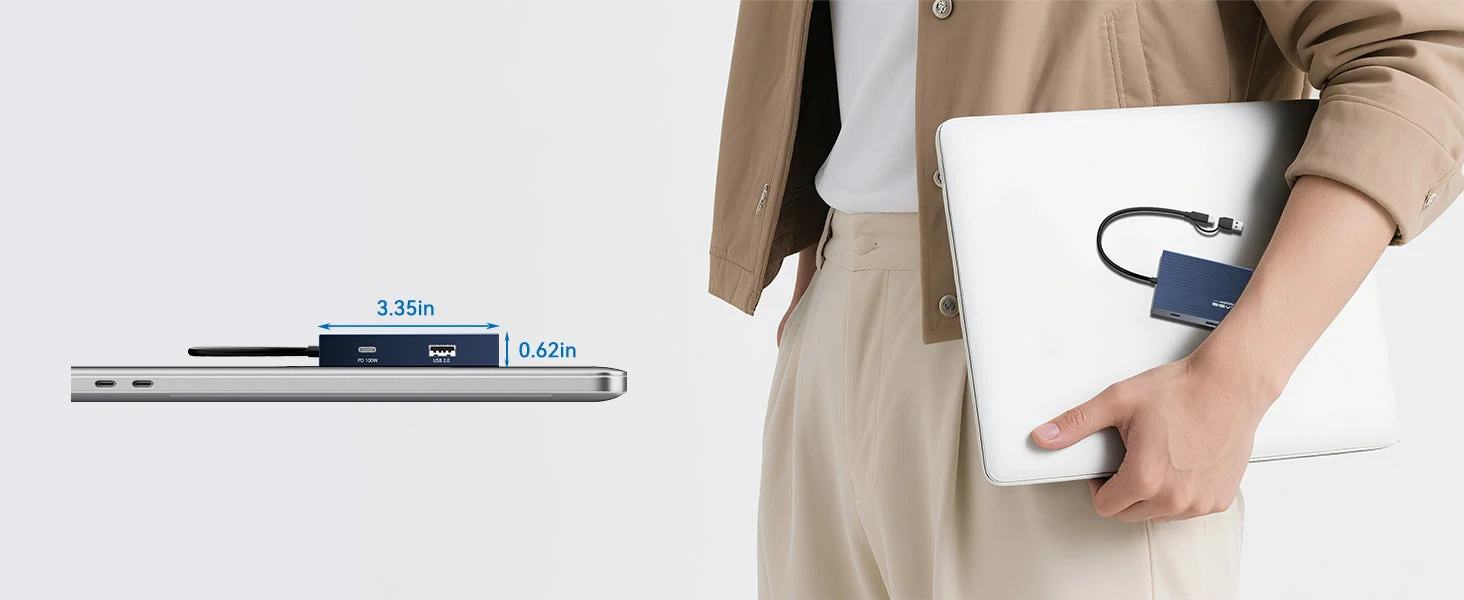
Just 3.35 x 2.32 x 0.62 inches.Palm-sized for easy carry.
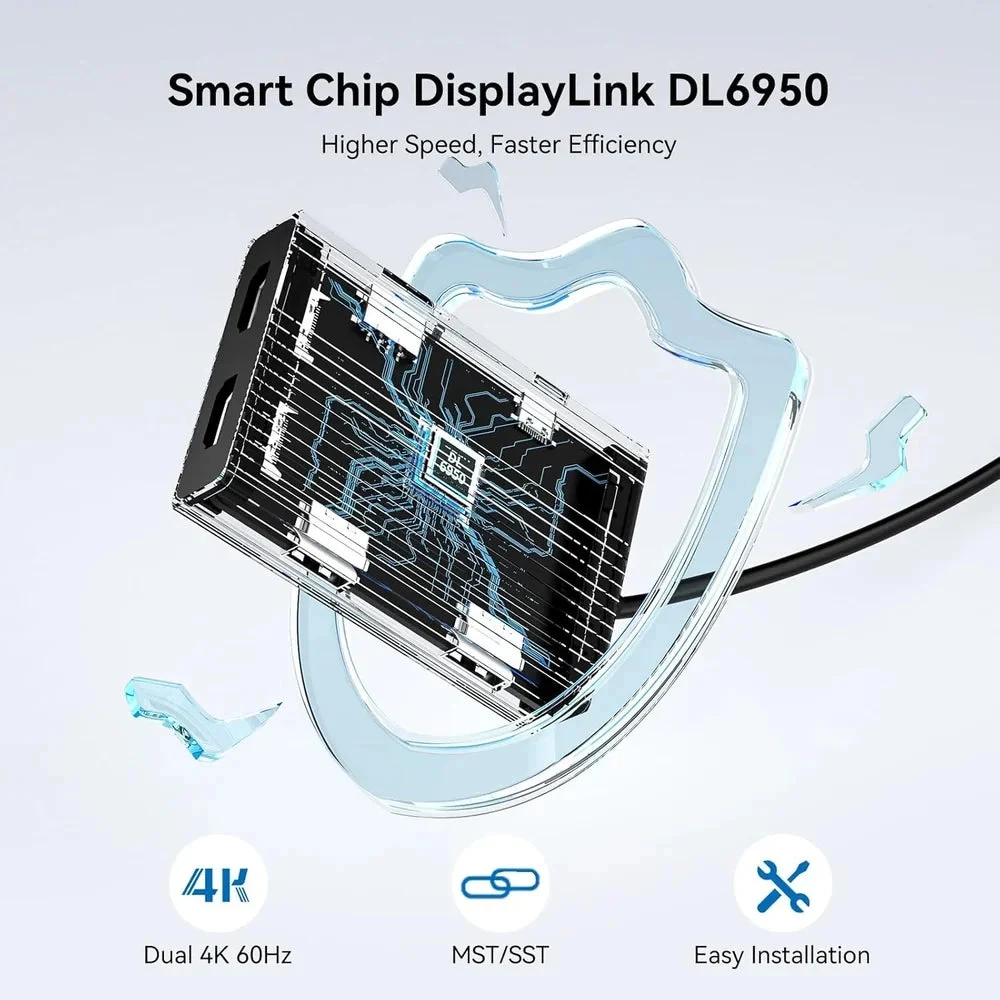
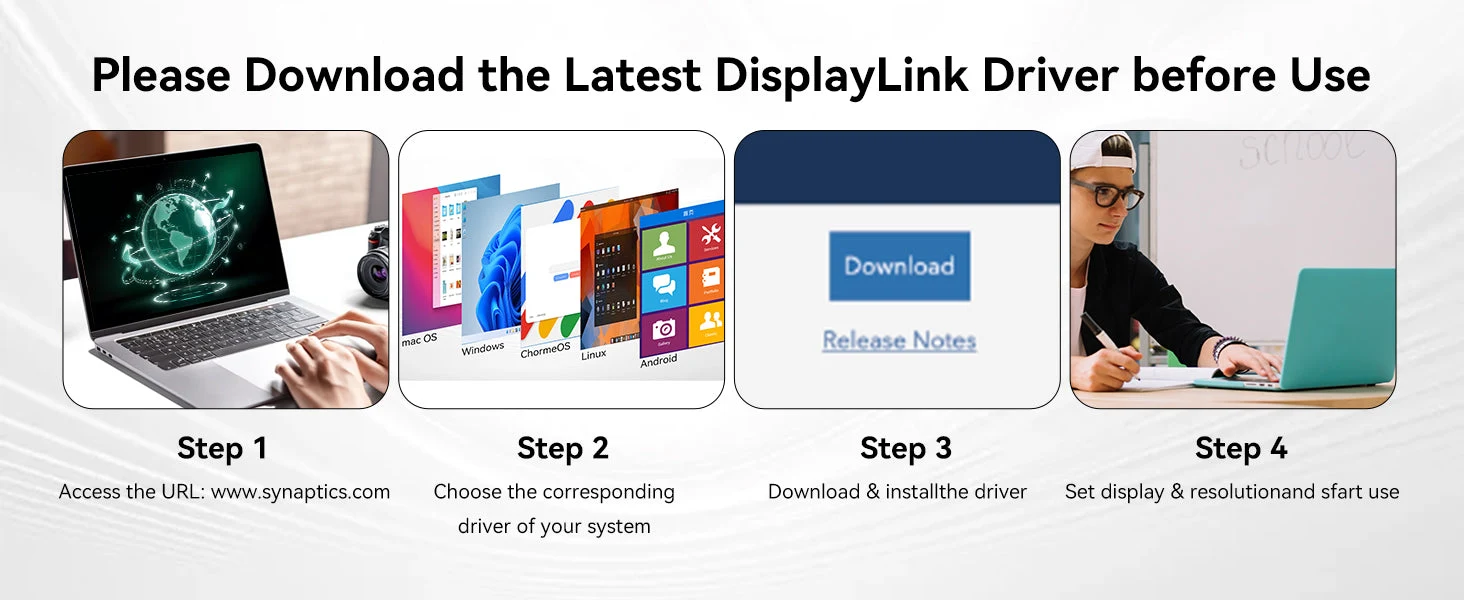
Uses the DL-6950 chipset and DisplayLink drivers to overcome display limitations in macOS and Windows. You need to download and install the driver from the DisplayLink website before using this product. On Windows, drivers typically install automatically via Windows Update or can be installed manually. On macOS, DisplayLink Manager Application installation is required.
For Ordinary Users
For Programmers
For Accountants
Frequently Asked Questions
Will it work with my device?
Each product’s description lists the devices and ports it works with. Not sure? Email support@auvratech.com before ordering; we reply within 48 hours.
How do I track my order?
You get a tracking link by email as soon as your order ships. You can also check it on the Track Order page with your order number.
Can I cancel or change my order?
Yes, within 24 hours of ordering. Email support@auvratech.com with your order number. After that the package has usually left the warehouse.
What if it arrives damaged?
Email support@auvratech.com with a photo of the item. Our team checks it and sends a replacement or a refund.