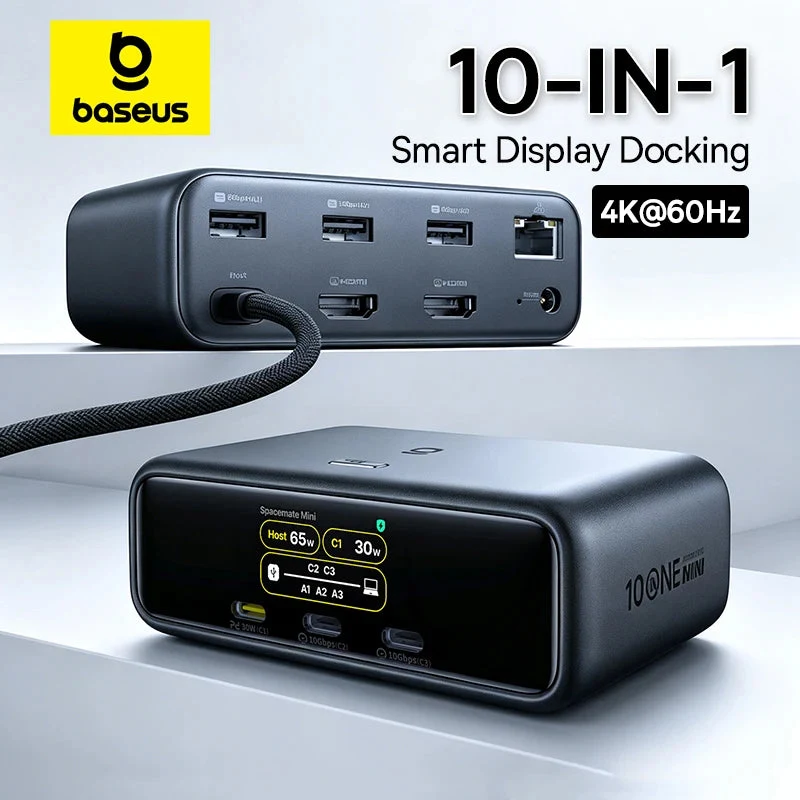
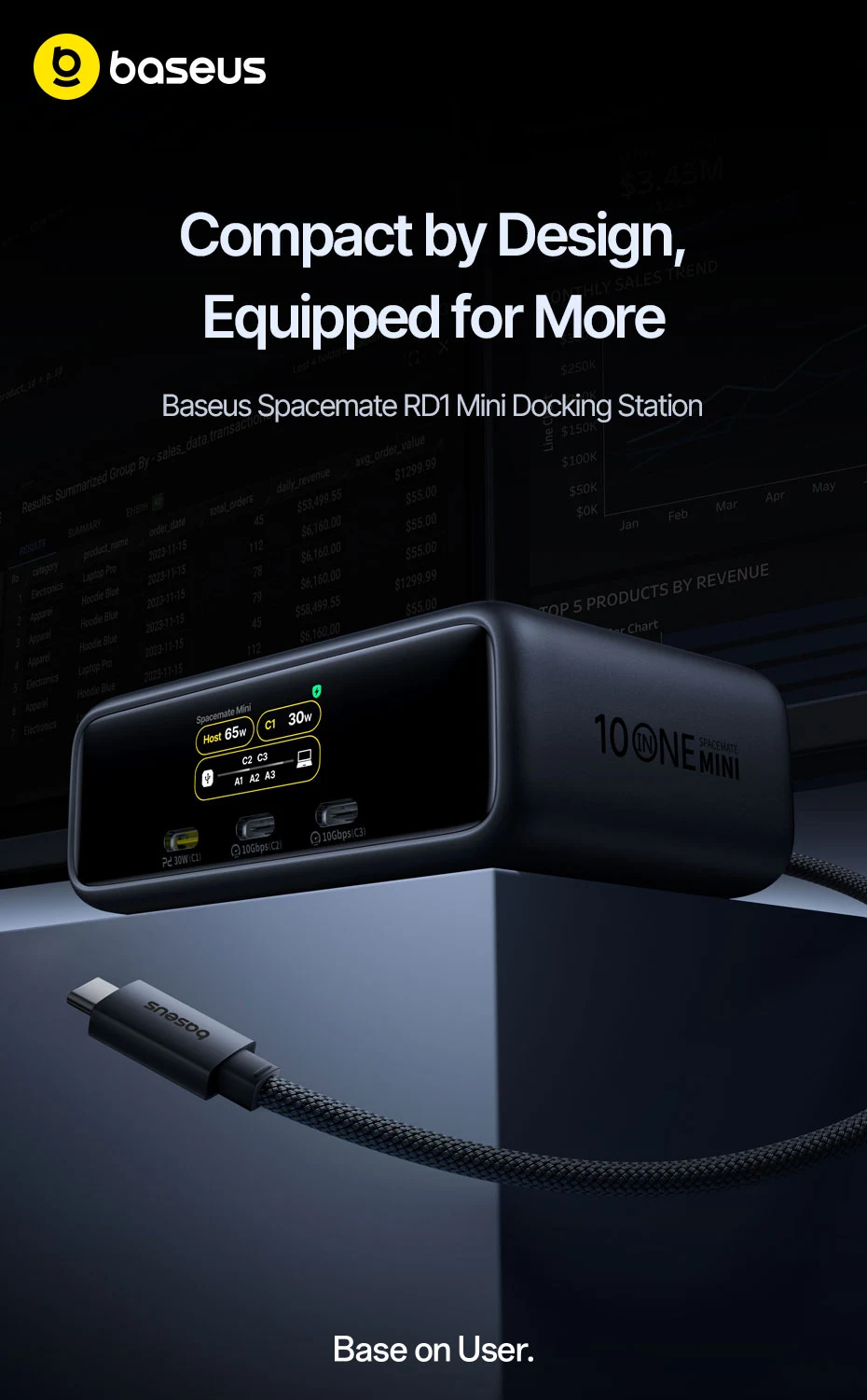
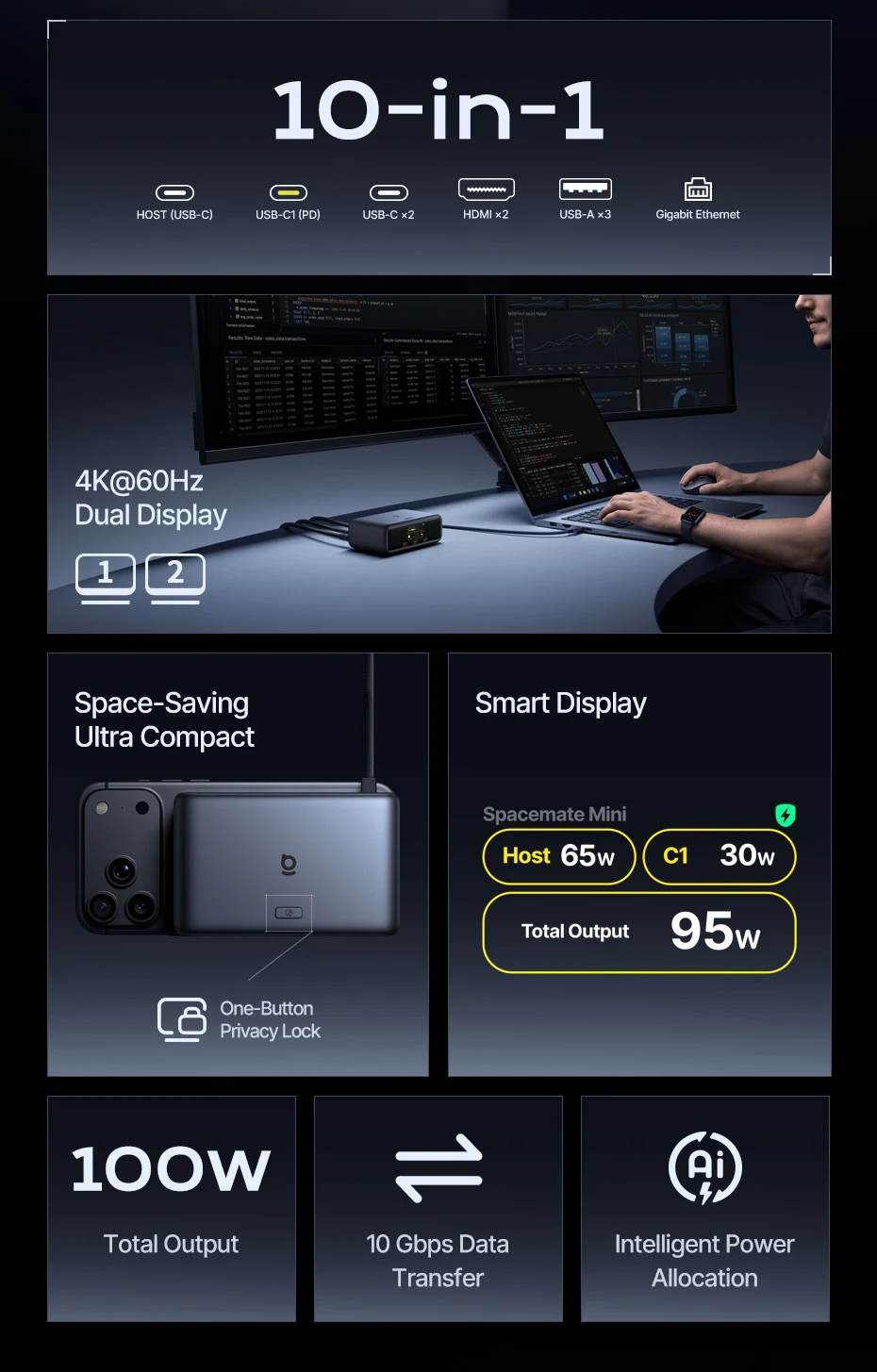
Baseus 10-In-1 Smart Display USB-C Docking Station
$228.32
Free tracked shipping to United States · tracking link by email
Shipping and Tracking
Every order ships with tracking. You get the tracking link by email as soon as your order leaves the warehouse, and you can follow it any time on the Track Order page.
You have 30 days after delivery to request a return, with the item unused and in its original packaging. Arrived damaged or not as described? Send us a photo and we’ll make it right.
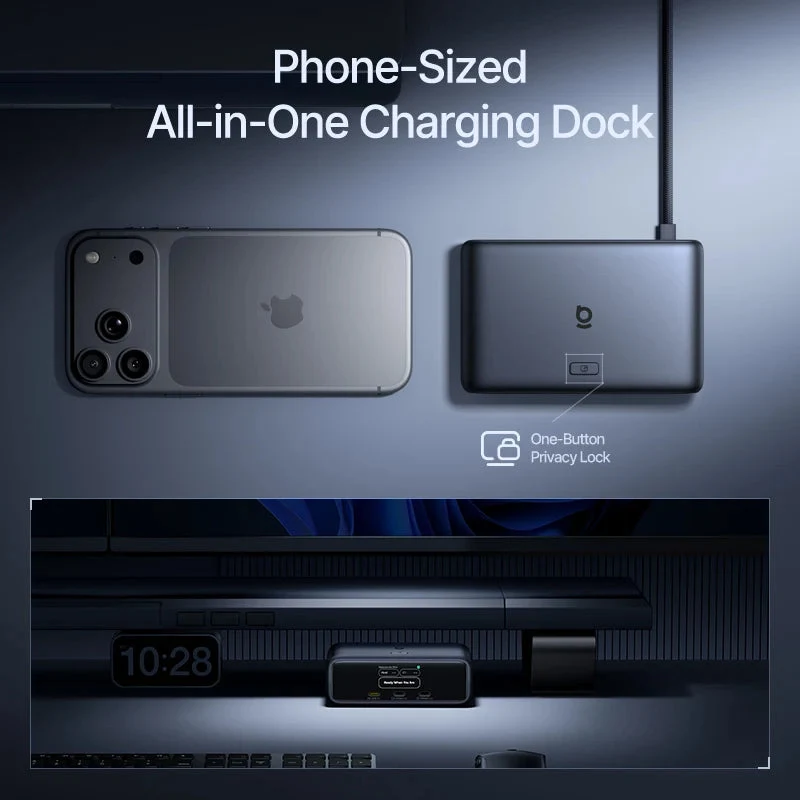
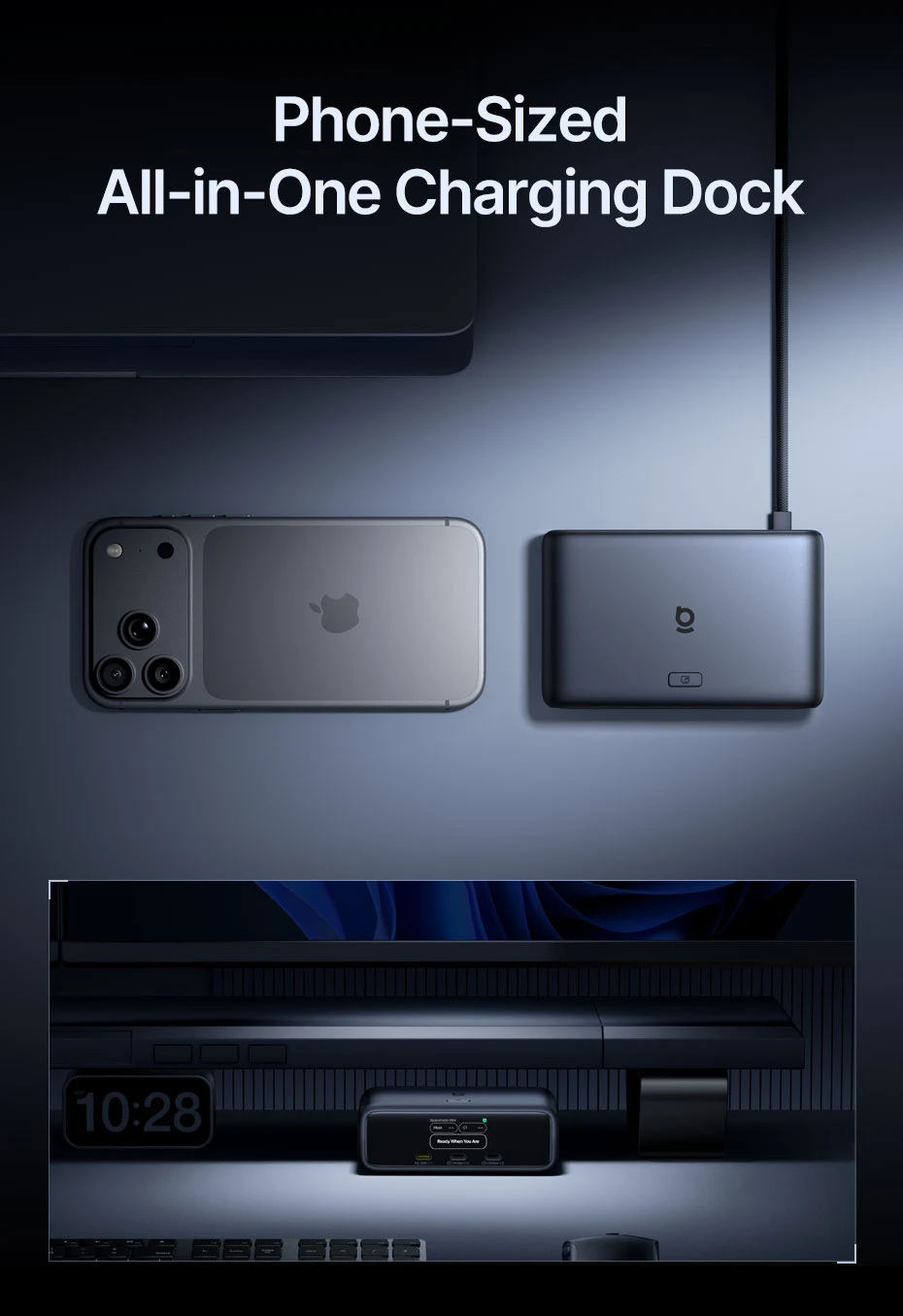
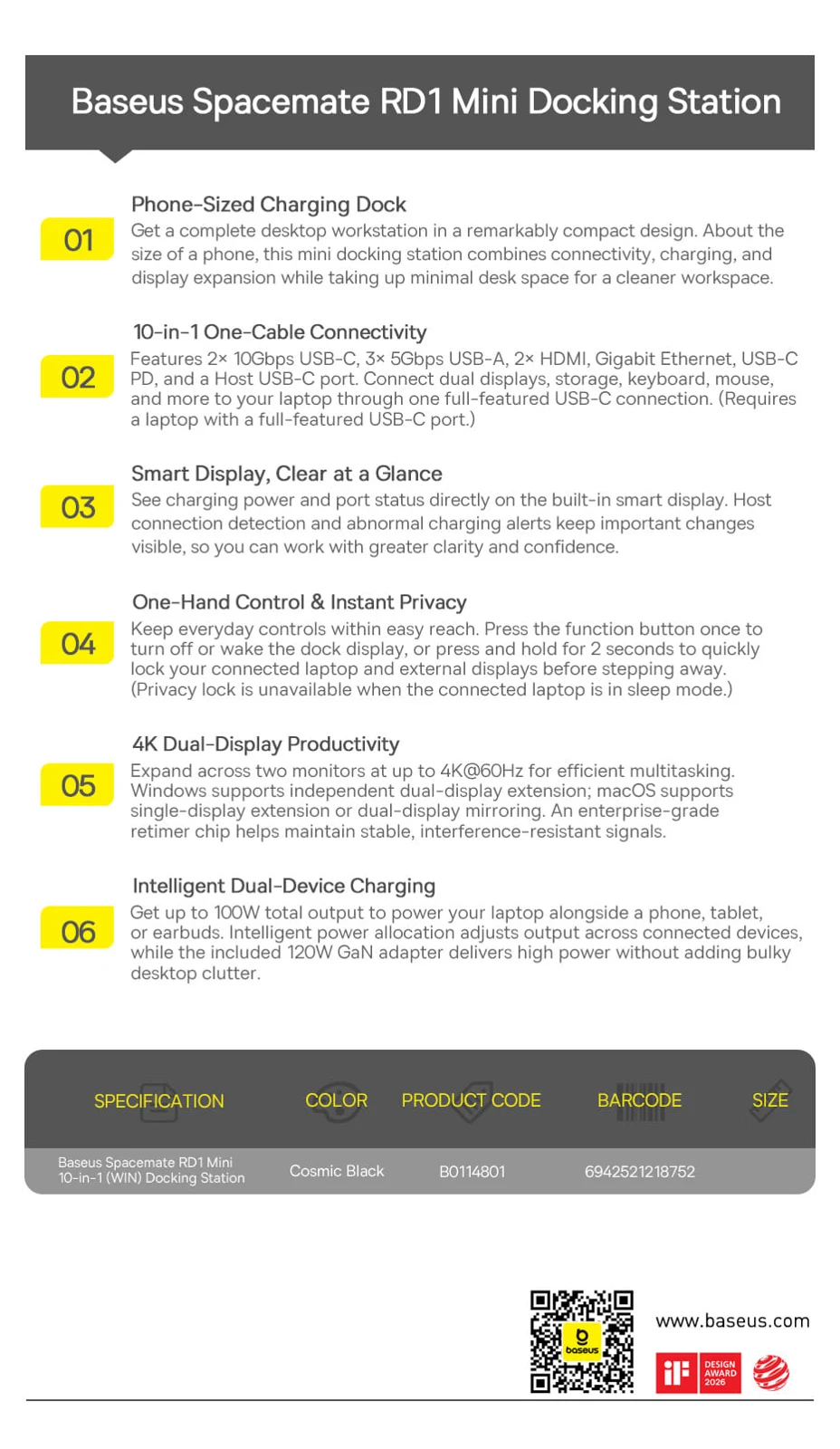
Get a complete desktop workstation in a remarkably compact design.
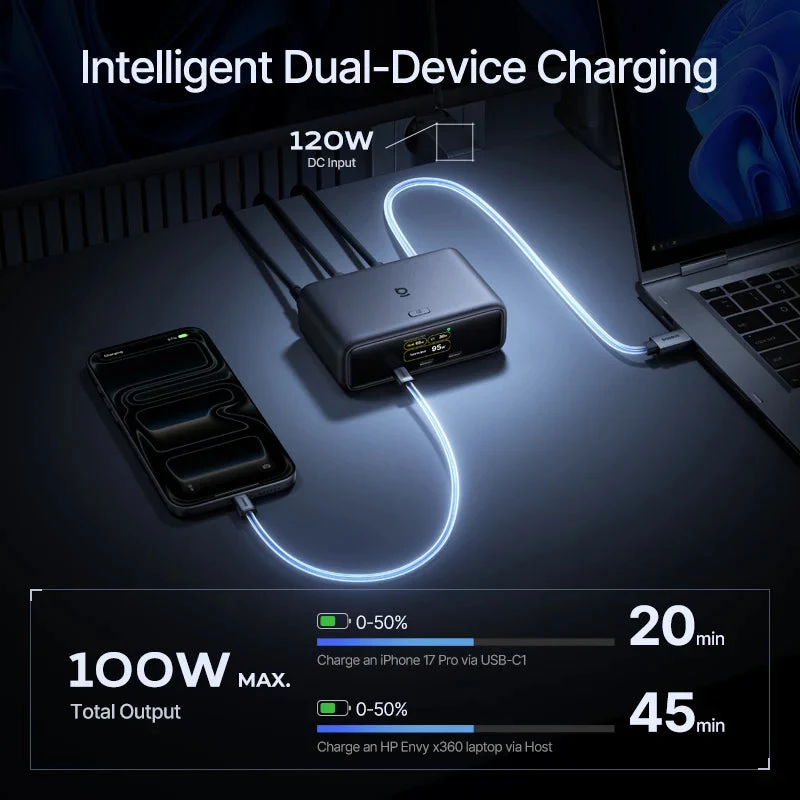
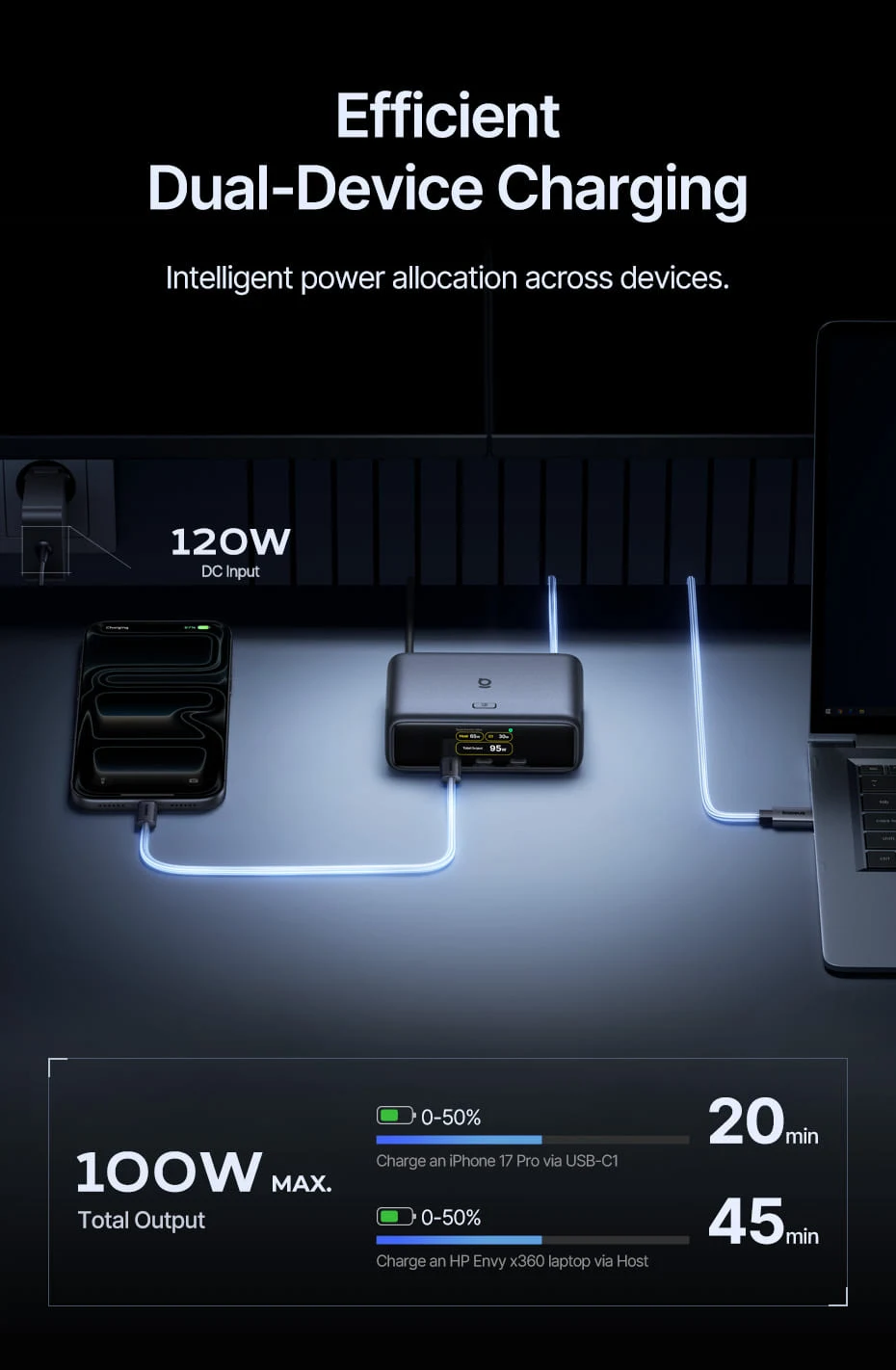
Efficient Dual-Device Charging
Intelligent power allocation across devices. Get up to 100W total output to power your laptop alongside a phone, tablet, or earbuds.
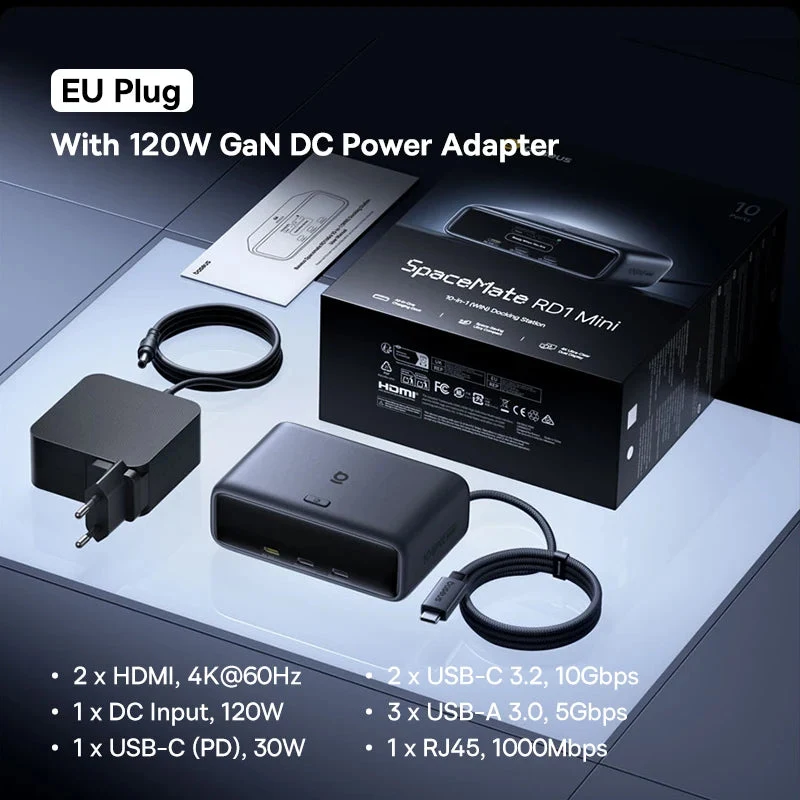
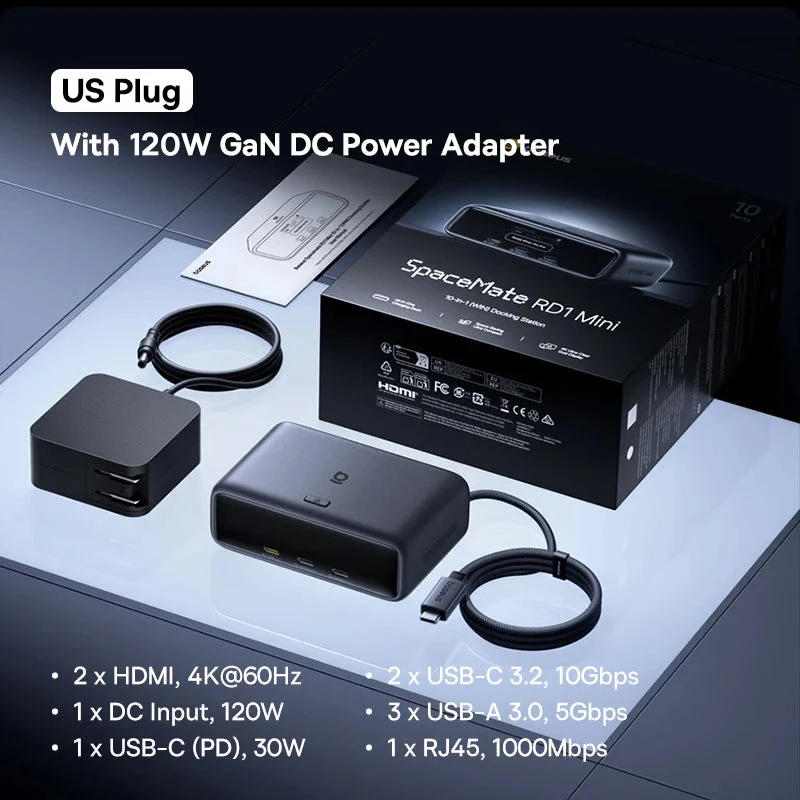
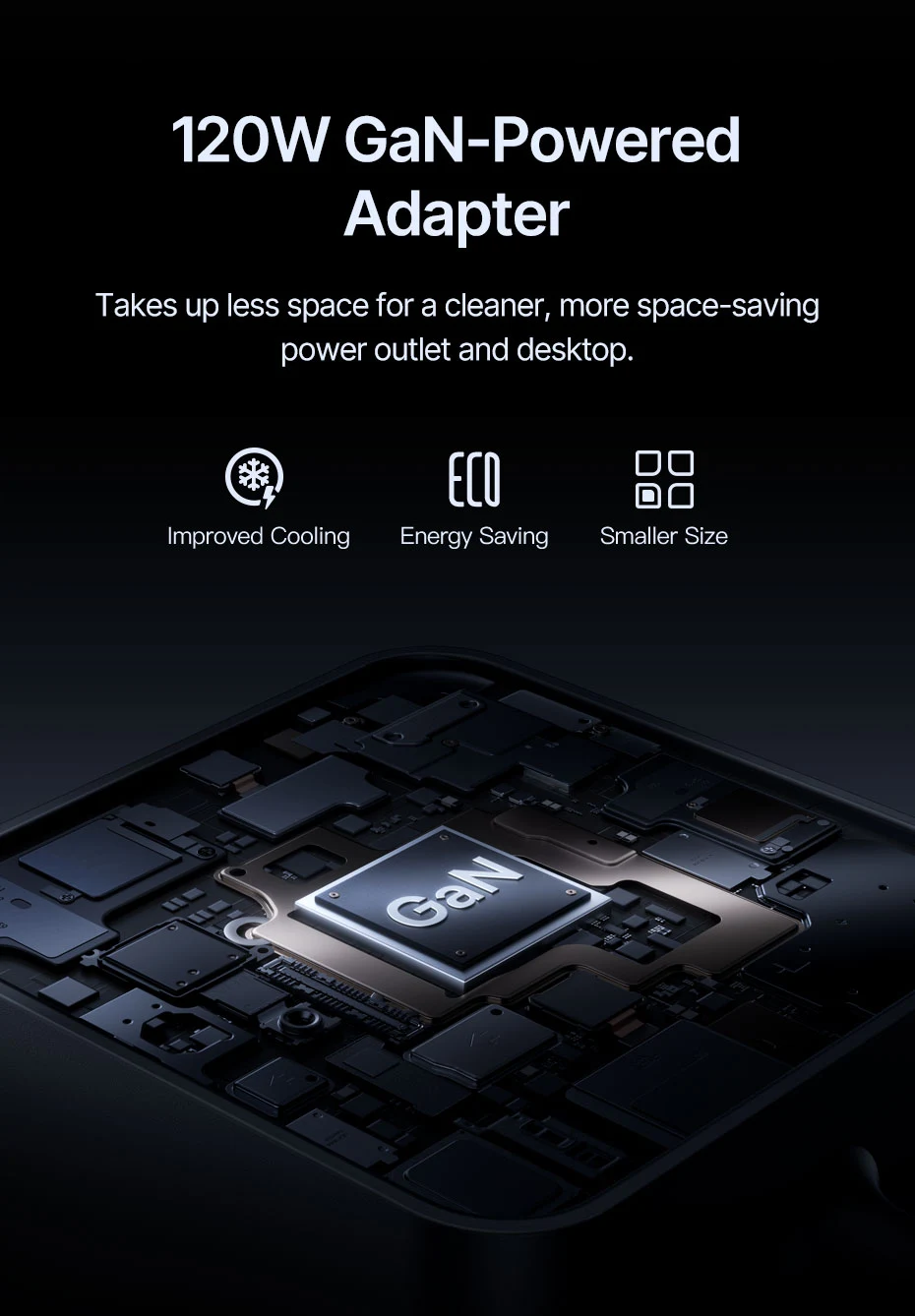
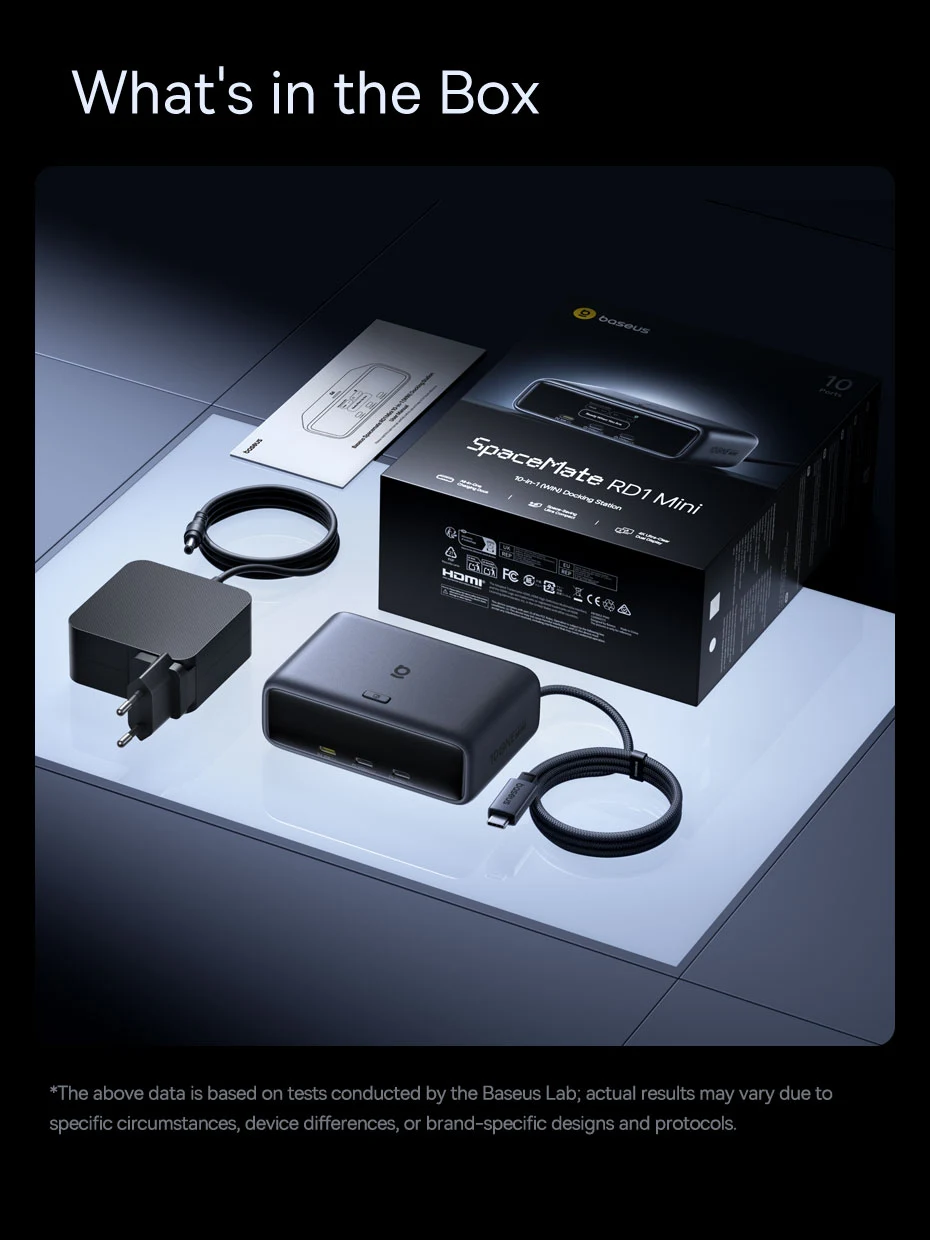
120W GaN-Powered Adapter
The included 120W GaN adapter delivers high power without adding bulky desktop clutter, which takes up less space for a cleaner, more space-saving power outlet and desktop.
✅Improved Cooling
✅Energy Saving
✅Smaller Size
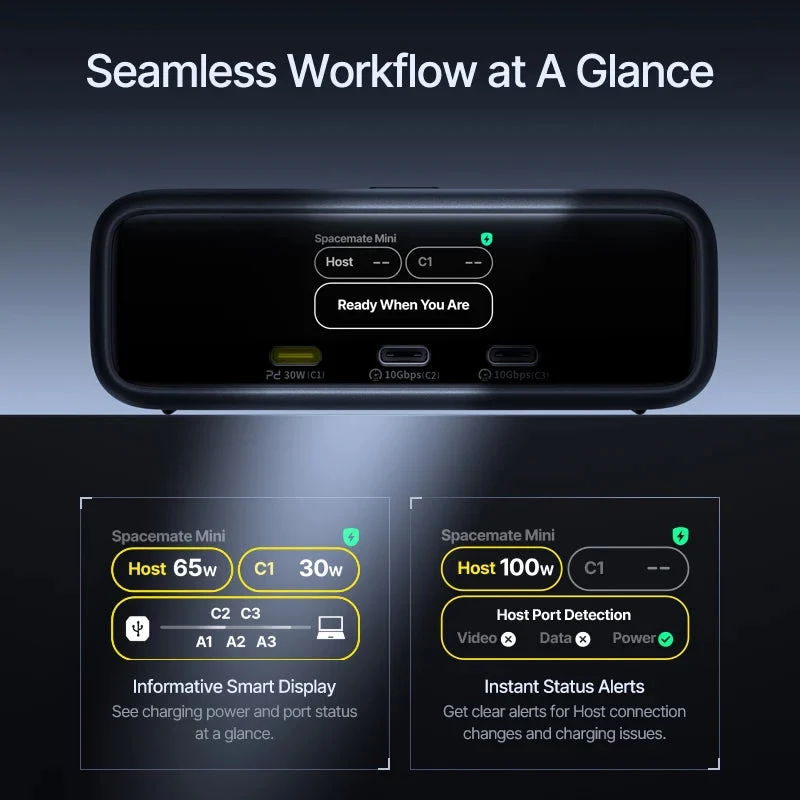
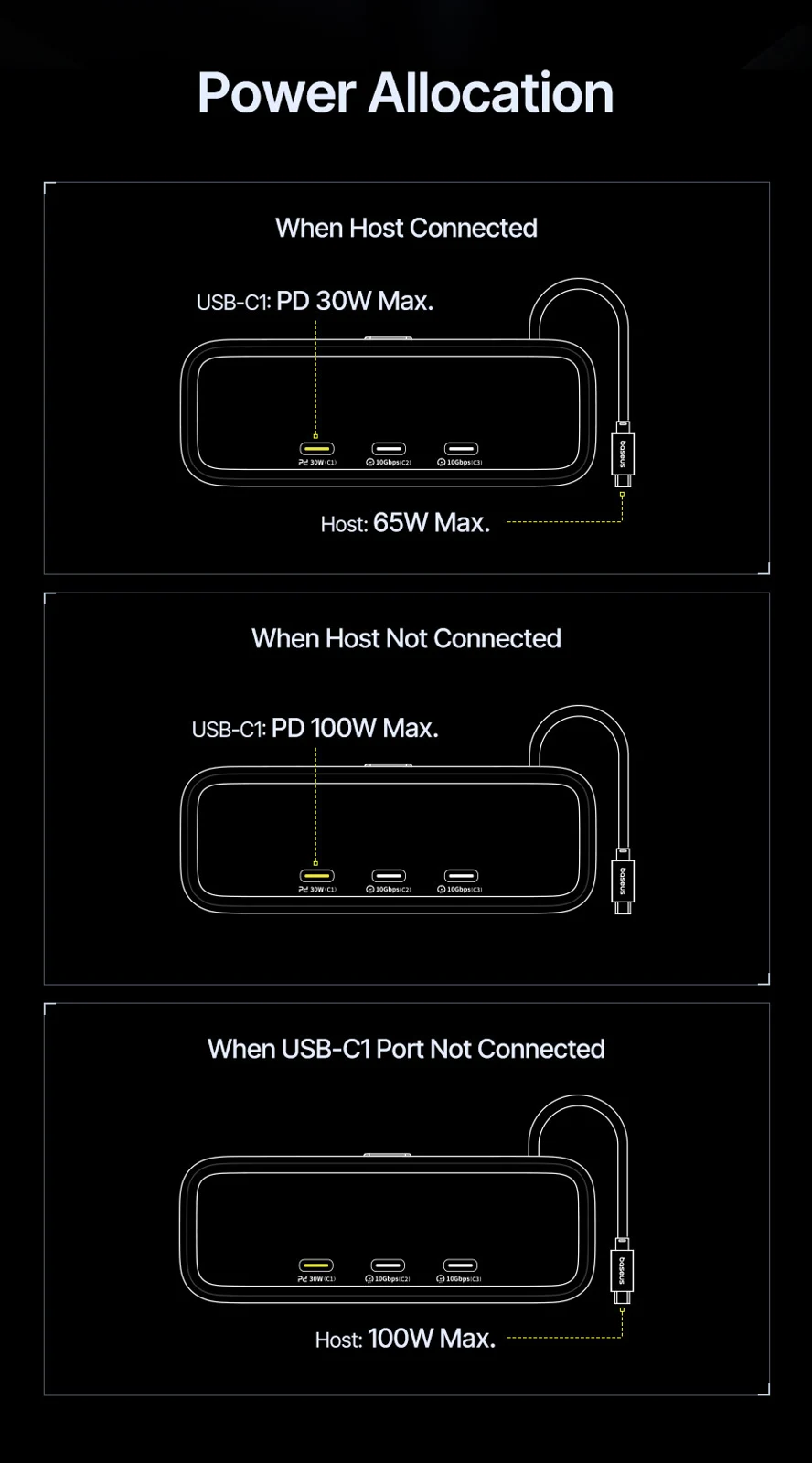
Power Allocation
Intelligent power allocation adjusts output across connected devices.
① When Host Connected:
USB-C1: PD 30W Max.
Host: 65W Max.
② When Host Not Connected:
USB-C1: PD 100W Max.
③ When USB-C1 Port Not Connected:
Host: 100W Max.
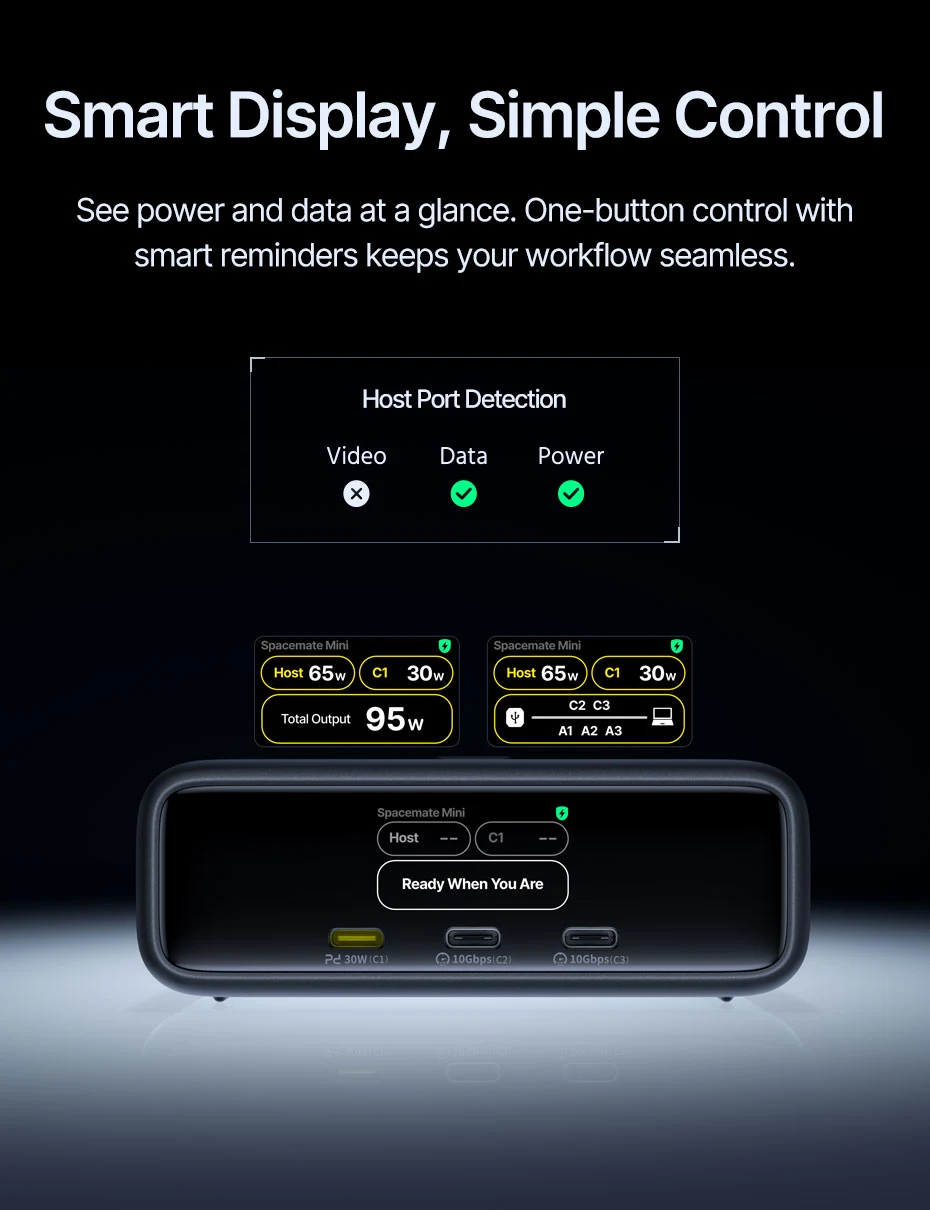
Smart Display, Simple Control
See power and data at a glance. One-button control with smart reminders keeps your workflow seamless.
*When connected to a PC and other peripherals, this product automaticaally checks the PC’s video, data, and power functions. If any issues are detected, a popup will display the results.
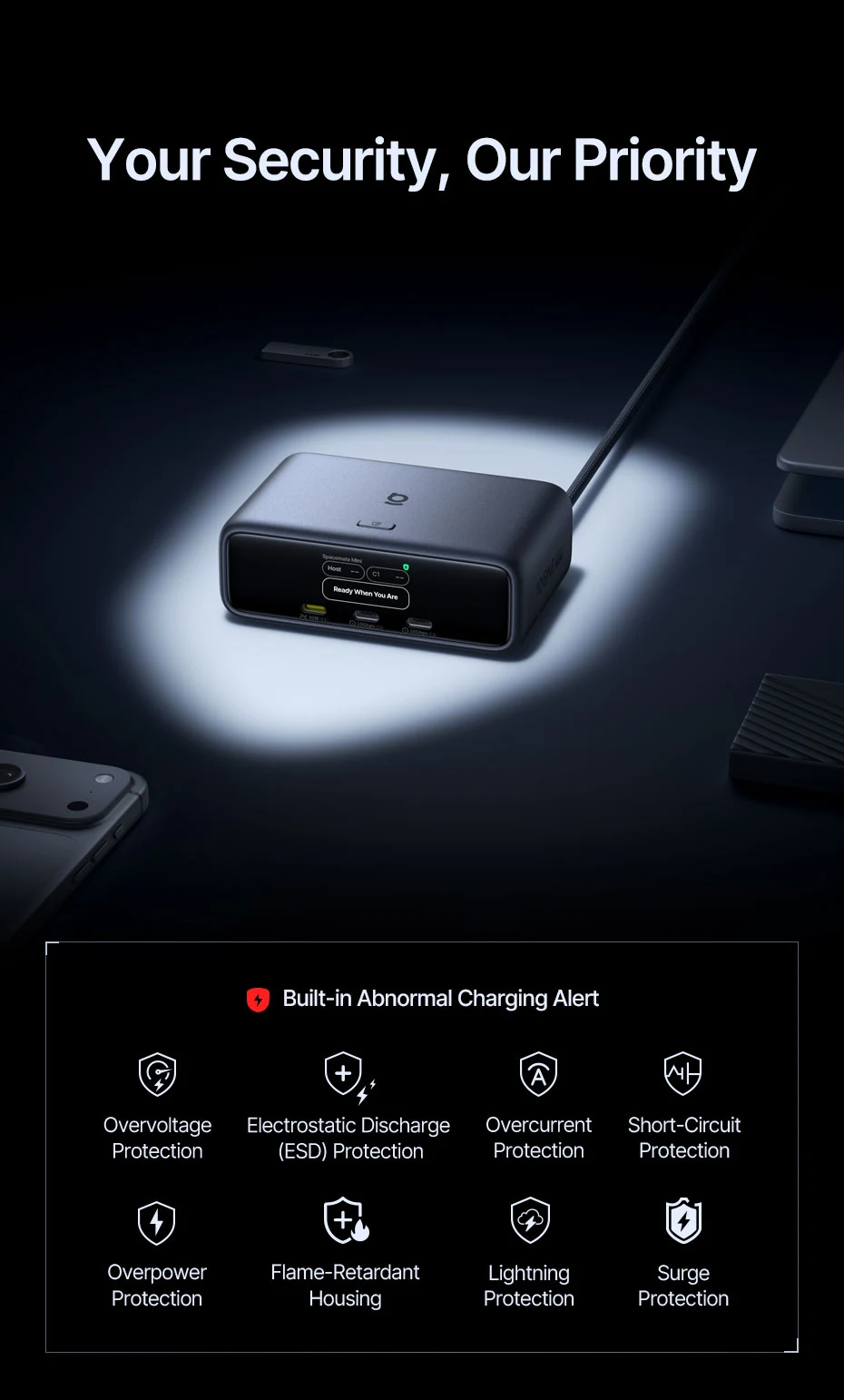
Your Security, Our Priority
Built-in Abnormal Charging Alert
✅Overvoltage Protection
✅Electrostatic Discharge (ESD) Protection
✅Overcurrent Protection
✅Short-Circuit Protection
✅Overpower Protection
✅Flame-Retardant Housing
✅Lightning Protection
✅Surge Protection
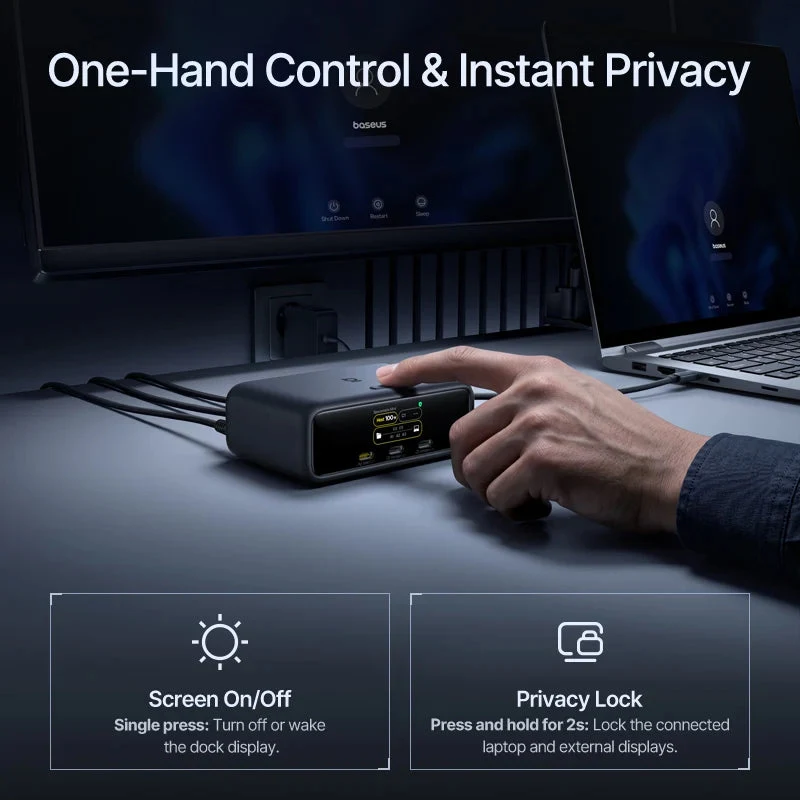
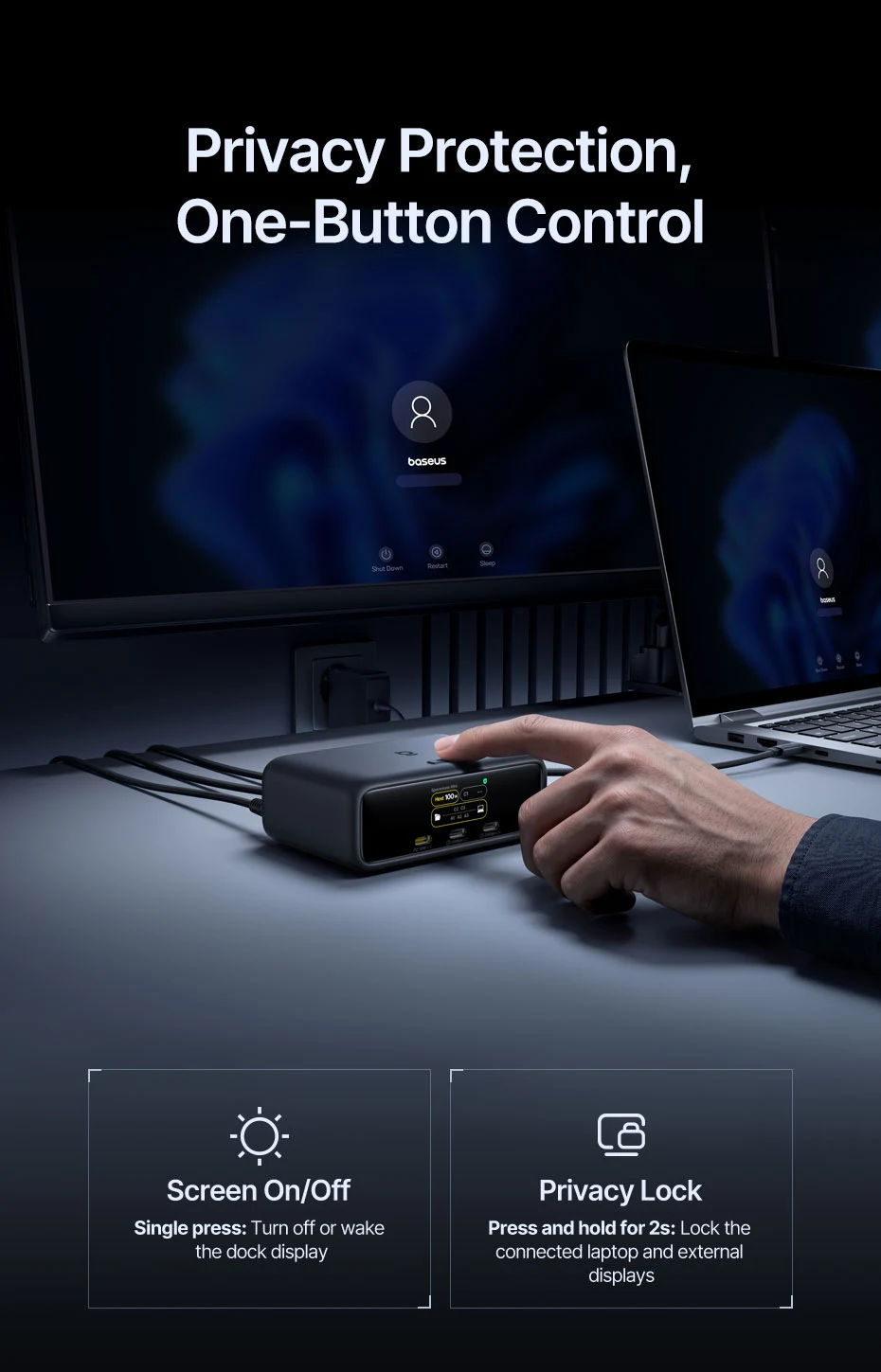
Privacy Protection, One-Button Control
Keep everyday controls within easy reach.
① Screen On/Off
Single press: Turn off or wake the dock display.
② Privacy Lock
Press and hold for 2s: Lock the connected laptop and external displays.
*Privacy lock is unavailable when the connected laptop is in sleep mode.
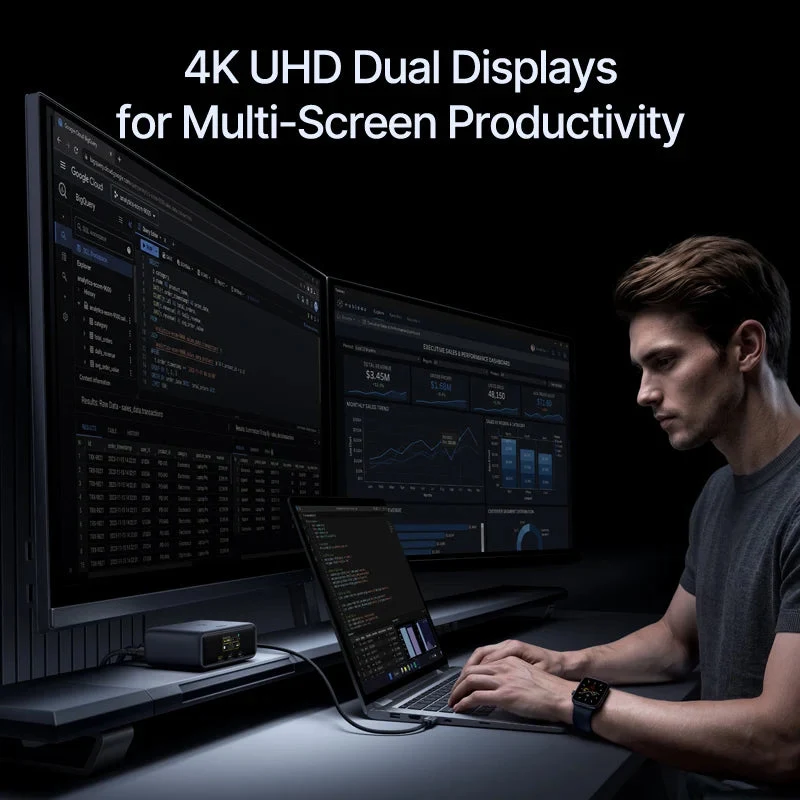
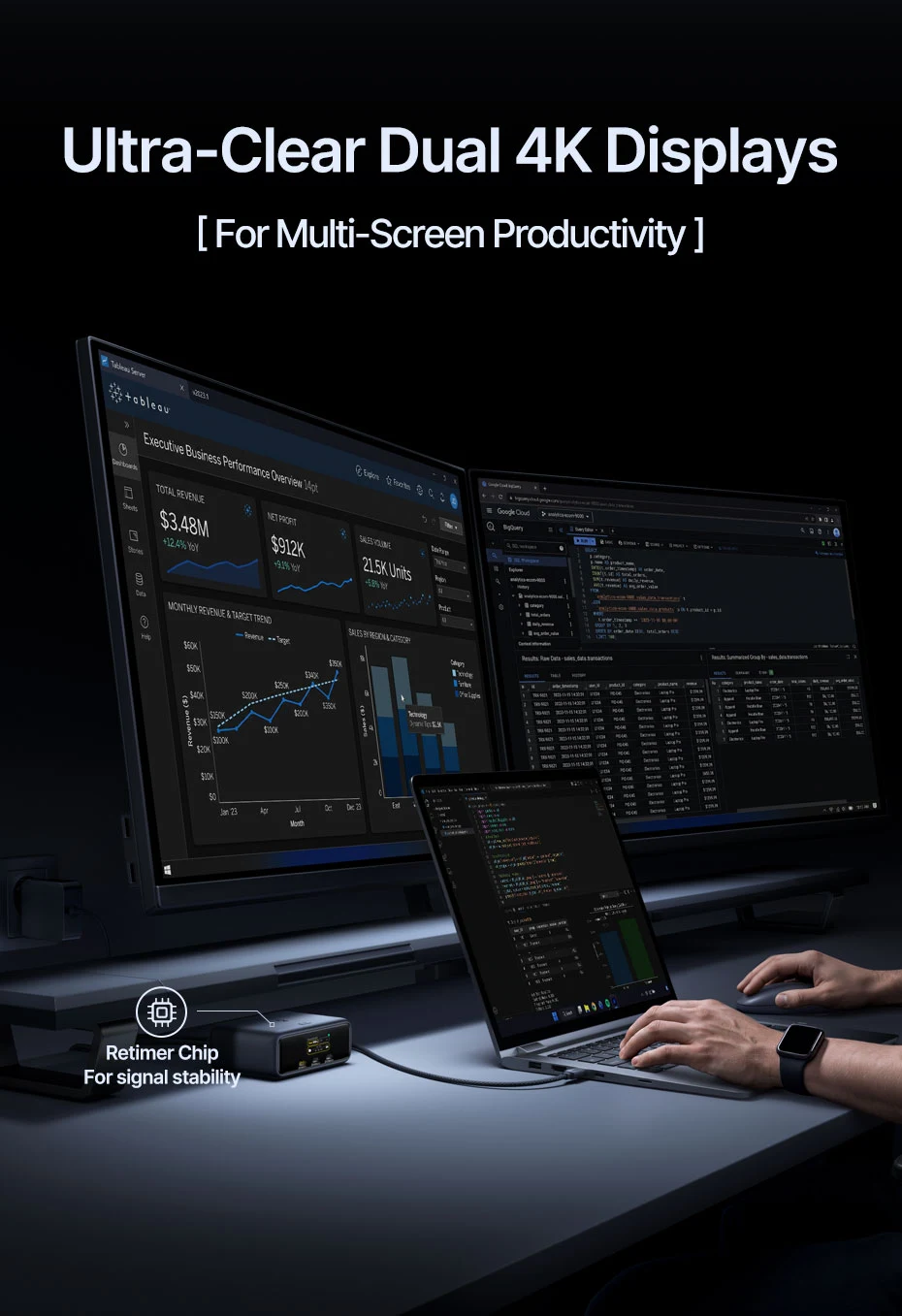
Ultra-Clear Dual 4K Displays
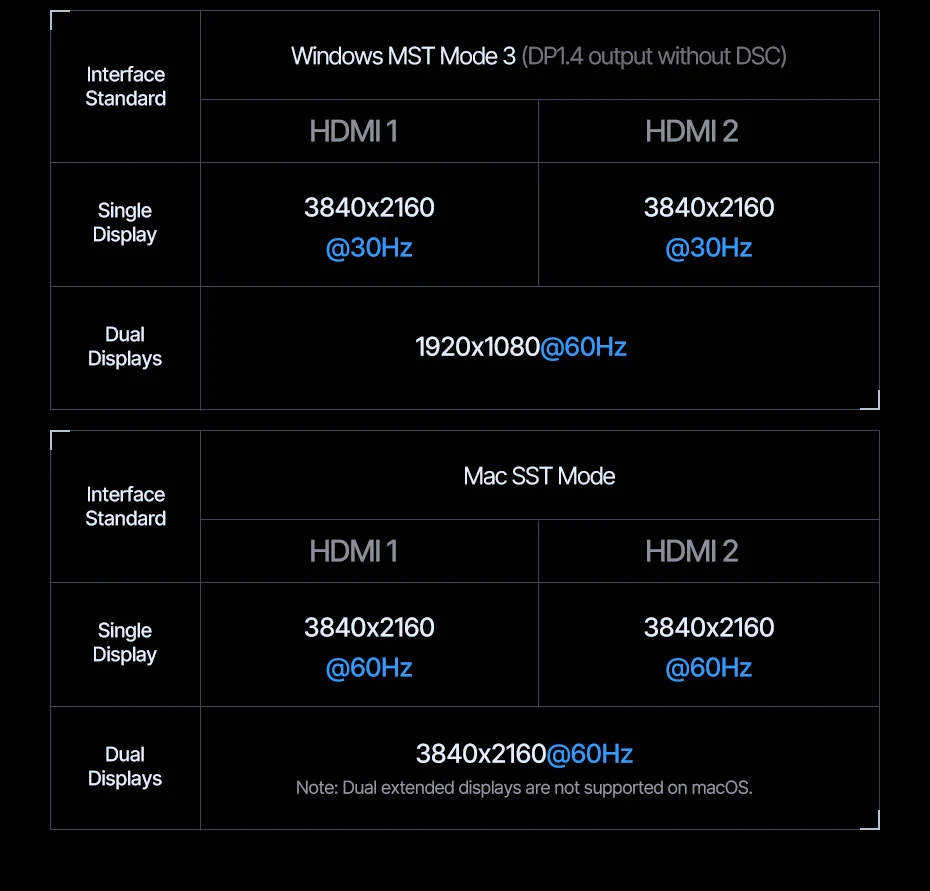
Expand across two monitors at up to 4K@60Hz for efficient multitasking.
✅For Multi-Screen Productivity
✅Retimer Chip For Signal Stability
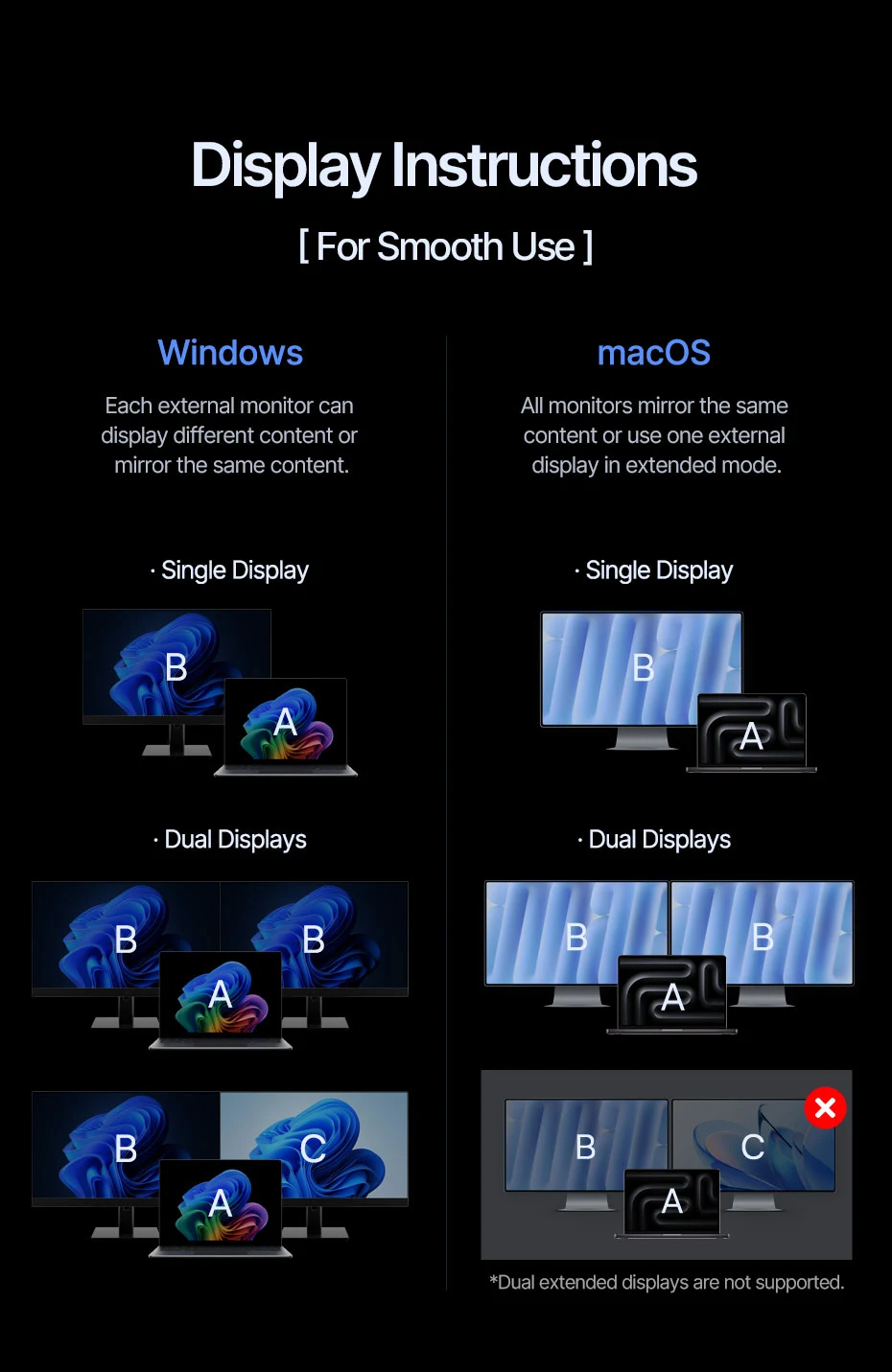
Display Instructions
[ For Smooth Use ]
① For Windows:
Each external monitor can display different content or mirror the same content.
② For macOS:
All monitors mirror the same content or use one external display in extended mode.
*Dual extended displays are not supported for macOS.
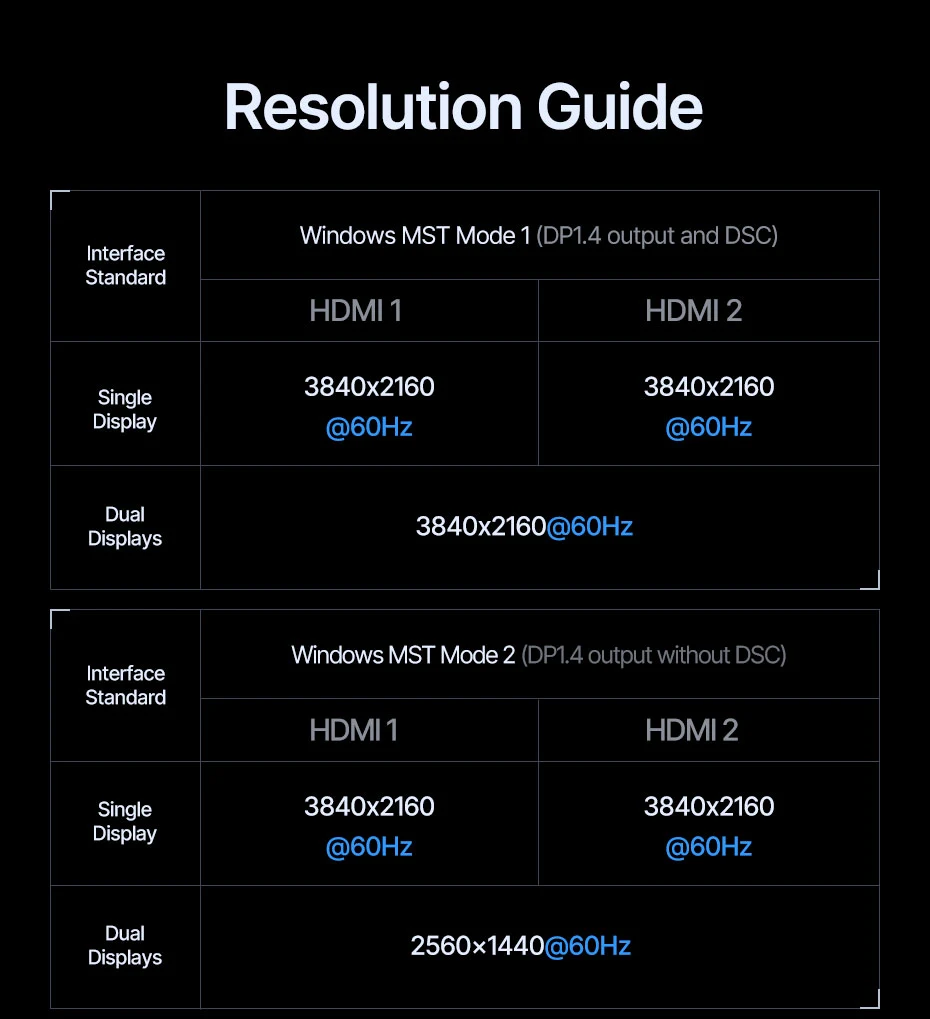
Resolution Guide
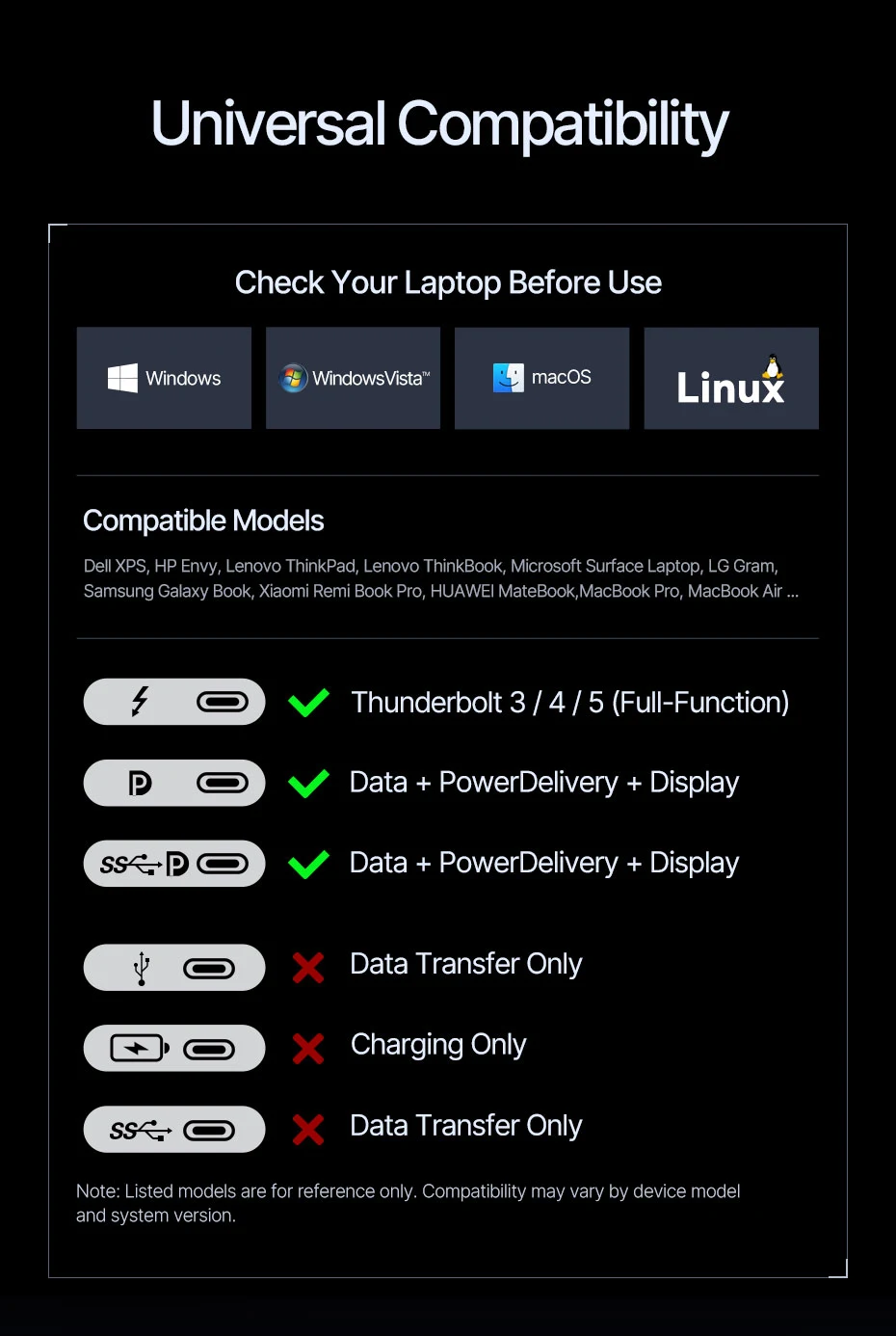
Universal Compatibility
Check your laptop before use
Note: Listed models are for reference only. Compatibility may vary bydevice mode and system version.
*For specific model compaatibility please contact customer service.
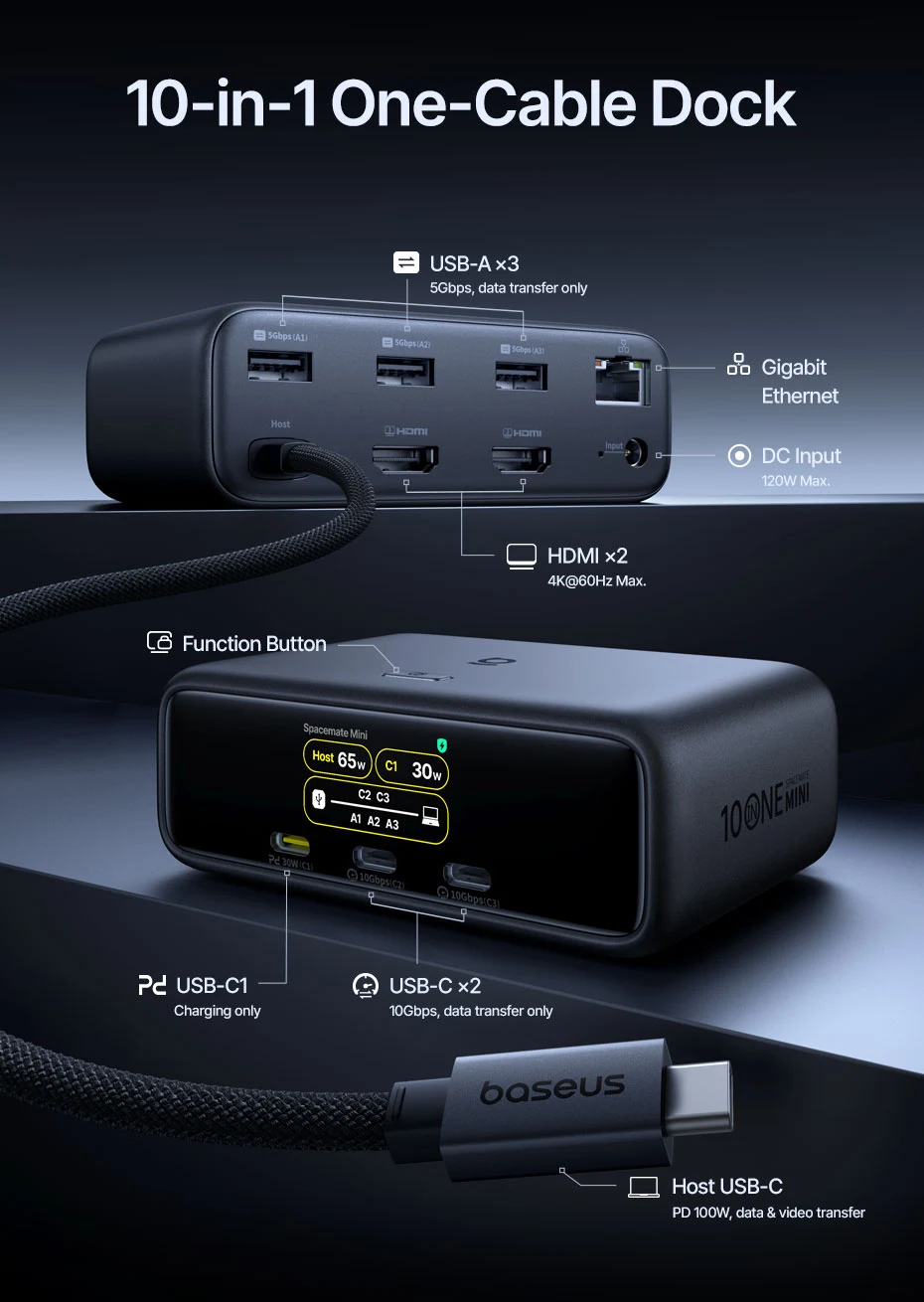
10-in-1 One-Cable Dock
• HDMI 1 / HDMI 2
4K@60Hz Max. display output for HDMI-enabled monitors.
• USB-C1 (PD)
Supports charging to smartphones or tablets. Does not support data andvideo transfer.
*When the USB-C (Host) port is connected to a device, USB-C1 output is up to 30W.
*When the USB-C (Host) port is not connected, USB-C1 output is up to 100W.
• USB-C2 / C3
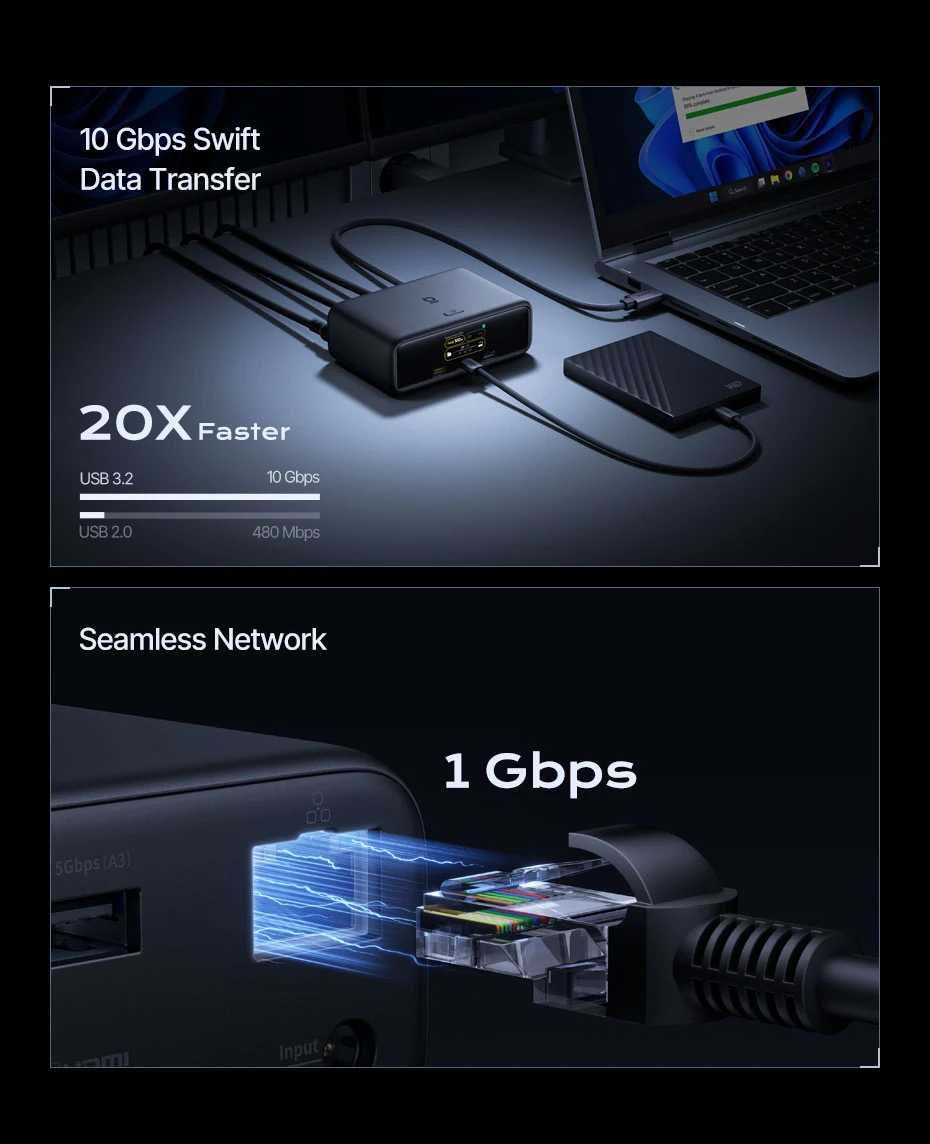
10Gbps Max data transfer. Does not support charging.
• USB-A1 / A2 / A3
5Gbps Max data transfers. Does not support charging.
• RJ45 Ethernet
1000 Mbps (Gigabit), backward compatible with 100Mbps and 10Mbps.
• Host
Upstream port (full-featured USB-C, supports data, video, and power delivery)
Connect your laptop using USB-C cable.
*Ensure your laptop’s USB-C port supports data, video, and power delivery for a one-cable laptop connection.
• DC Input
Only use the included DC adapter with this port.
• Function Button
Dock Display: Press once to turn off or wake the dock display.
Screen Lock: Press and hold the button for 2 seconds to lock the connected laptop and external displays. Press and hold for 2s again to return to the login screen.
*Unavailable when your computer is in sleep mode.
Please Note:
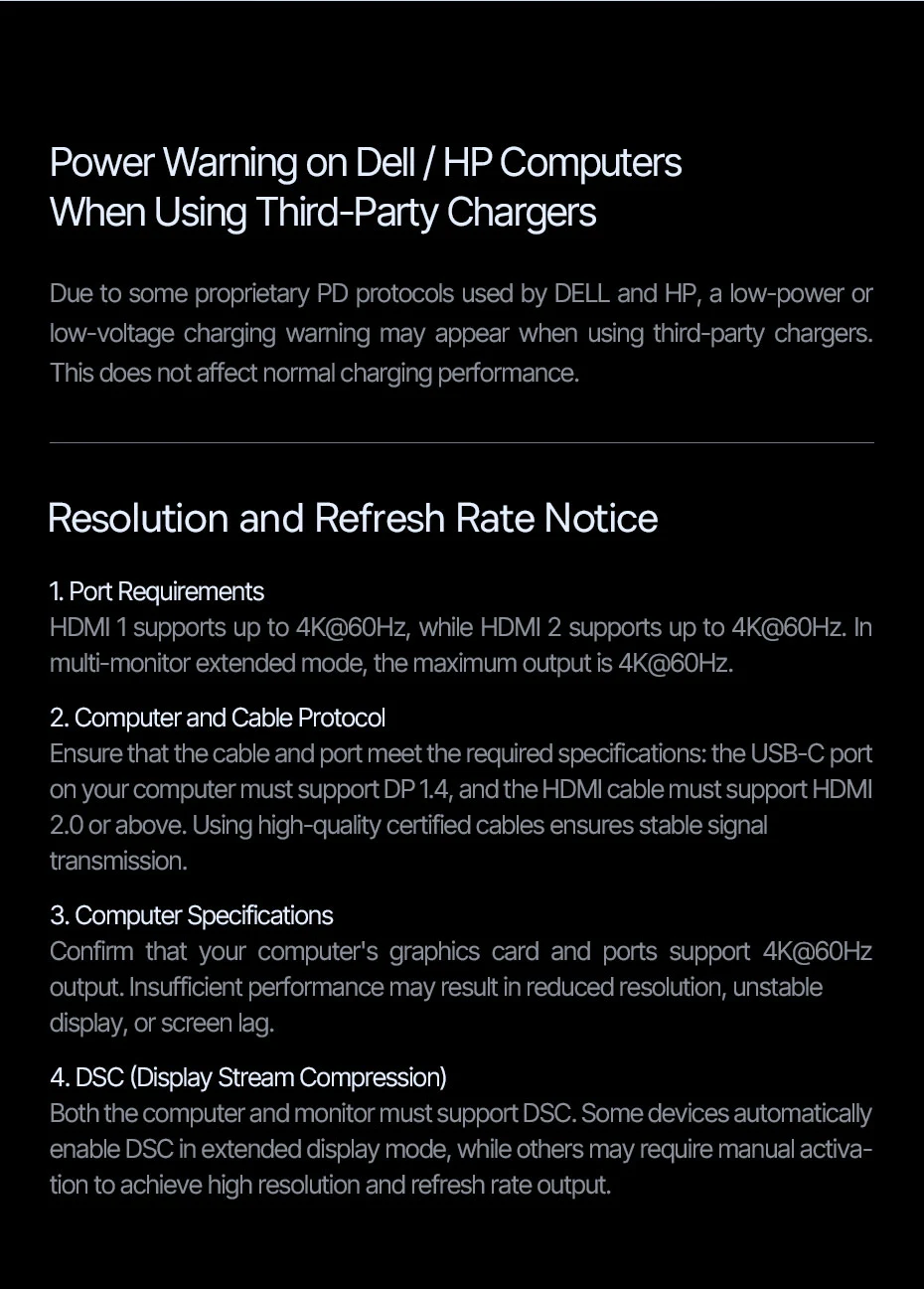
📢Power Warning on Dell / HP Computers When Using Third-Party Chargers:
-Due to some proprietary PD protocols used by DELL and HP, a low-power or low-voltage charging warning may appear when using third-party chargers. This does not affect normal charging performance.
📢Resolution and Refresh Rate Notice:
1. Port Requirements
-HDMI 1 supports up to 4K@60Hz, while HDMI 2 supports up to 4K@60Hz. In multi-monitor extended mode, the maximum output is 4K@60Hz.
2. Computer and Cable Protocol
-Ensure that the cable and port meet the required specifications: the USB-C port on your computer must support DP 1.4, and the HDMI cable must support HDMI 2.0 or above. Using high-quality certified cables ensures stable signal transmission.
3. Computer Specifications
-Confirm that your computer’s graphics card and ports support 4K@60Hz output. Insufficient performance may result in reduced resolution, unstable display, or screen lag.
4. DSC (Display Stream Compression)
-Both the computer and monitor must support DSC. Some devices automatically enable DSC in extended display mode, while others may require manual activation to achieve high resolution and refresh rate output.
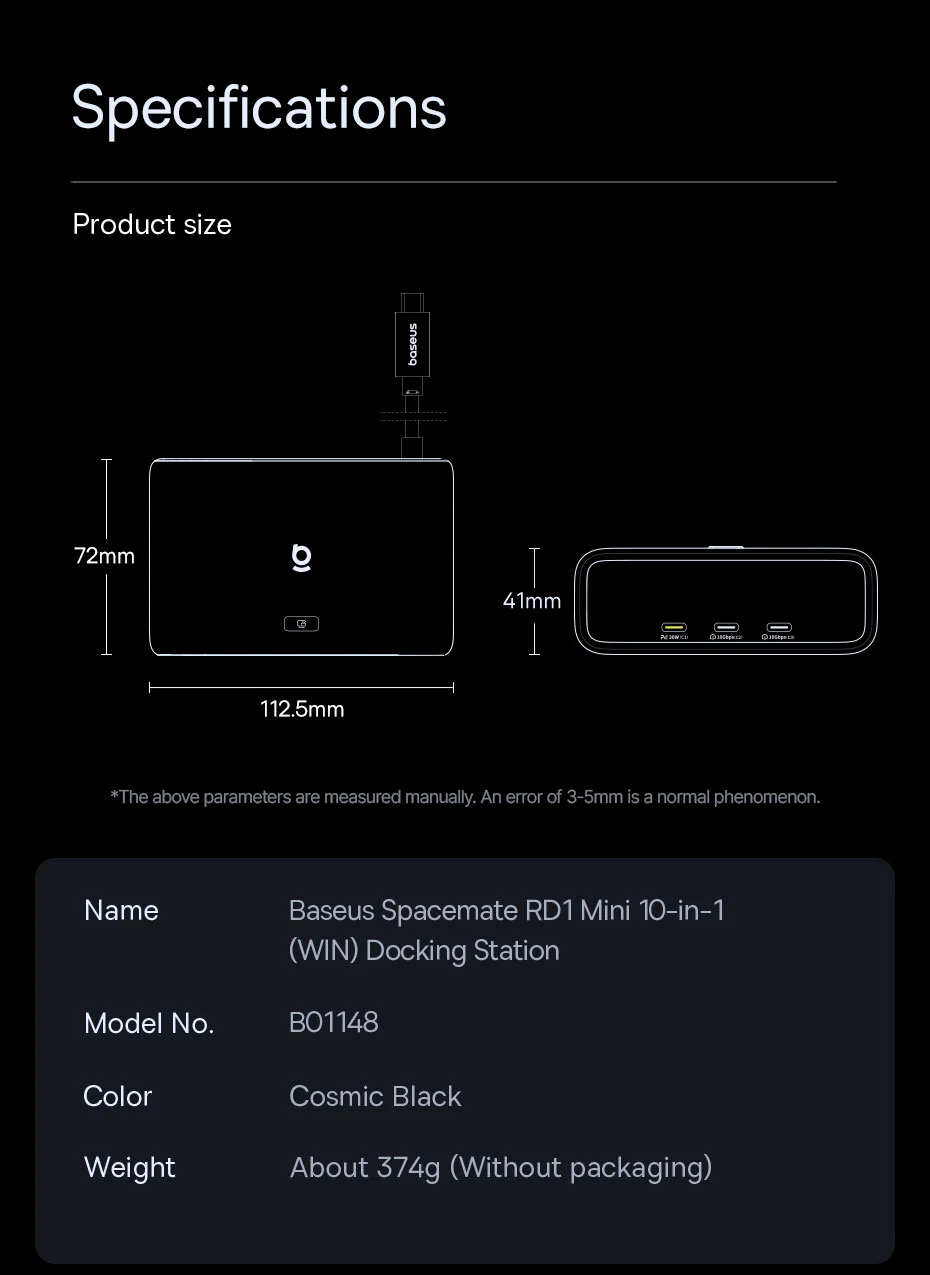
Specifications
Name: Baseus Spacemate RD1 Mini 10-in-1 (WIN) Docking Station
Model No: B01148
Color: Cosmic Black
Weight: About 374g (Without packaging)
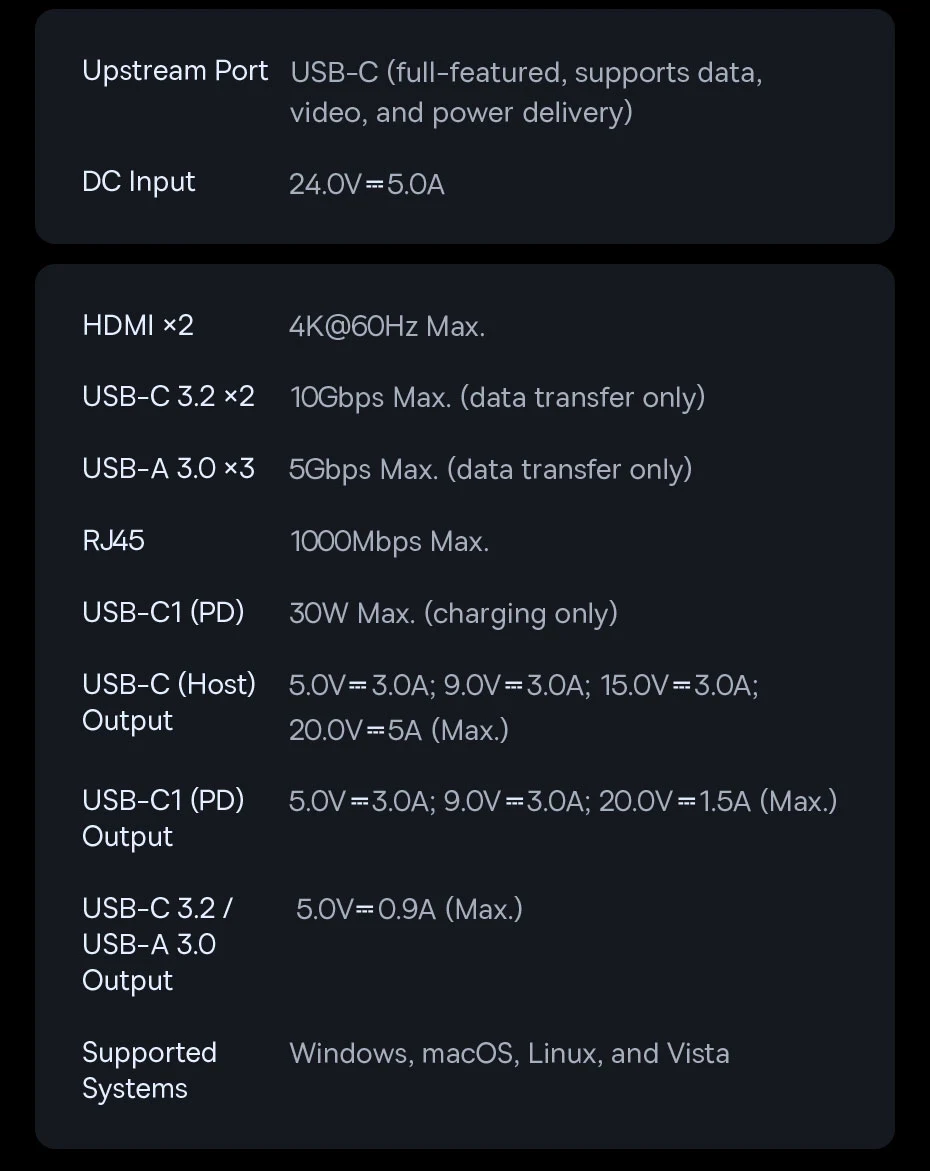
Upstream Port: USB-C (full-featured, supports data, video, and power delivery)