Free tracked shipping to United States · tracking link by email
Shipping and Tracking
Every order ships with tracking. You get the tracking link by email as soon as your order leaves the warehouse, and you can follow it any time on the Track Order page.
You have 30 days after delivery to request a return, with the item unused and in its original packaging. Arrived damaged or not as described? Send us a photo and we’ll make it right.
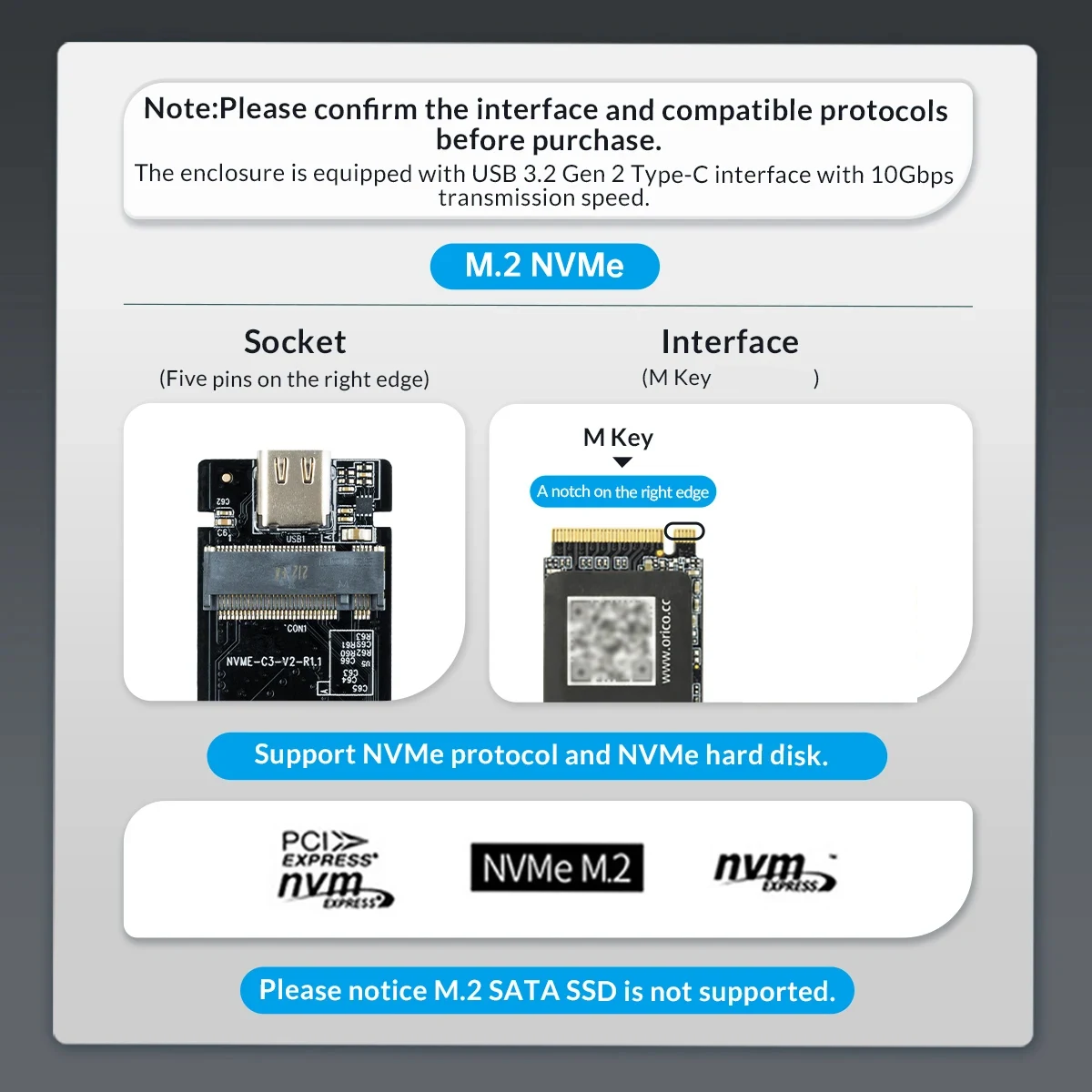
Note : Please confirm the interface and compatible protocols before purchase!!!
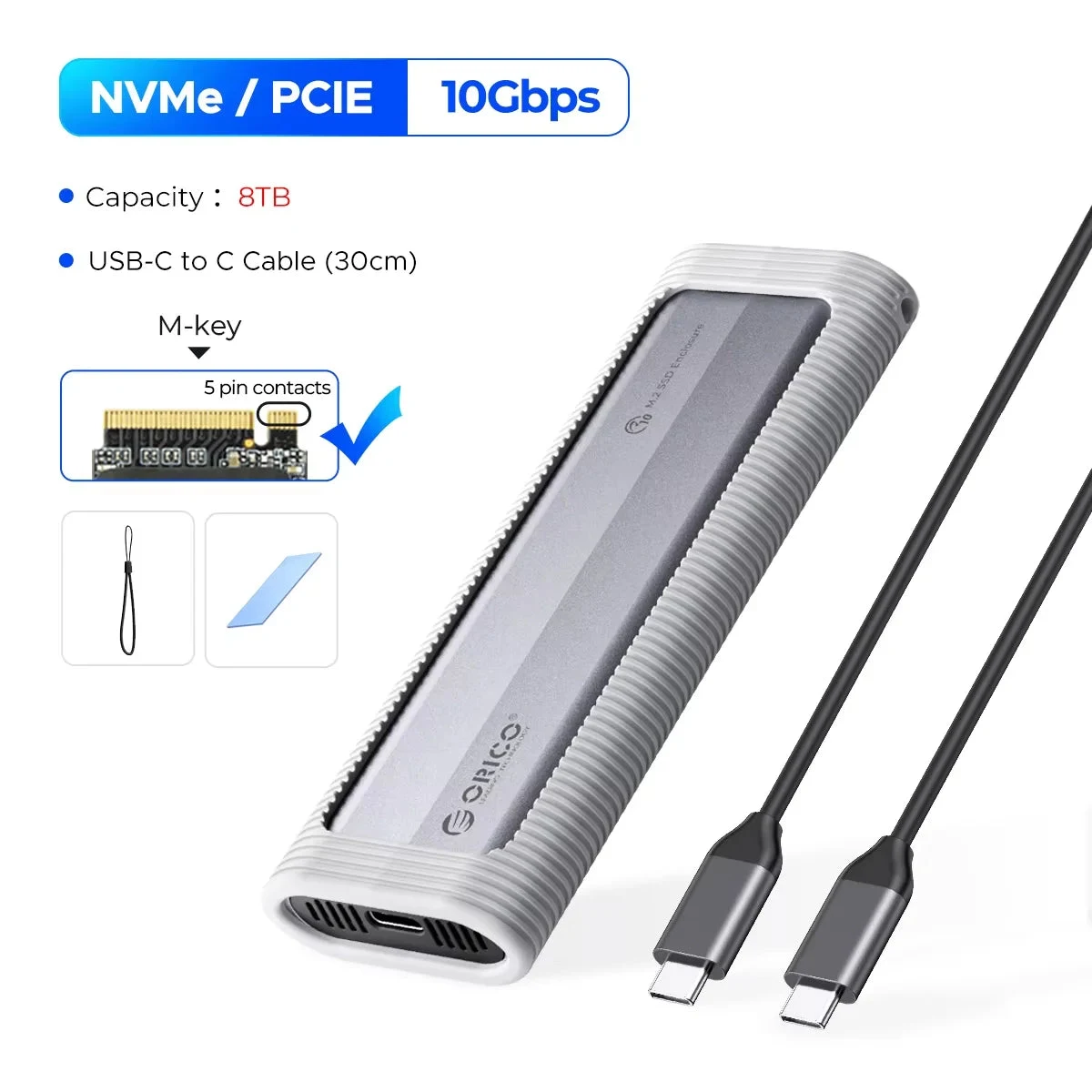
NVMe 10Gbps Model
Only support NVME PCI-E protocolM key SSD
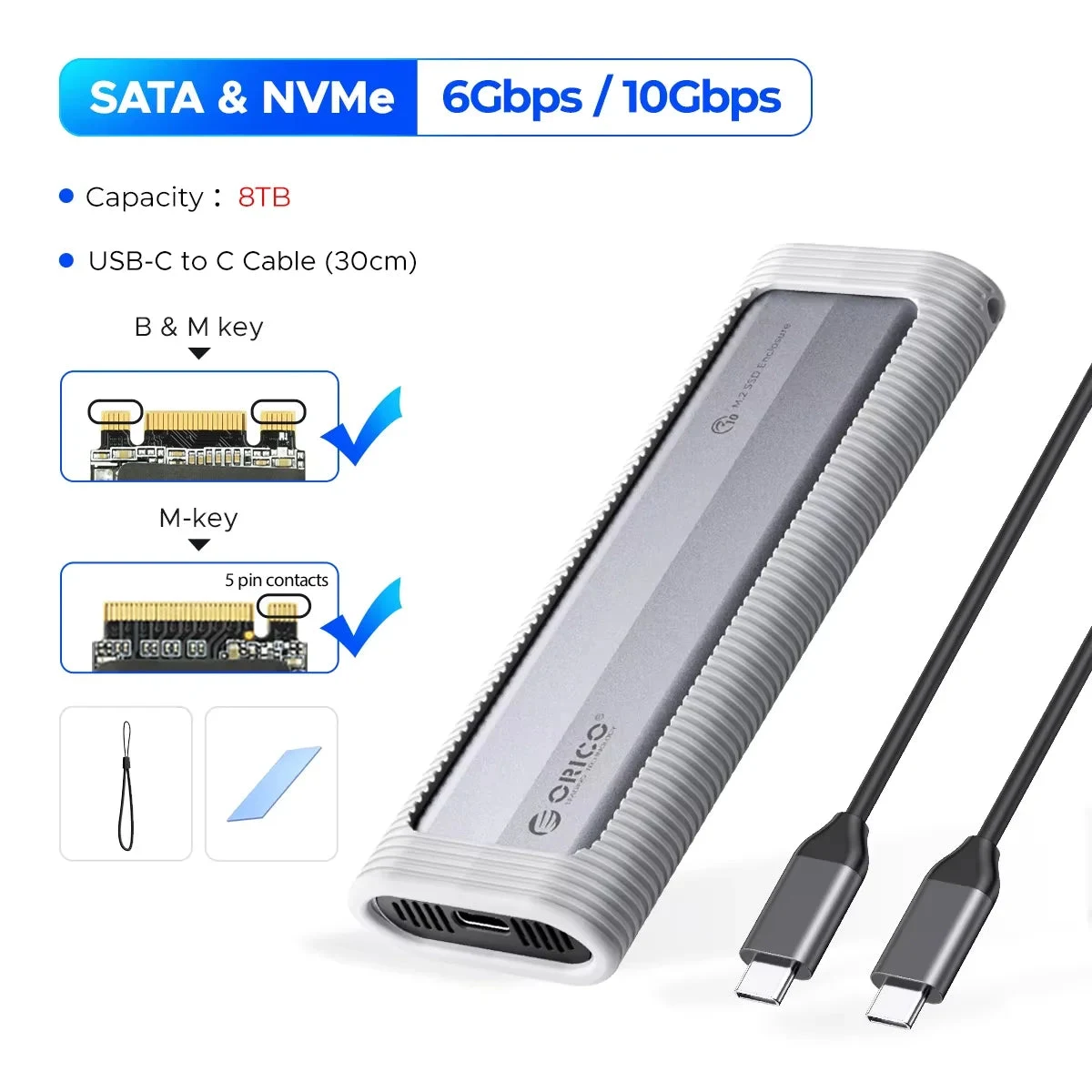
Dual Protocol SATA & NVMe Model
SupportM Key(NVMe Protocol) /B&M Key(both NVME and SATA Protocol) SSD, not compatible with B Key SSD.
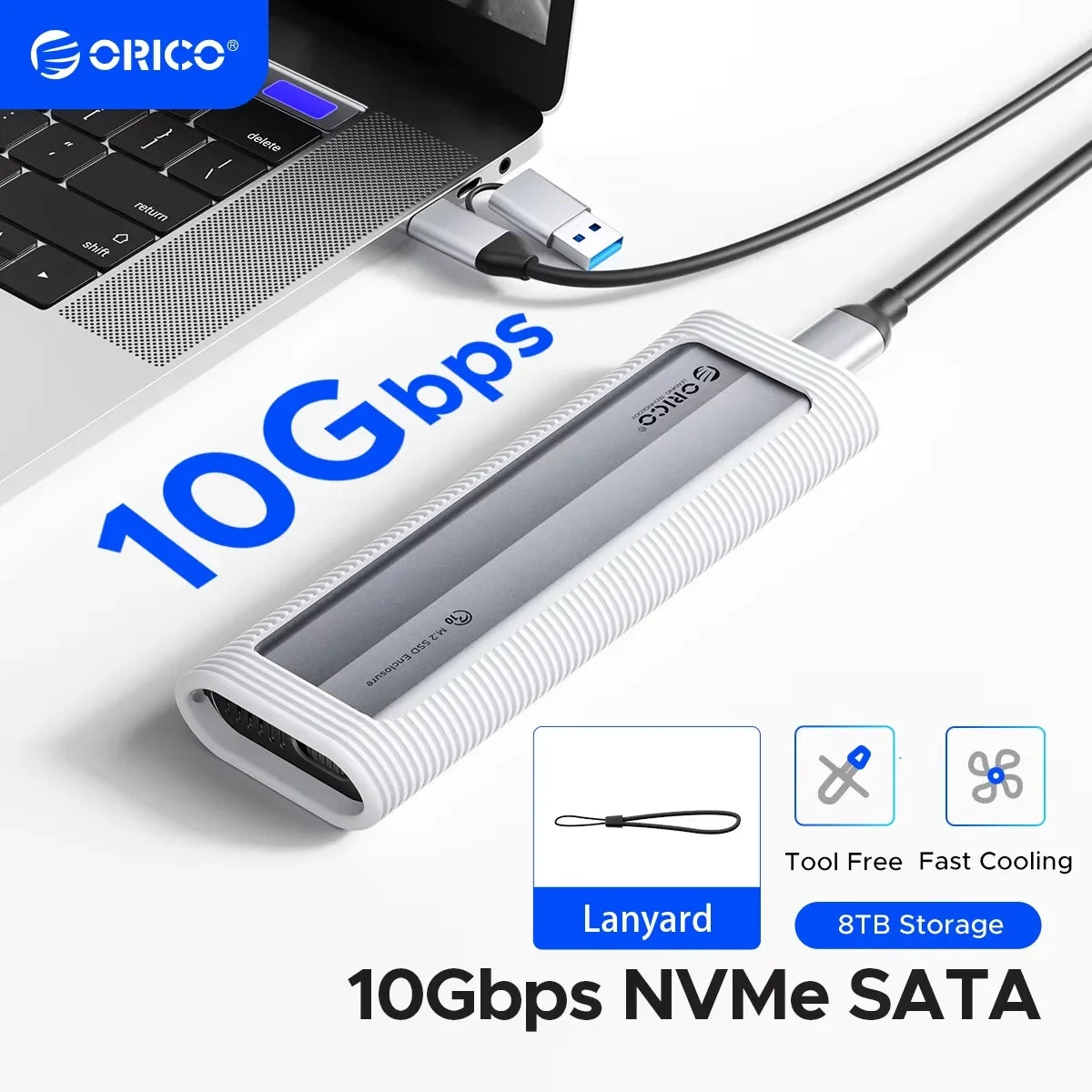
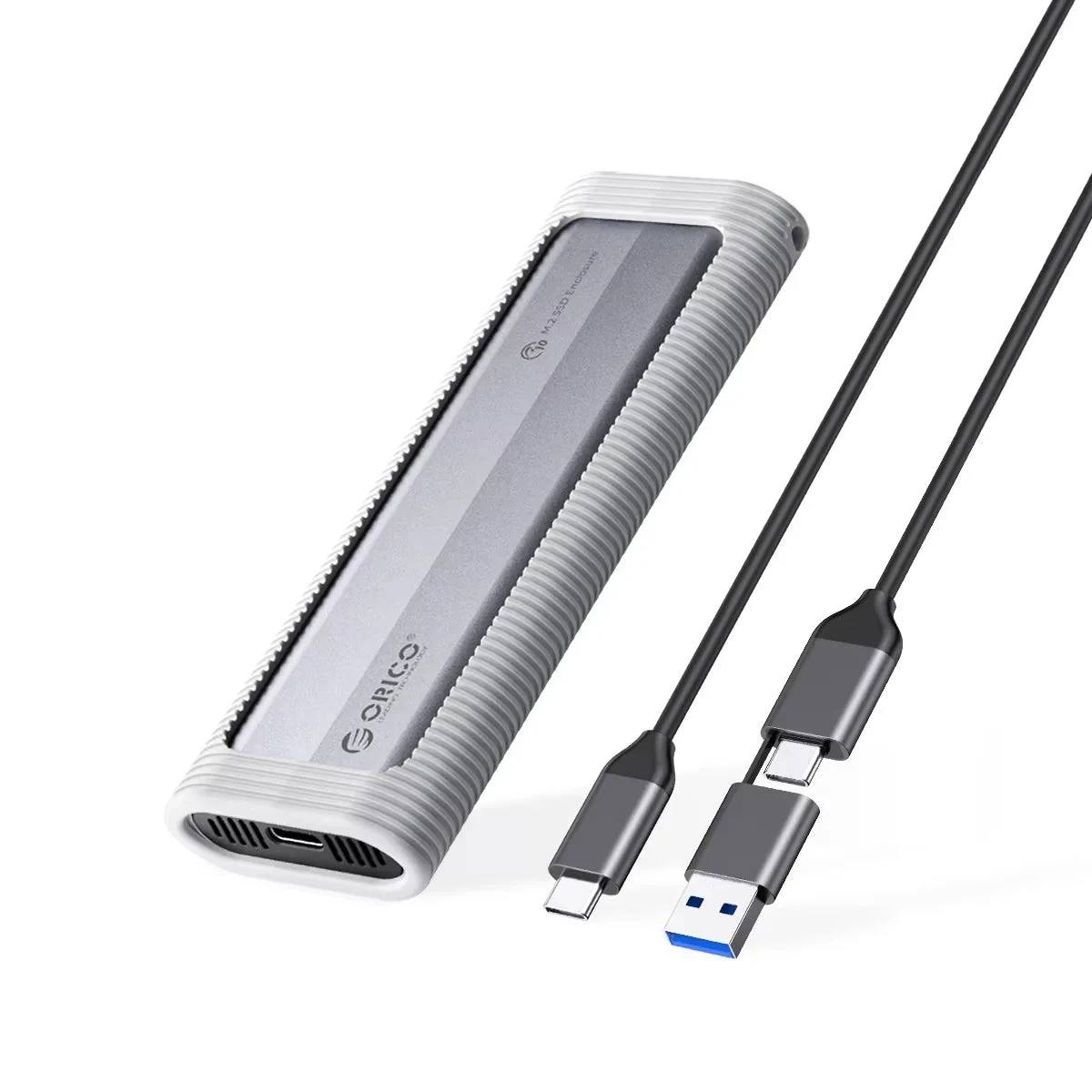
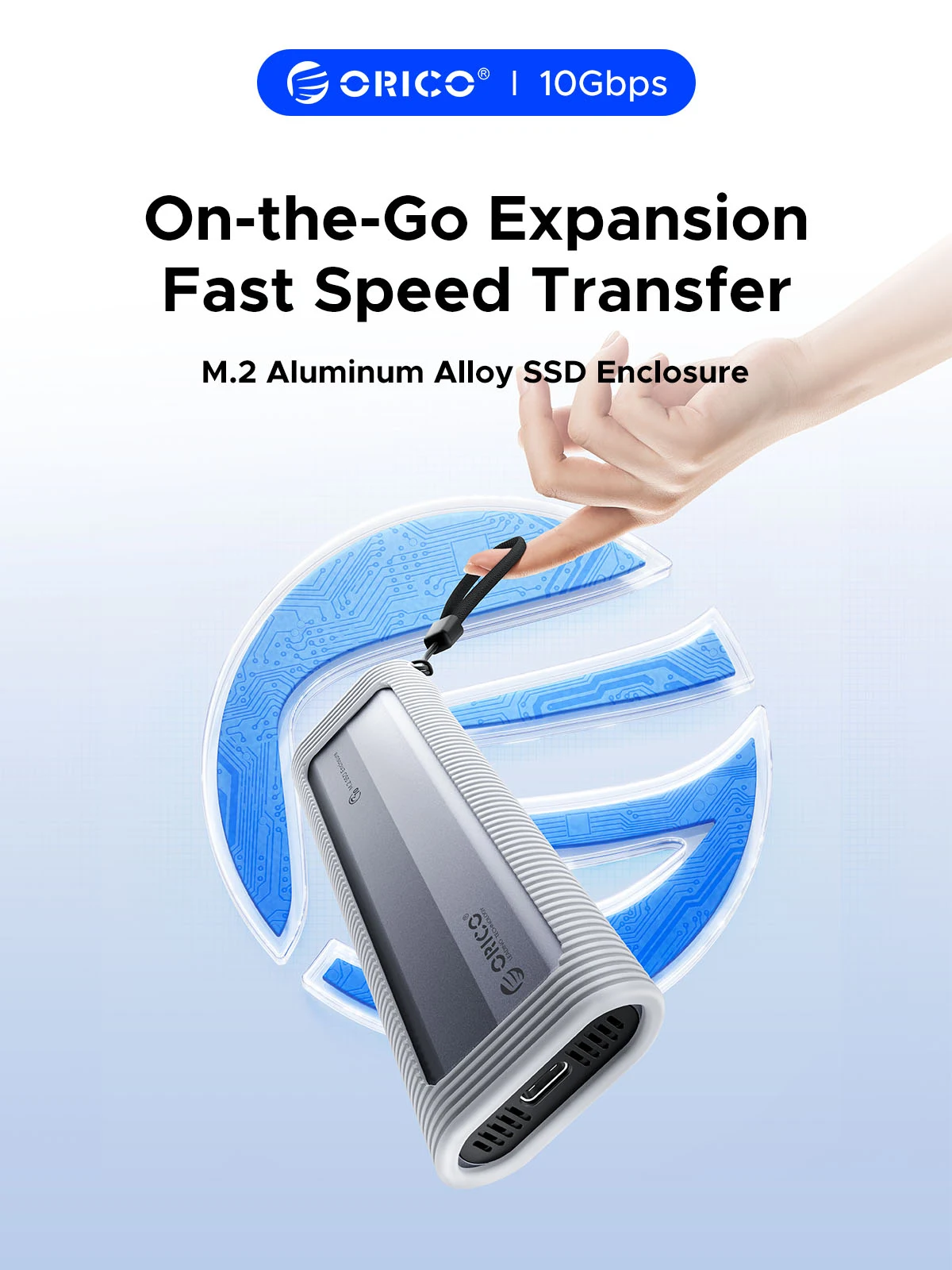
Tool-free Portable M.2 SSD Enclosure with Silicone Protective Case
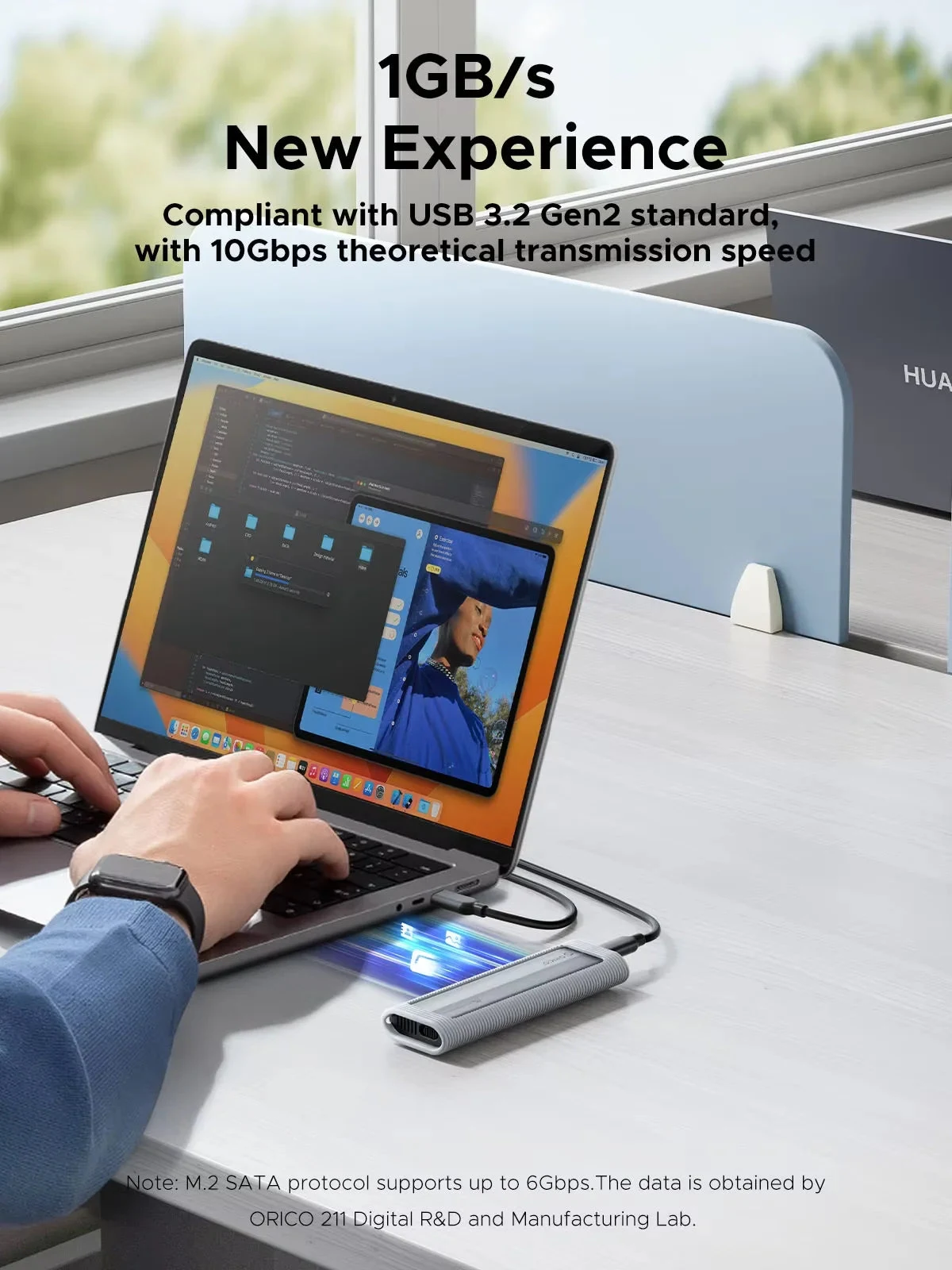
If you’re looking to transfer your computer’s OS and/or files to a new M.2, you definitely need to consider using ORICO’s M.2 NVMe SATA SSD Enclosure to get the job done quickly and smoothly.USB3.2 Super Speed
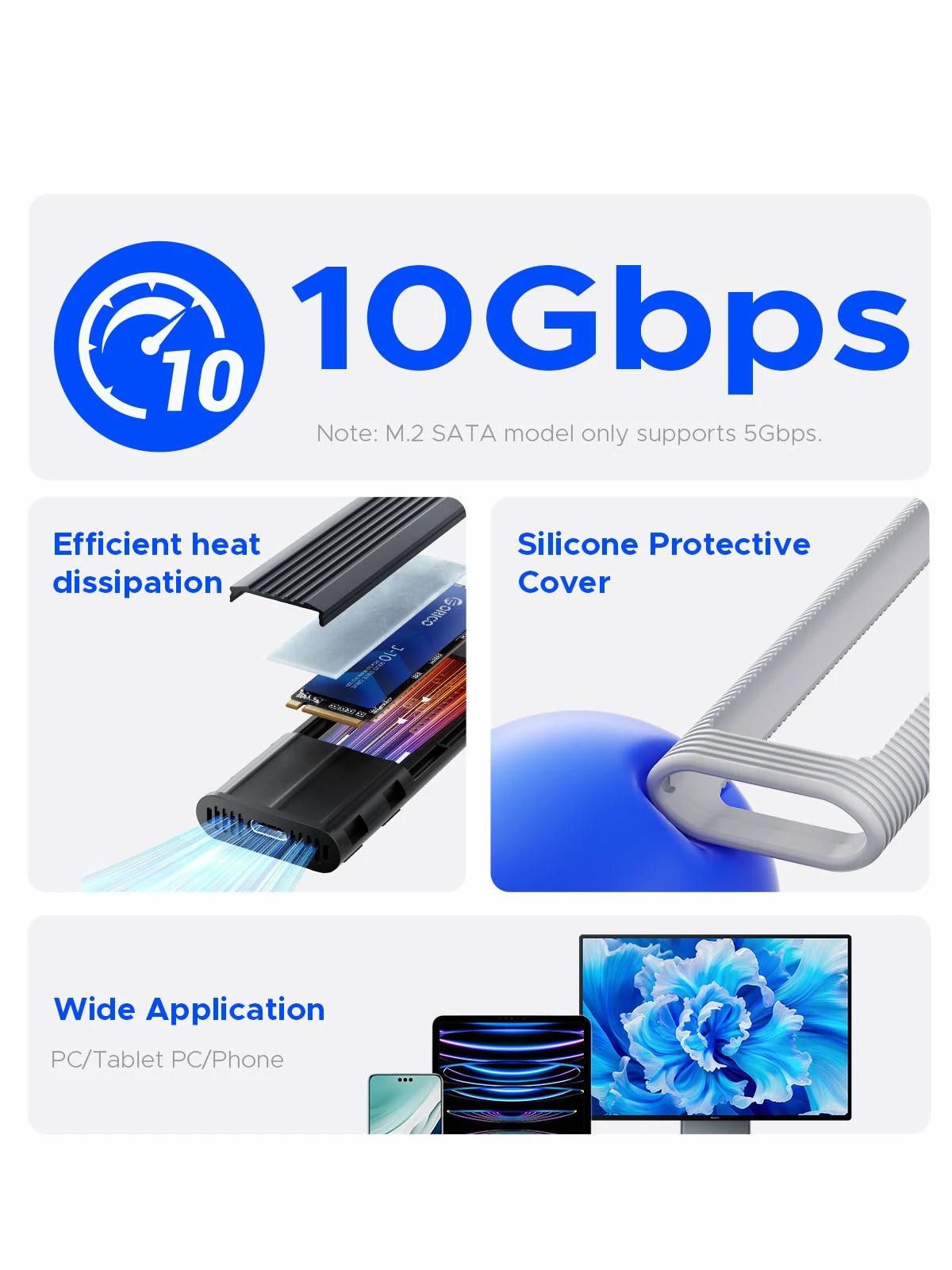
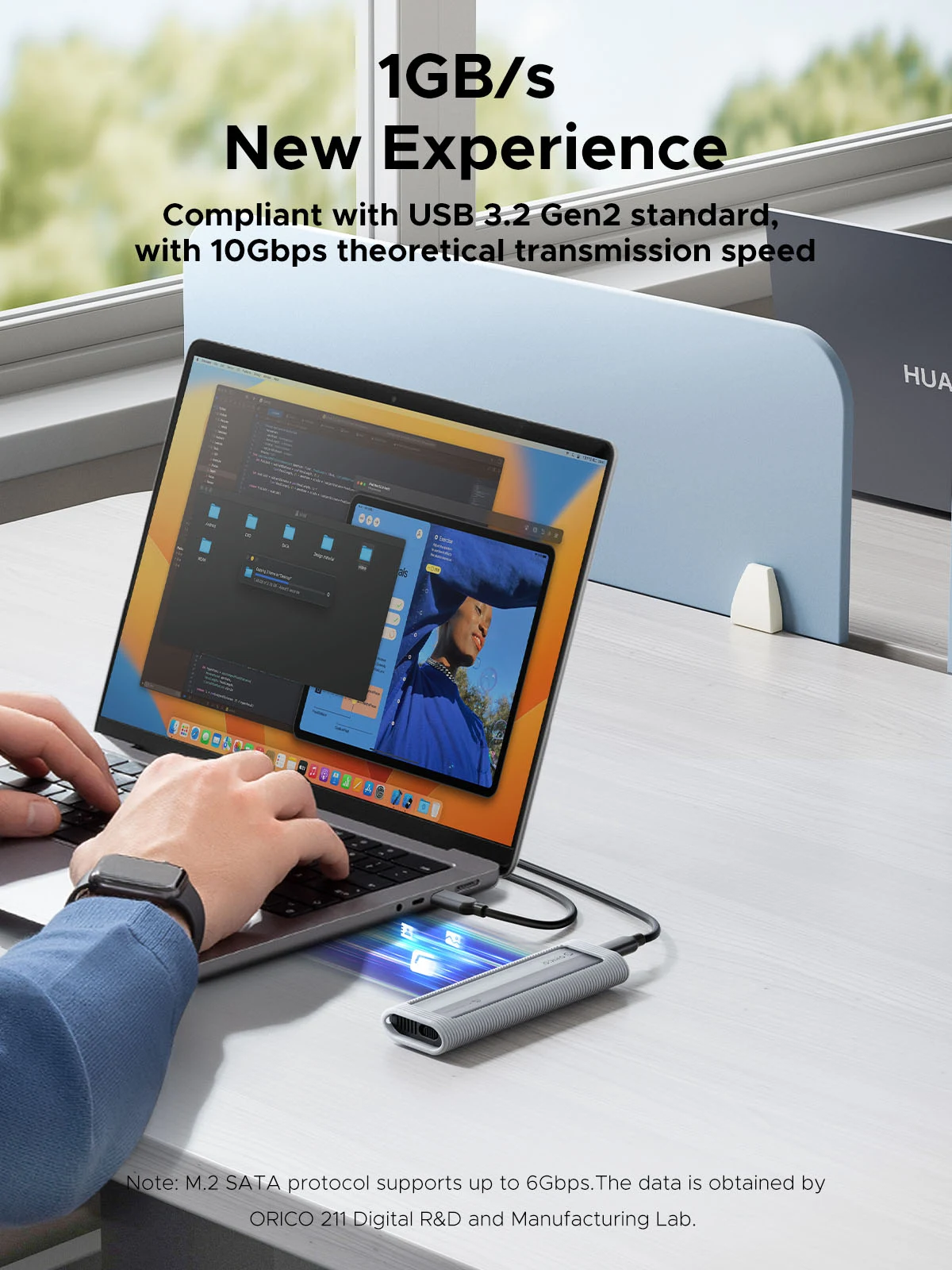
When using NVMe SSD, the transmission rate is 10Gbps and the read and write speed is 1000MB/s. When using M.2 SATA SSD, the transmission rate is 5Gbps, and the reading and writing speed is 450MB/s.Acceleration Protection
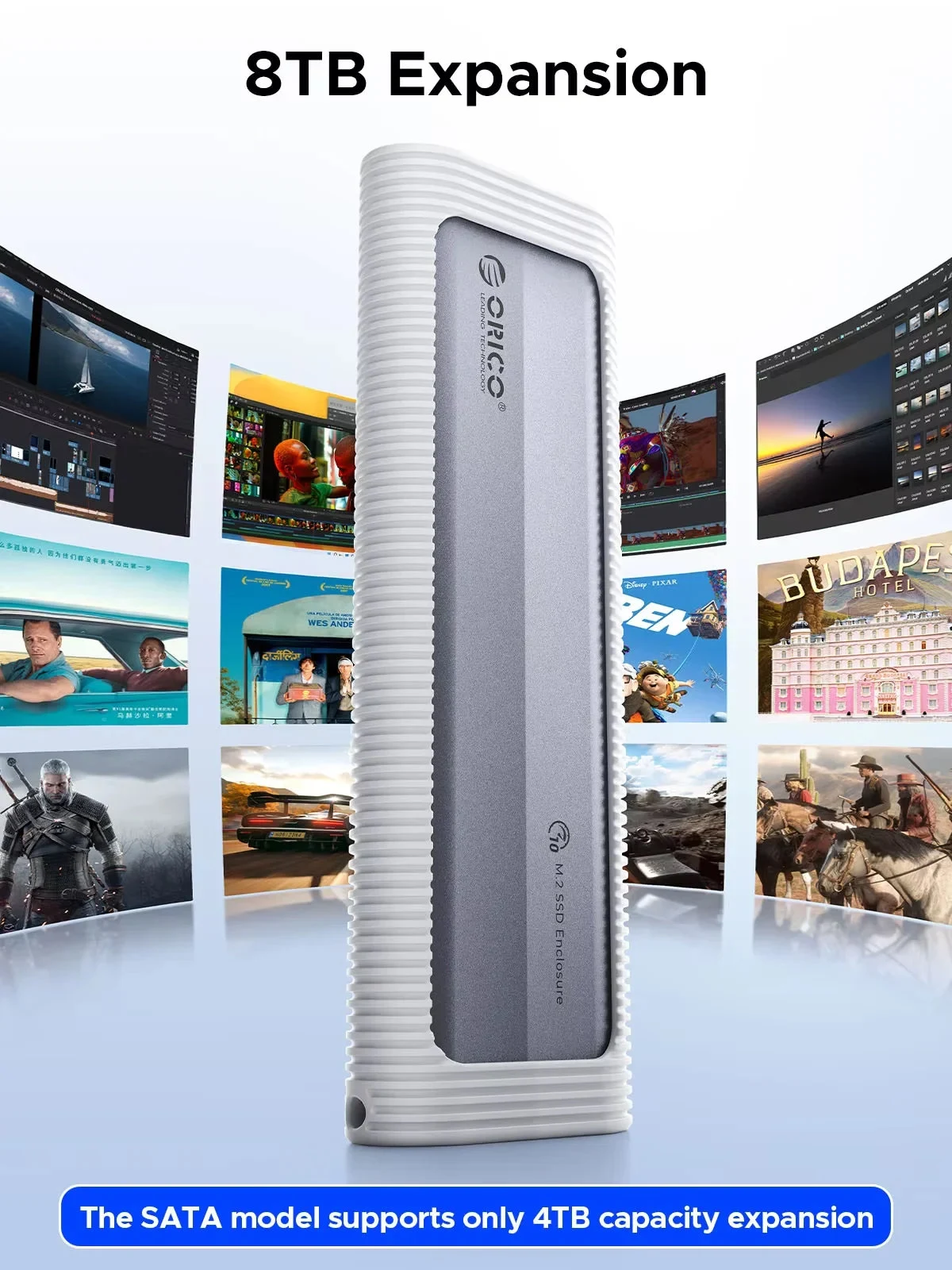
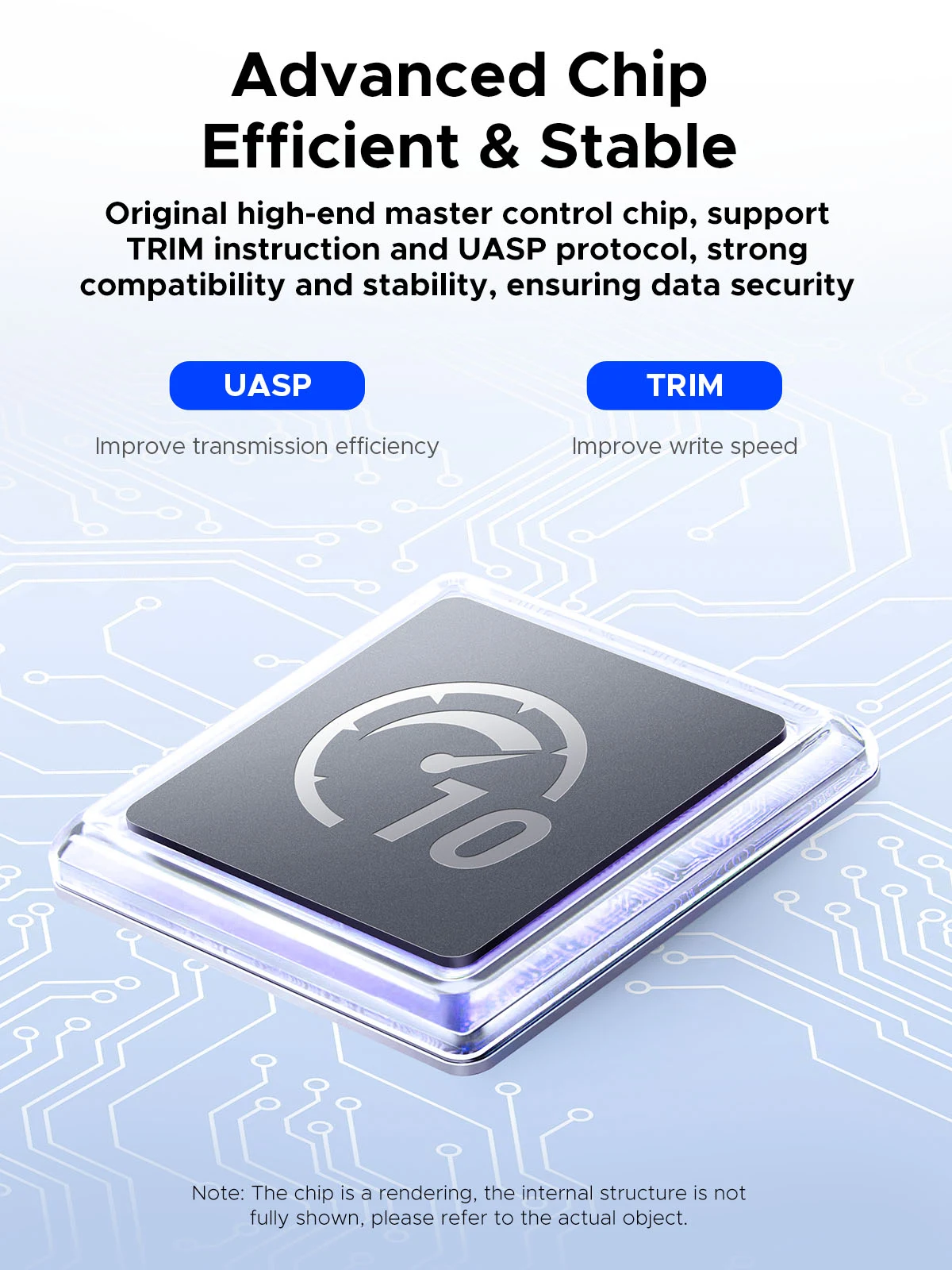
With short-circuit, over-current and multi-protection to ensure the safety of your SSD and valuable data, and supports UASP/ Trim with high transfer speed.Supports a Maximum Capacity of 4/8TB
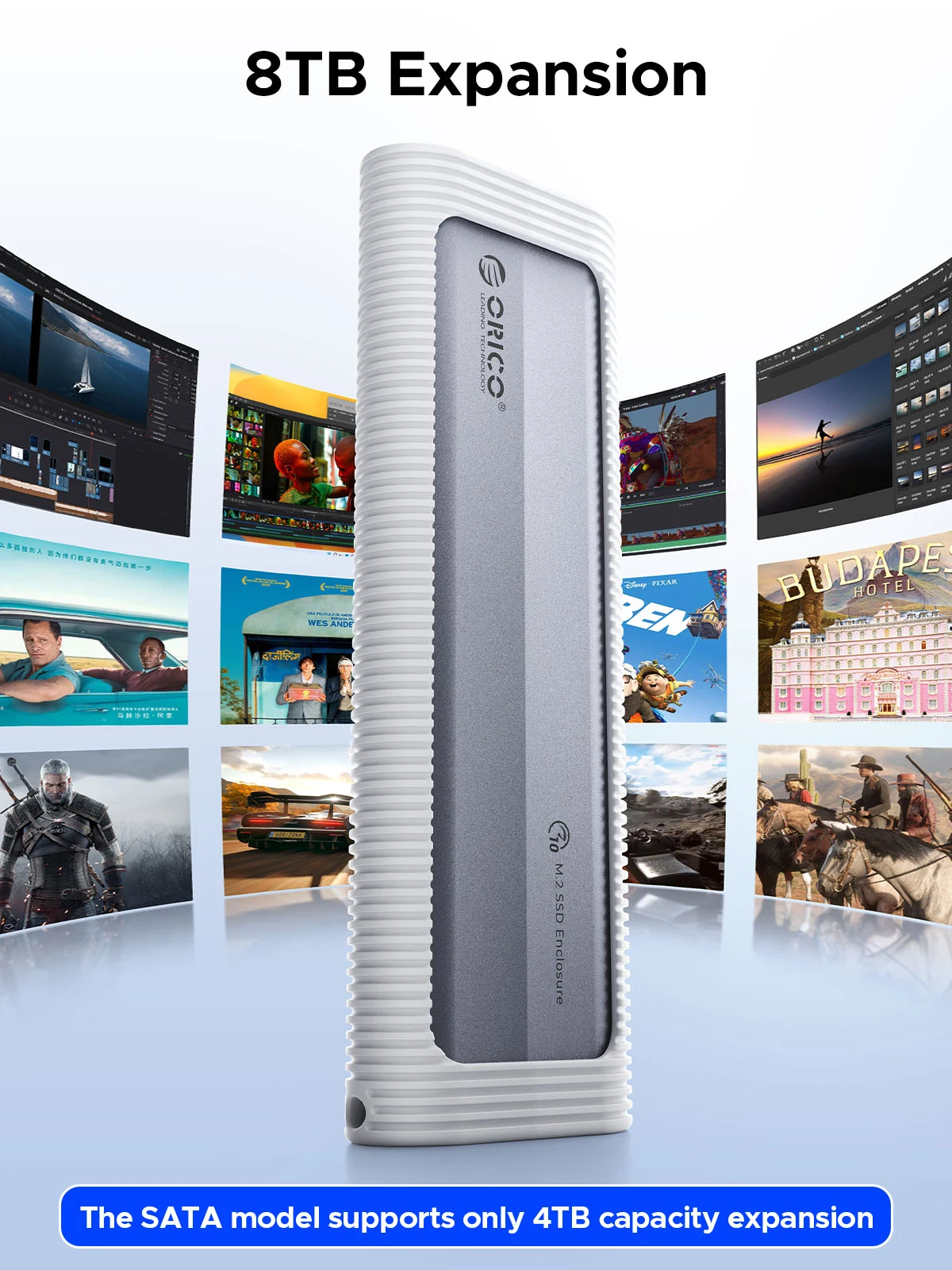
The SATA ngff version supports 4TB, while the NVME and dual-protocol versions support 8TB.Comprehensive Protection,Safe and Portable
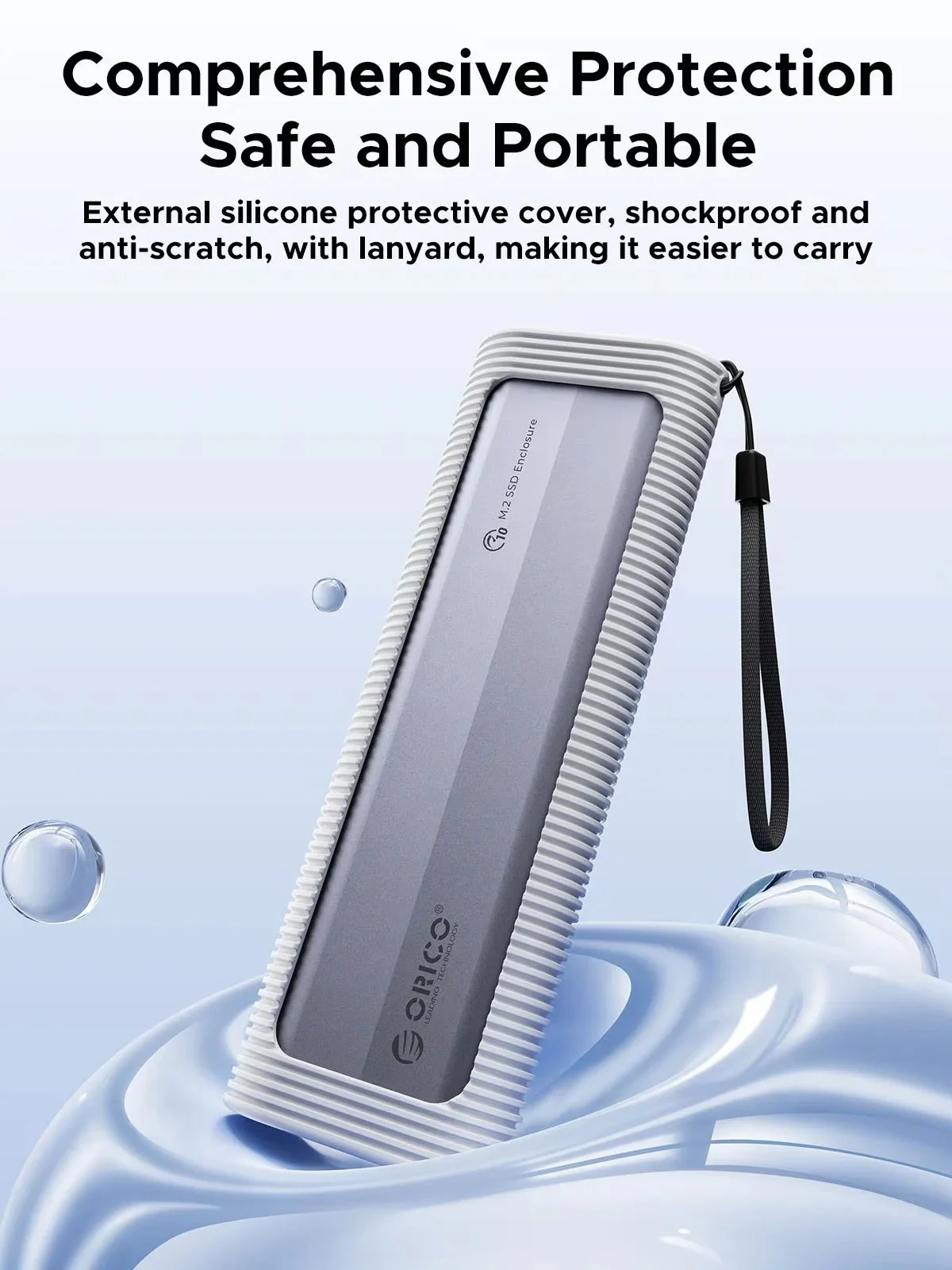
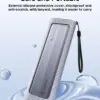
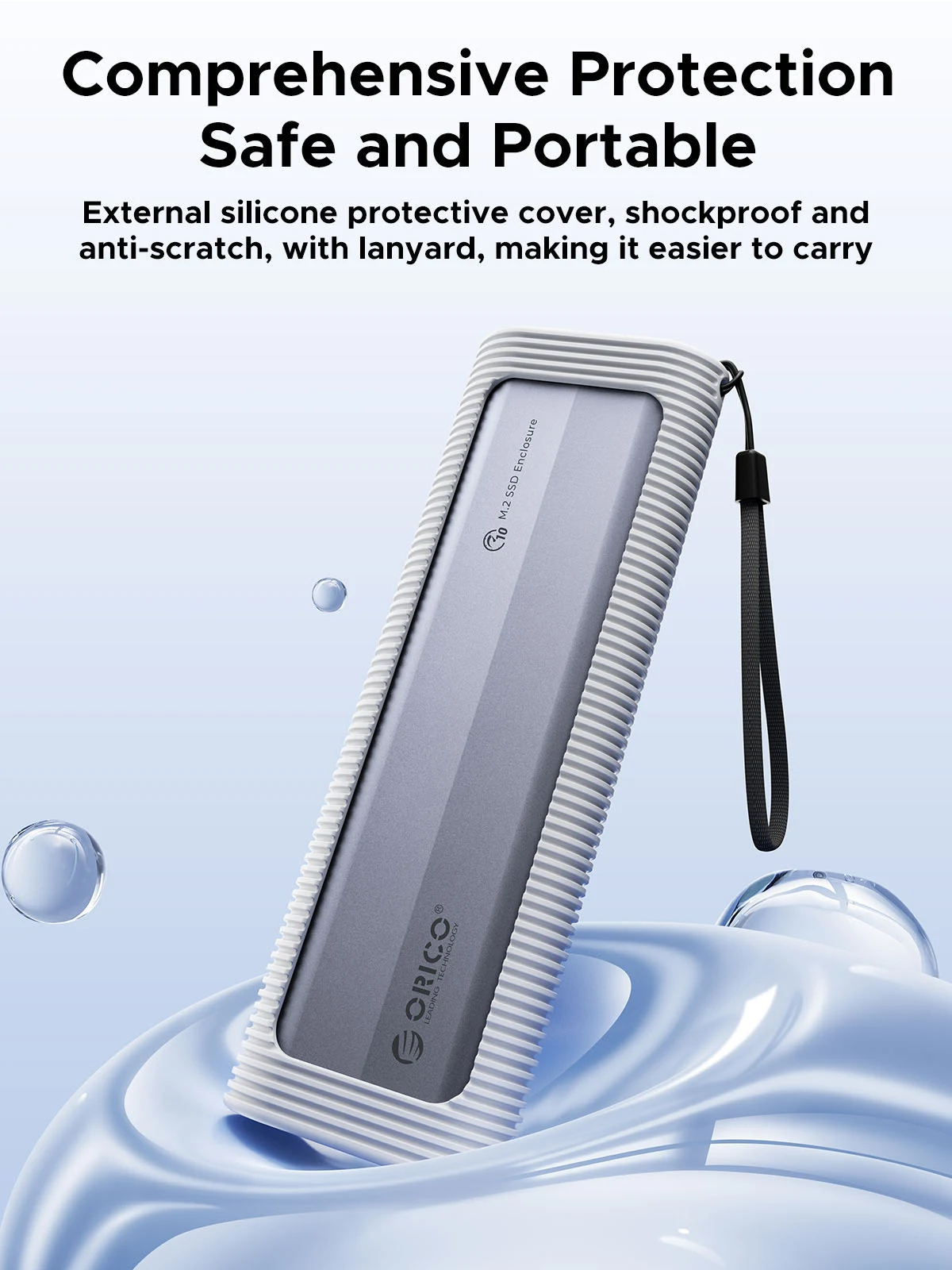
This ultra-slim aluminium external enclosure with extra silicone case and lanyard is portable yet durable, shockproof and anti-scratch, making it ideal for travelling.Tool-free Installation
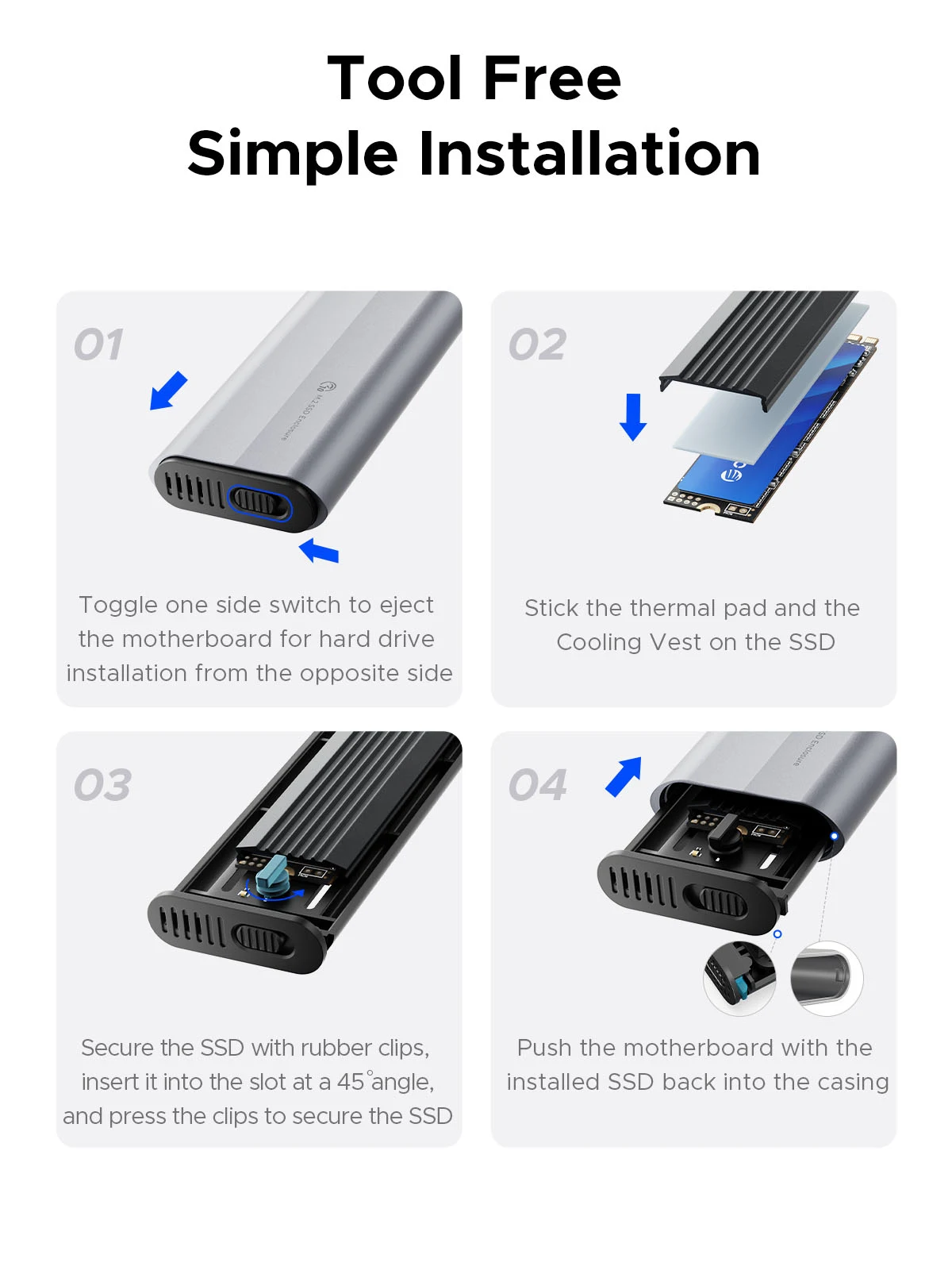
Tool-free SSD enclosure for quick and easy installation. Plug and play, no drivers required. The buckle design of the M.2 SSD enclosure can ensure stable and fast transfer.
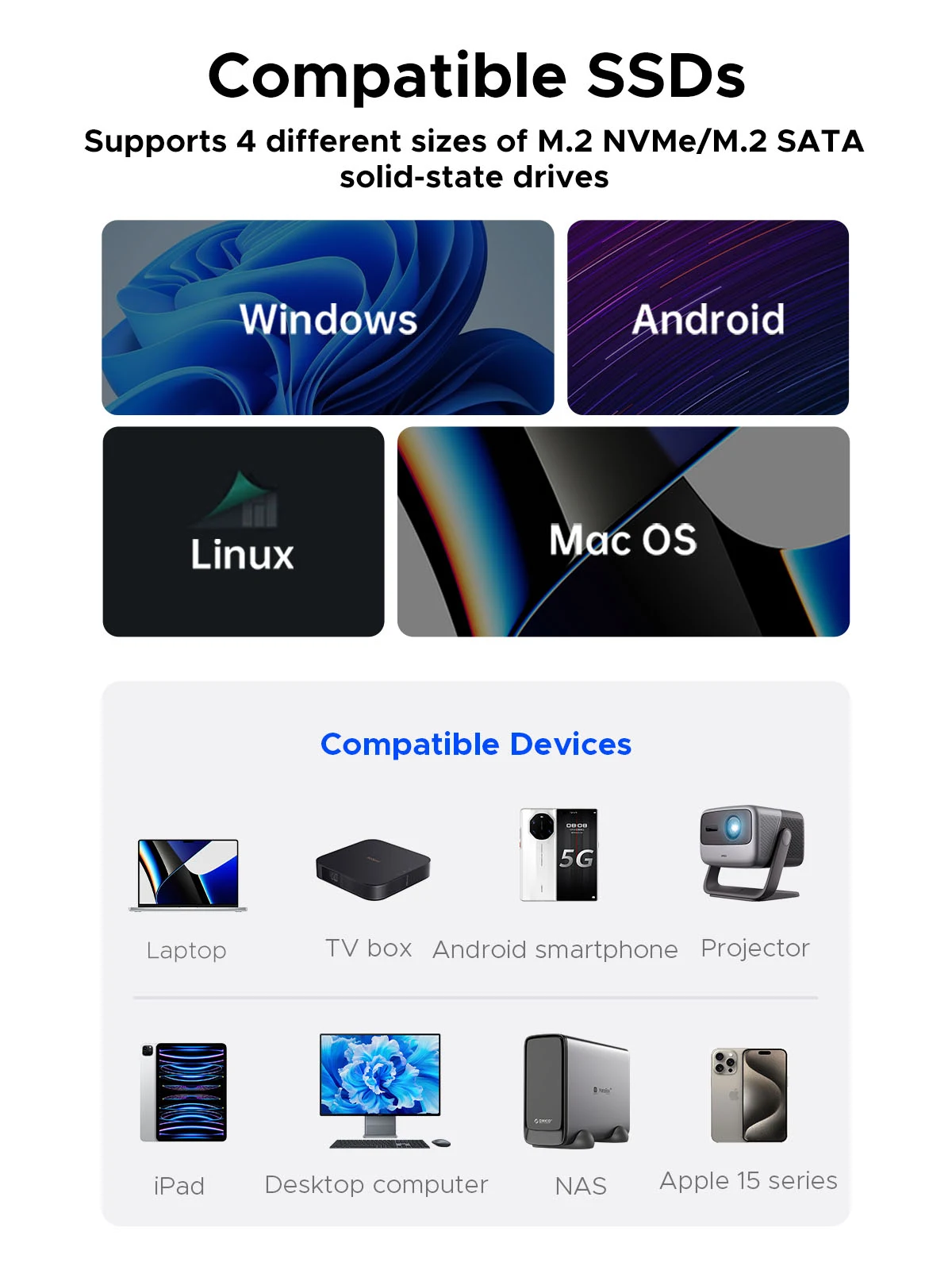
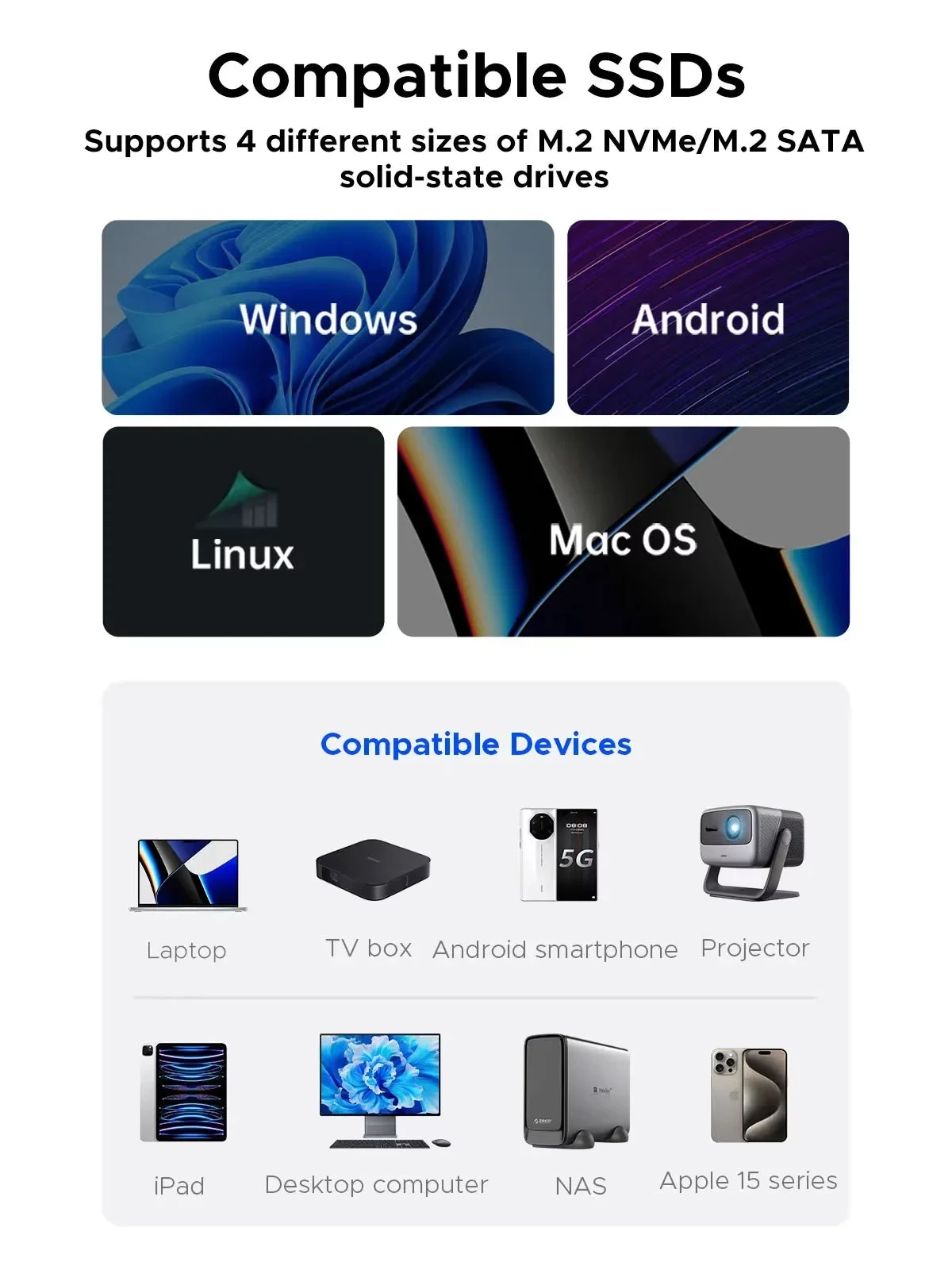
Compatible With Different SSDs
Compatibility SSD size:2230/2242/2260/2280.
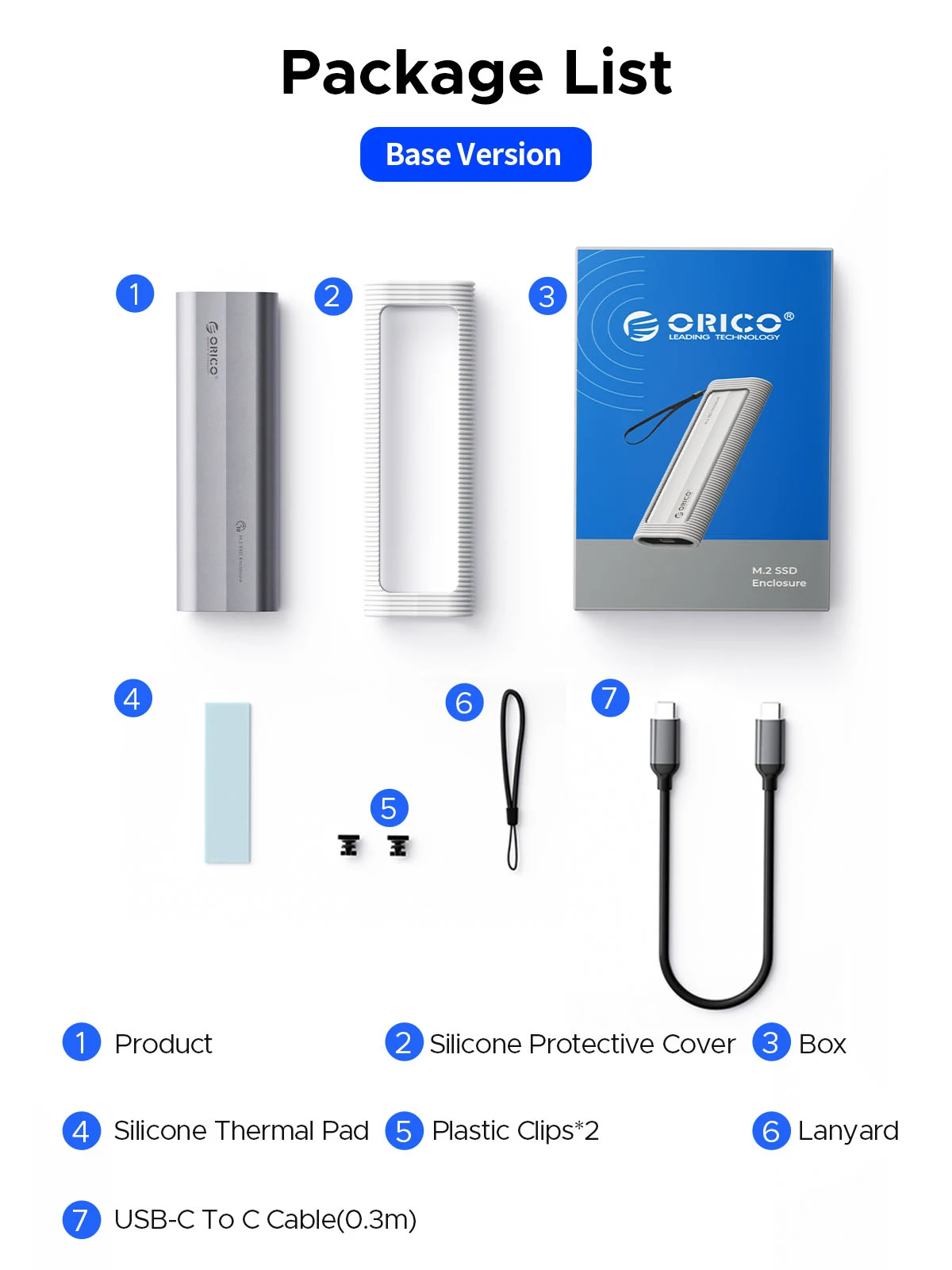
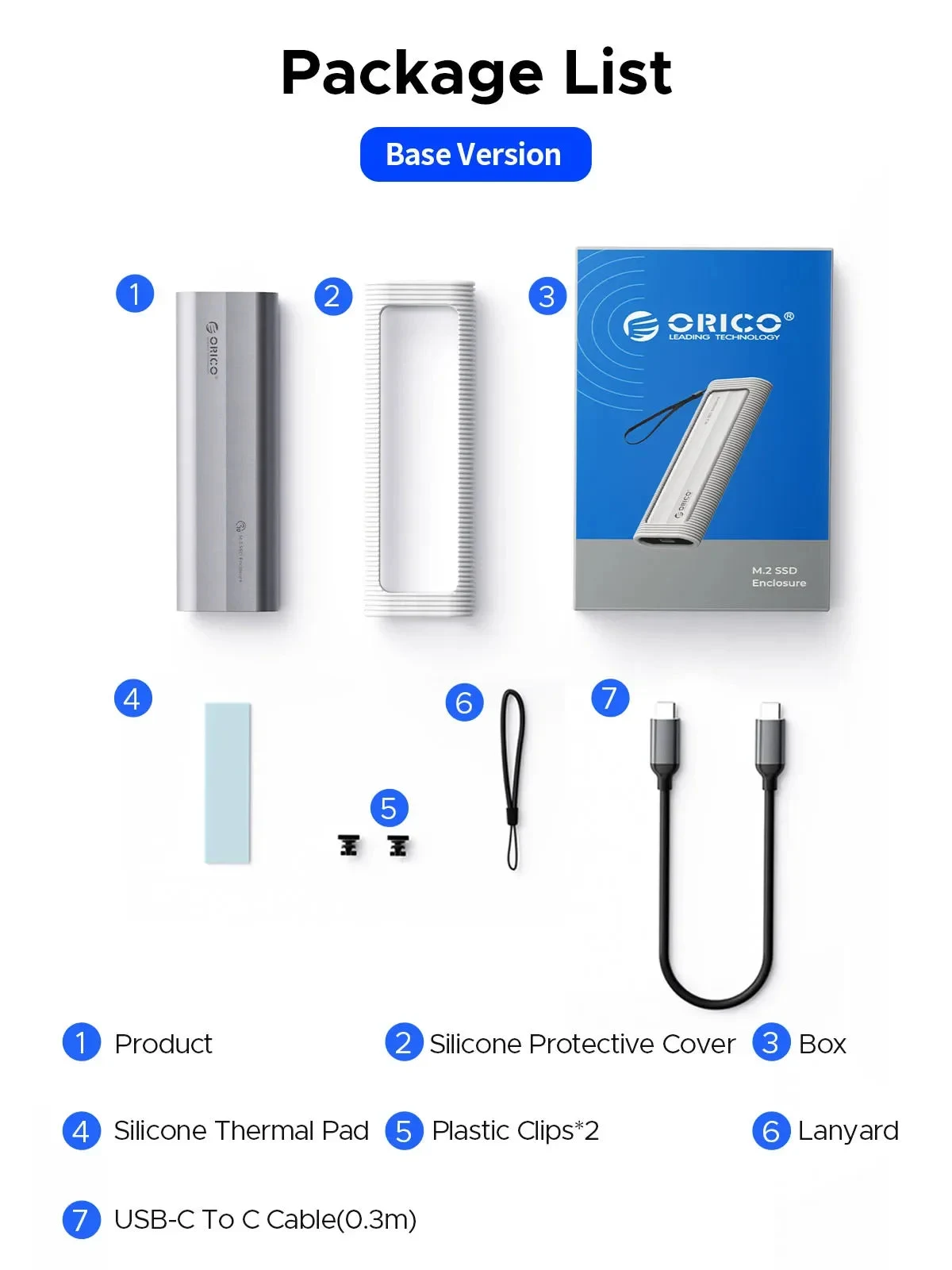
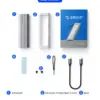
Basic Version Package List–USB C to C Cable (NO Cooling Vest)
Q:After installing SSD, the computer is not read by the enclosure?
A:1.Confirm whether the connection between the data cable and the product and equipment is in good contact, and whether the SSD is installed correctly.
2.The new SSD needs to be partitioned and formatted for the first use, otherwise the device cannot recognize the SSD.
3.Confirm whether the system supports large-capacity hard drives, WinXP 32-bit systems do not support hard drives above 2T.
4.Confirm whether the hard disk format is consistent with the SSD format supported by the system. If not, please format the SSD into a hard disk format supported by the system.
Q:Why can’t it write in Mac OS? But it can read and write normally under Windows.
A:Please confirm the format of your M.2 SSD. And Mac OS has to install NTFS reading software to read M.2 SSDs in NTFS format.
Q:Is there a sleep setting? Are there any interruptions in data transmission during sleep?
A:The M.2 enclosure will automatically hibernate after 10 minutes of computer inactivity. Once your computer has read them, it will not automatically sleep.
Q:Why is the speed not as fast as advertised?
A:The operating speed of the product is determined by the notebook, host performance,M.2 SSD performance, USB port type and so on. For the fastest read and write speeds, an NVMeSSD should be used, and the external enclosure for the M.2 SSD should be connected to a USB 3.1 GEN2 10G port.
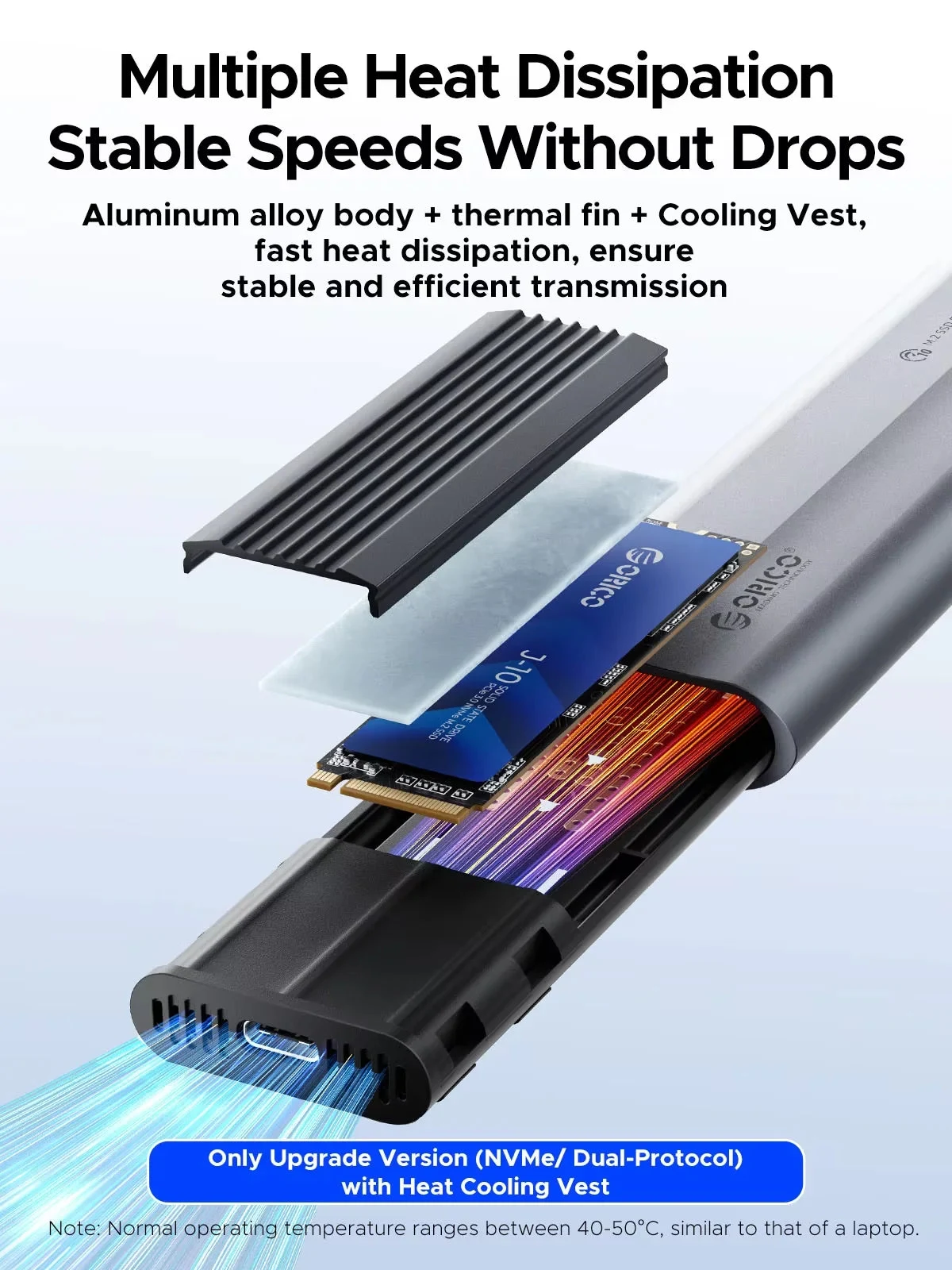
Q:Why does it generate heat?
A:SSDs generate heat as they read and write at high speeds. The aluminum case of this product effectively transfers heat throughout the case, quickly releasing the high temperatures generated by NVMe SSDs when they are operating.
Q:What formats of disks do different systems support?
A:Hello. Windows:FAT32, exFAT, NTFS. MacOS:HFS+, APFS. Linux:EXT2, EXT3, EXT4, XFS, Btrfs. Android:FAT32, exFAT, NTFS, ext3, ext4(Requires a third-party application). iOS:APFS, FAT32(Requires a specific external storage device). BSD:UFS. Solaris:ZFS.
Frequently Asked Questions
Will it work with my device?
Each product’s description lists the devices and ports it works with. Not sure? Email support@auvratech.com before ordering; we reply within 48 hours.
How do I track my order?
You get a tracking link by email as soon as your order ships. You can also check it on the Track Order page with your order number.
Can I cancel or change my order?
Yes, within 24 hours of ordering. Email support@auvratech.com with your order number. After that the package has usually left the warehouse.
What if it arrives damaged?
Email support@auvratech.com with a photo of the item. Our team checks it and sends a replacement or a refund.



 USB3.2 Super Speed
 Acceleration Protection
 Supports a Maximum Capacity of 4/8TB
 Comprehensive Protection,Safe and Portable
 Tool-free Installation