


Auvra Tech
GOOJODOQ Foldable Bluetooth Keyboard with Touchpad
GOOJODOQ Foldable Bluetooth Keyboard with Touchpad
Couldn't load pickup availability

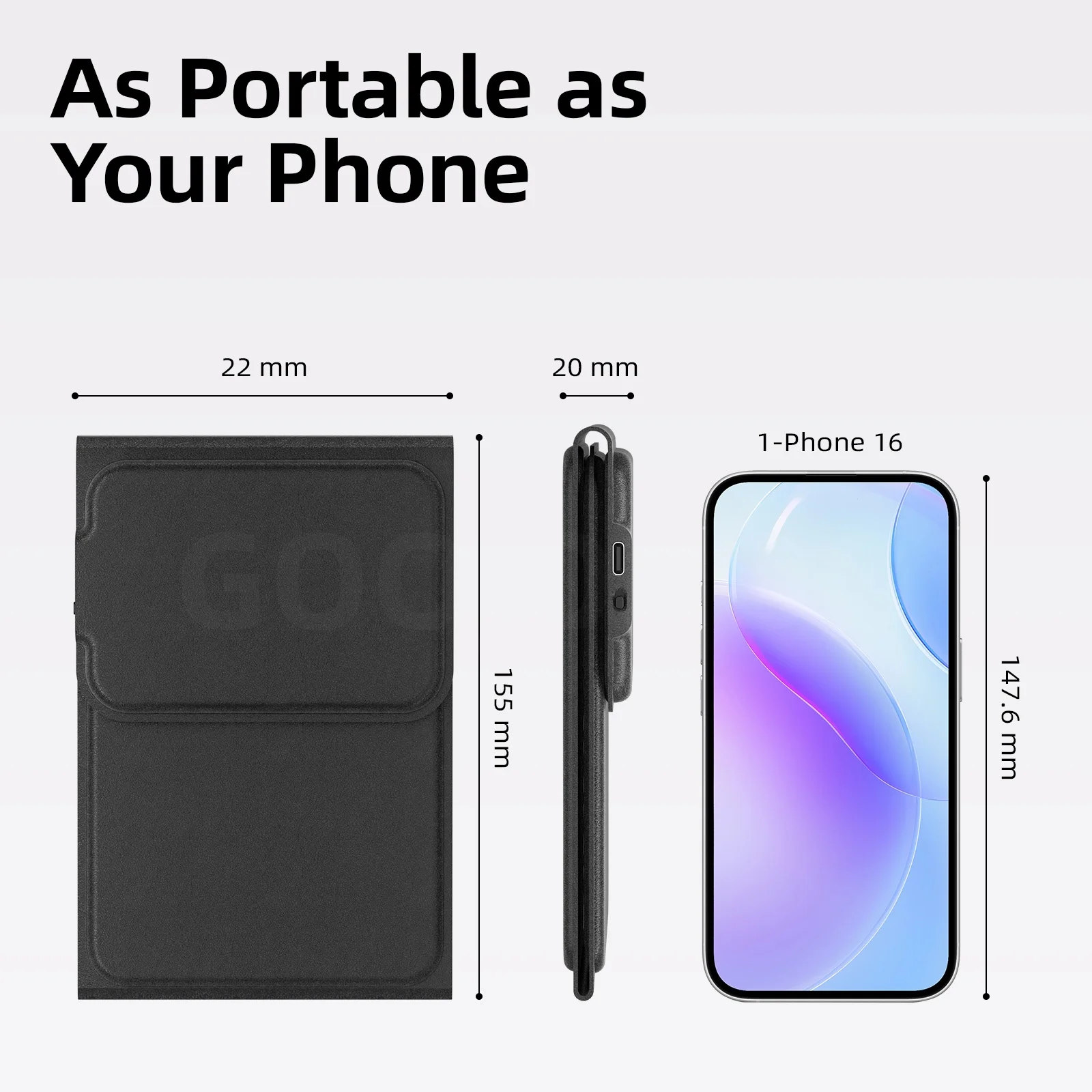
Foldable & Portable Design:
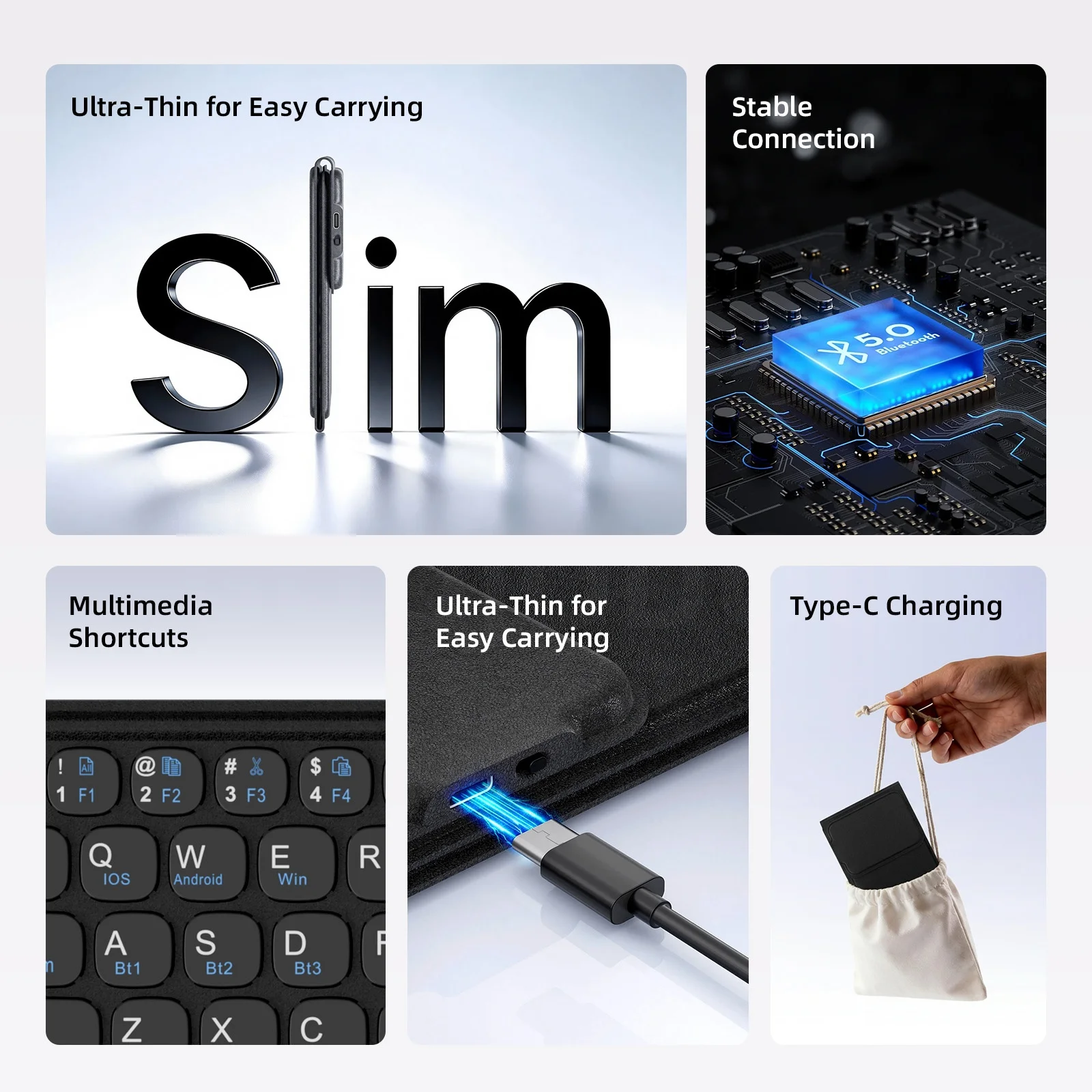
Featuring a tri-fold body with magnetic absorption, the keyboard folds down to a compact size for easy carrying. Its lightweight build easily fits in your bag, making it perfect for travel, business, or mobile work. Stay productive wherever you go, no bulk, no hassle.

3-Device Bluetooth Connection:
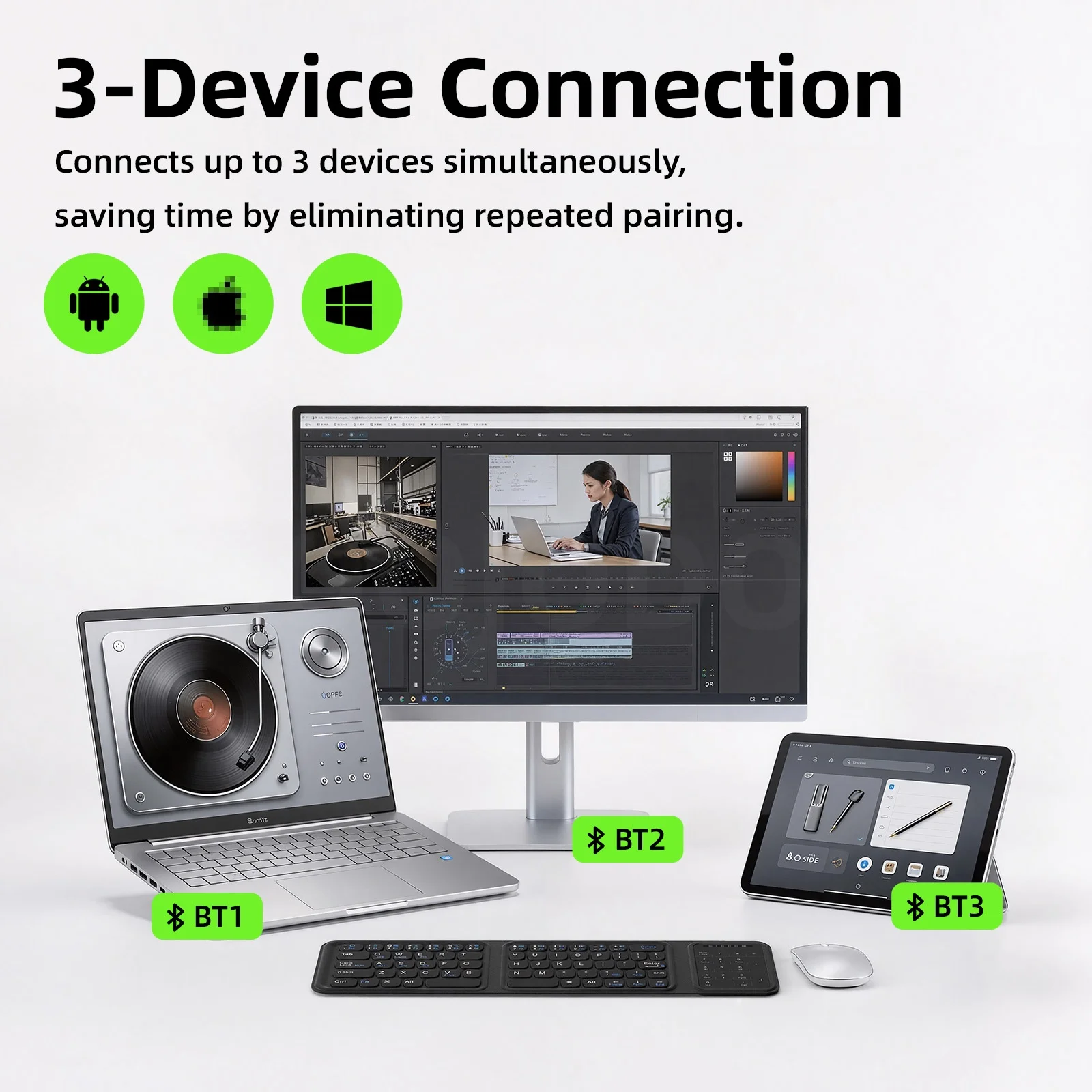
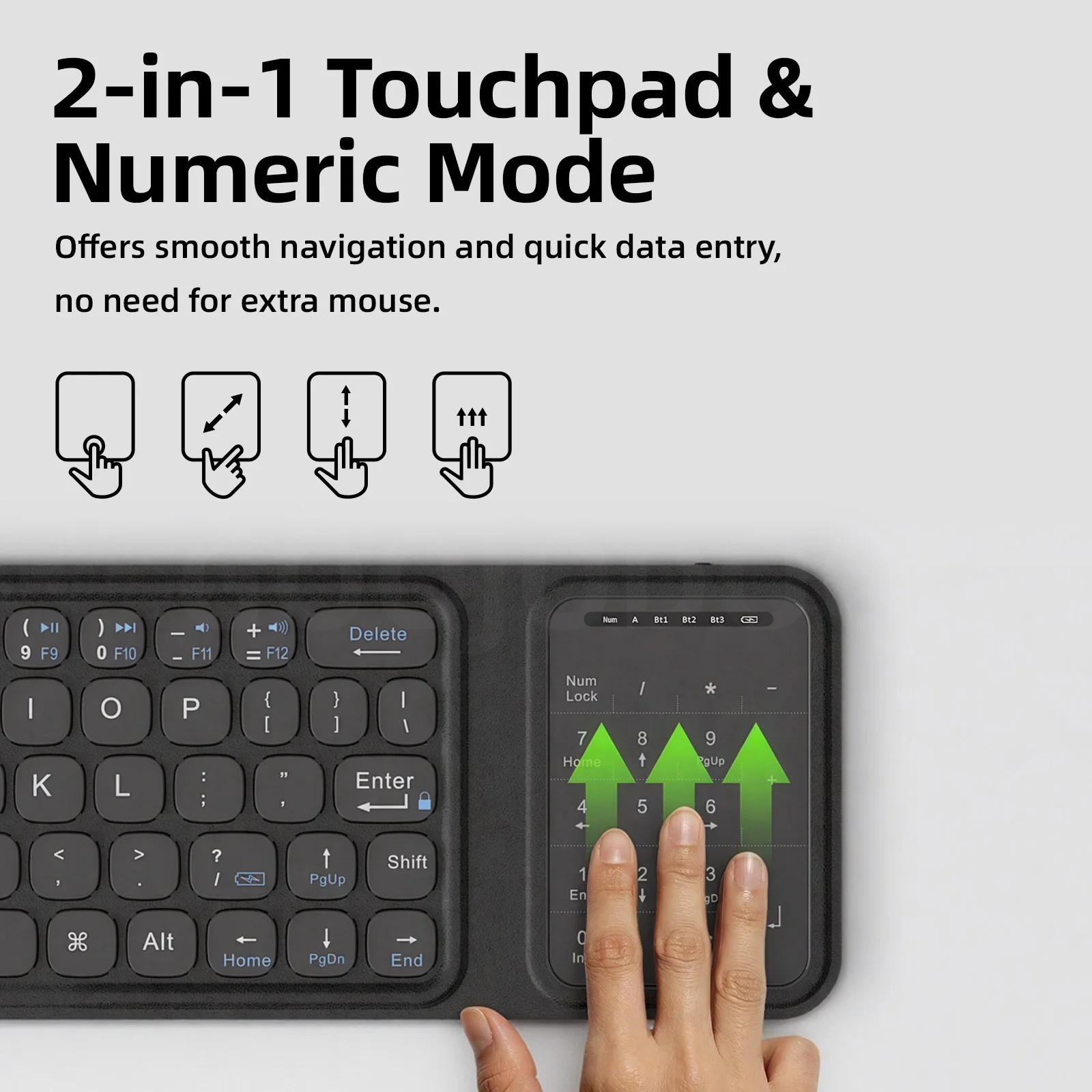
The wireless keyboard supports pairing with up to three devices at once via Bluetooth 5.0, compatible with 1-OS, Android, and Windows. Simply press Fn + A/S/D to switch between paired devices instantly, letting you control your phone, tablet, and laptop without repeated pairing, ideal for multitasking.
Operation Instructions:
Fn + A – Short press to switch to Bluetooth Channel 1; long press to start Bluetooth pairing.
Fn + S – Short press to switch to Bluetooth Channel 2; long press to start Bluetooth pairing.
Fn + D – Short press to switch to Bluetooth Channel 3; long press to start Bluetooth pairing.
Floating Key Structure:
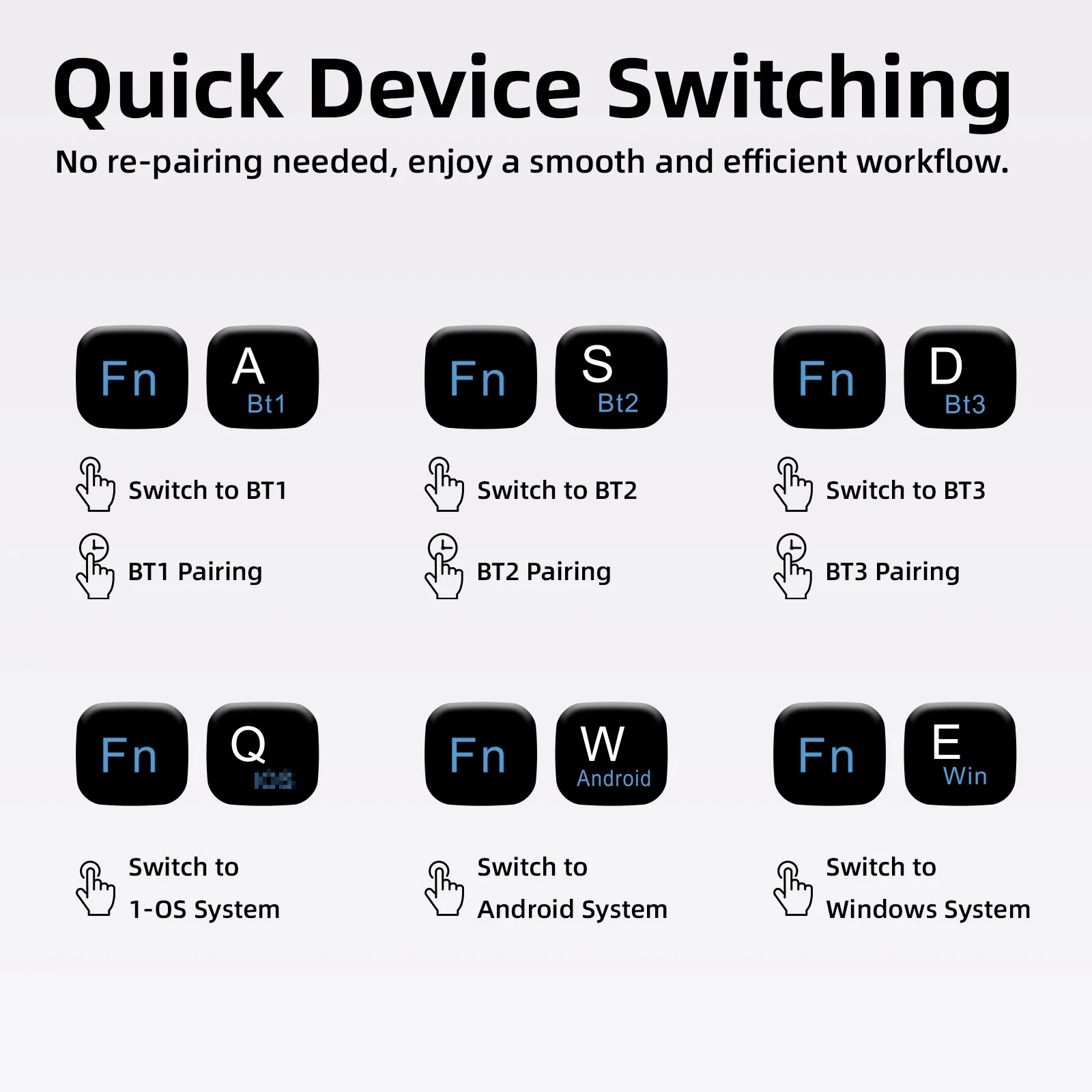
Equipped with responsive floating keys, this keyboard delivers smooth, precise, and comfortable typing, reducing fatigue during long work or study sessions.
2-in-1 Touchpad with Numeric Mode:
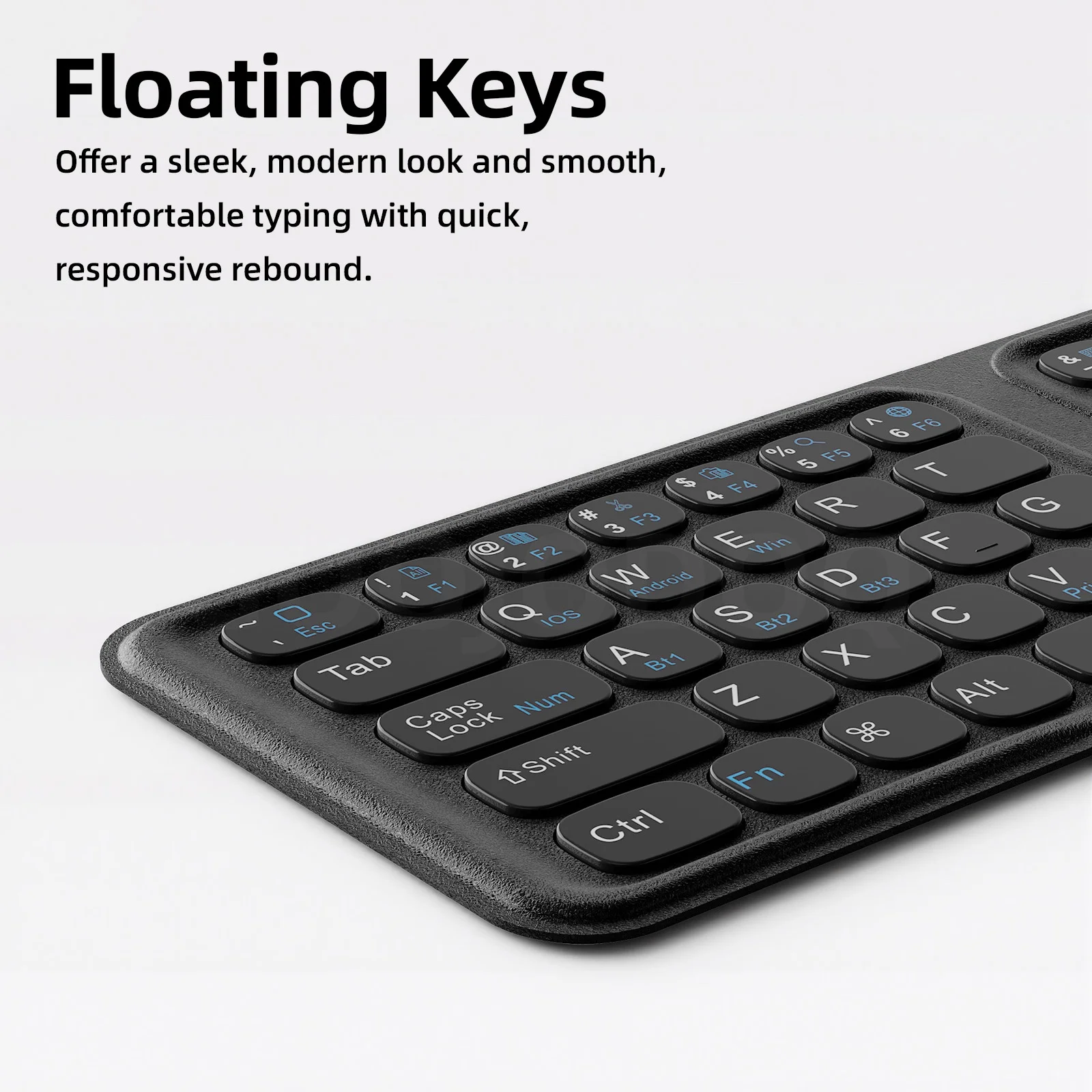
The integrated touchpad delivers precise cursor control, while the numeric keypad mode enables fast, efficient data entry. With no need for an extra mouse, you can simplify your setup.
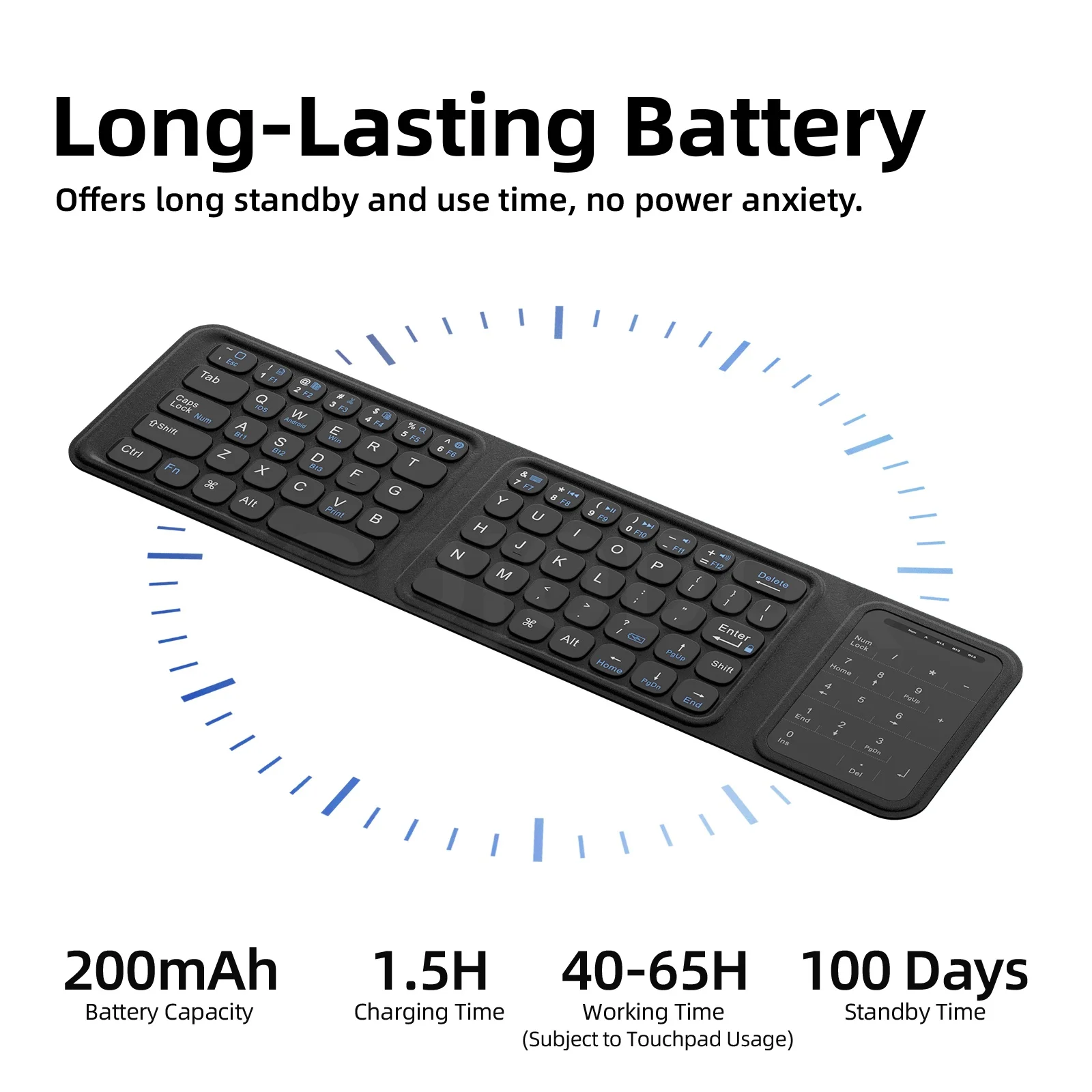
Long-Lasting Battery:
Built with a 200 mAh high-capacity battery, the rechargeable keyboard offers up to 40 hours of working time and 100 days of standby. It supports Type-C charging and a full charge takes just 2.5 hours. You can also use it while charging, so you'll never have to pause your workflow.
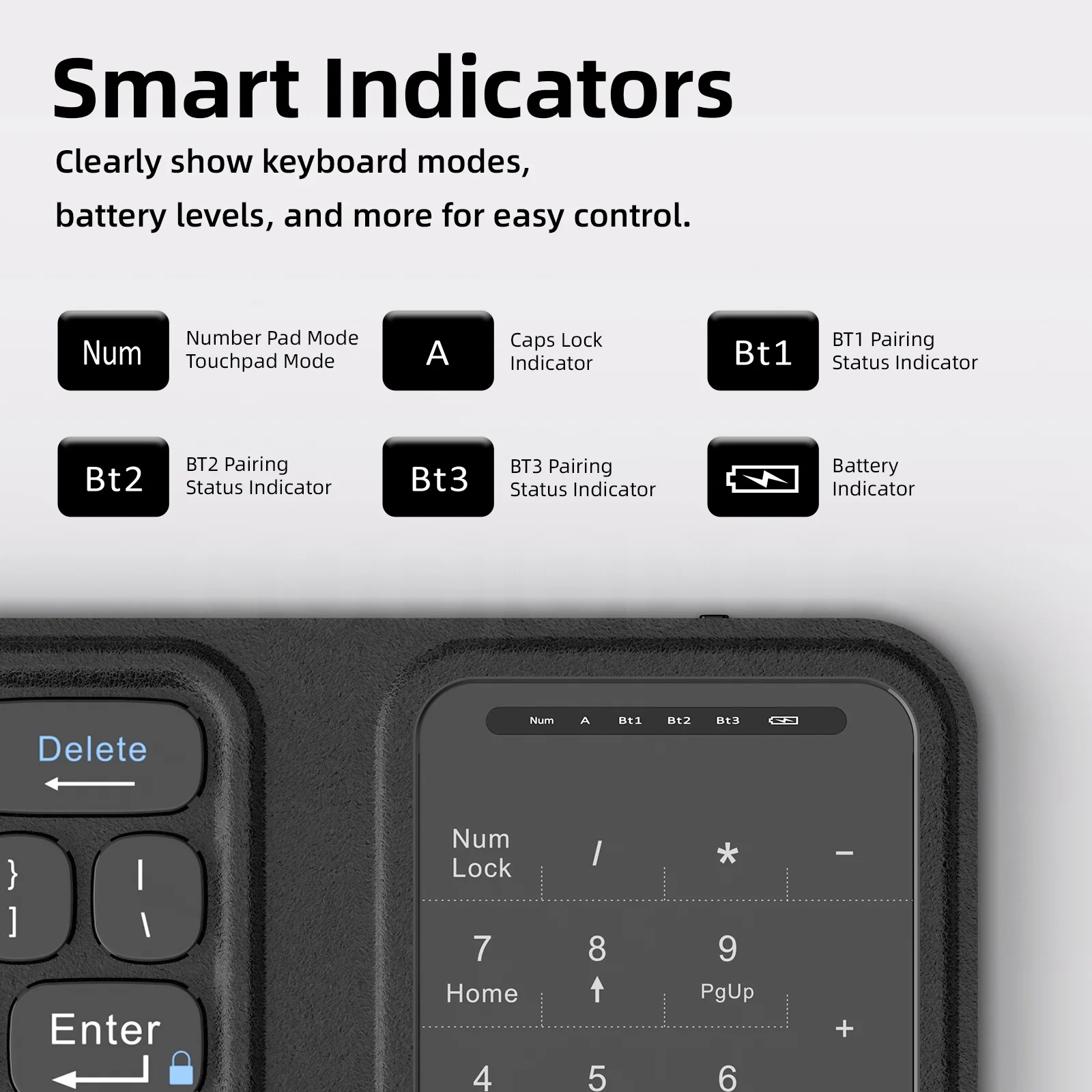
Smart Indicators:
The indicators clearly display Bluetooth channel, caps lock, num lock, and battery status, helping you stay aware, in control, and always charge timely.
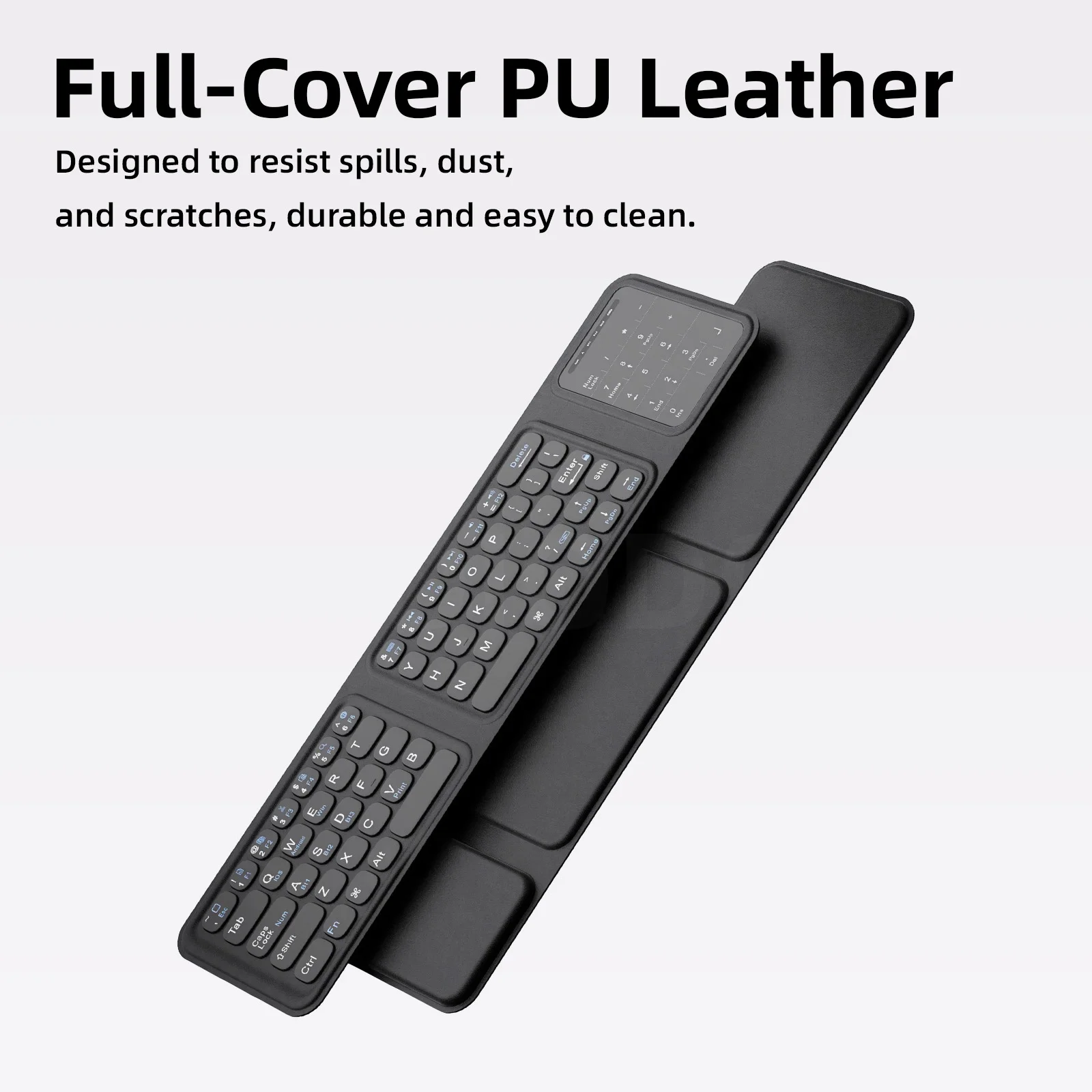
Durable PU Leather Cover:
Wrapped in premium PU leather, the Bluetooth keyboard is fully protected against spills, dust, and scratches. Furthermore, it's easy to clean and built to last, keeping your keyboard looking sleek wherever you take it.
FAQ Q1: Why can't the Caps Lock key switch between uppercase and lowercase after upgrading to iOS 10?
A1: Starting from iOS 10, the Caps Lock key is set as a “language switch” by default instead of a case switch.
To restore normal uppercase/lowercase switching, go to Settings > General > Keyboard > turn off “Caps Lock to switch language.”
Q2: Why don't the multimedia keys work properly after upgrading to iOS 10, while they worked before?
A2: Since iOS 10, multimedia functions have been adjusted. You need to open the music player first, then press the corresponding multimedia keys (previous track, play/pause, next track, stop) to use them normally.
Q3: Why can't I see the mouse cursor dot on my iPhone or iPad?
A3: Go to Settings > Accessibility > Touch > AssistiveTouch, then turn on AssistiveTouch to enable the cursor display.


