Skip to product information

USB-C Dummy Plug 4K 60Hz Virtual Display Adapter

USB-C Dummy Plug 4K 60Hz Virtual Display Adapter

Regular price $9.61
Regular price $9.61 Sale price $3.61
SAVE -167% Sold out
 
 
add_shopping_cart

-

Ordered

local_shipping

- - -

Order Ready

redeem

- - -

Delivered

USB-C Dummy Plug 4K 60Hz Virtual Display Adapter

USB-C Dummy Plug 4K 60Hz Virtual Display Adapter

Regular price $9.61
Regular price $9.61 Sale price $3.61
SAVE -167% Sold out

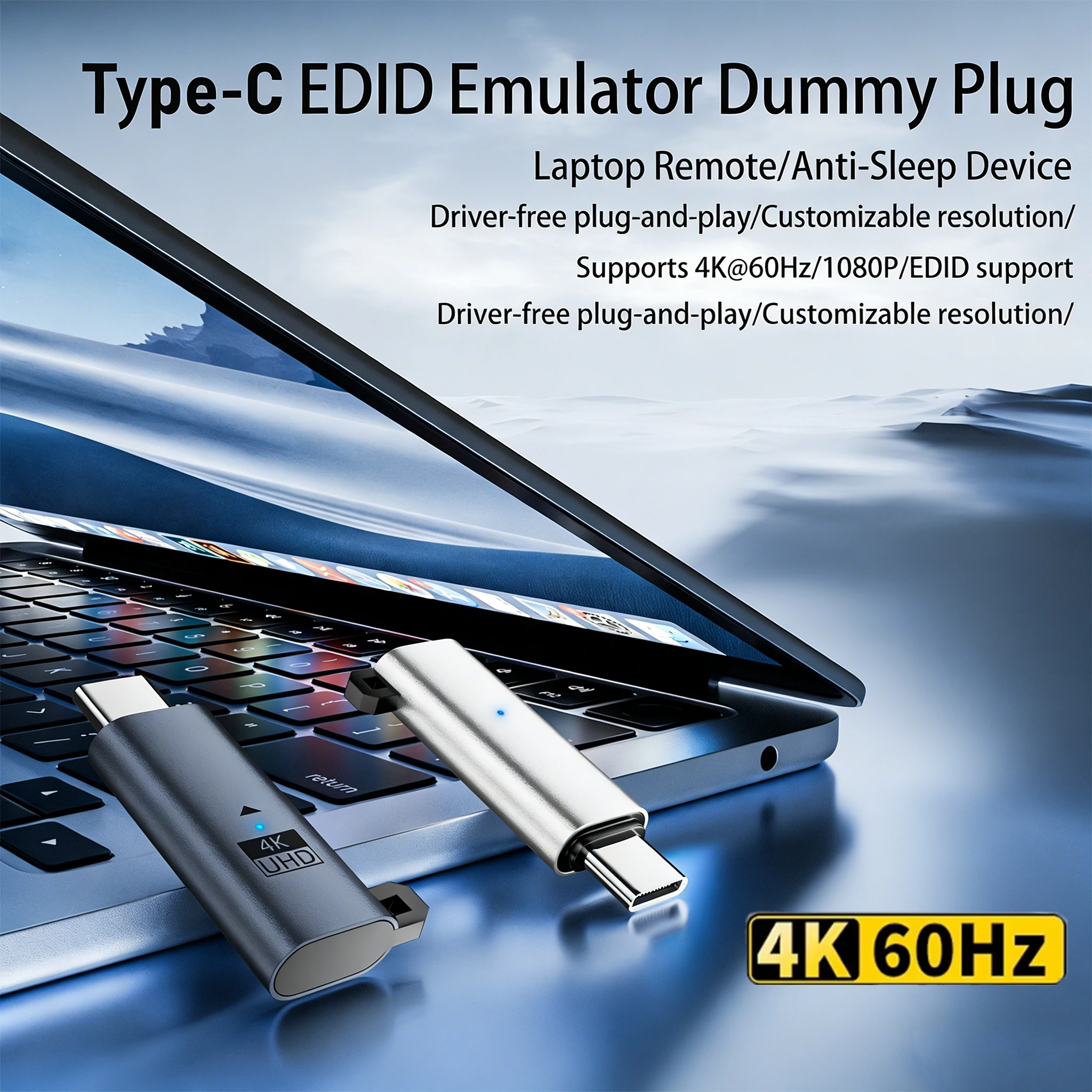
What is Type-C Display Simulator (Headless Ghost)?


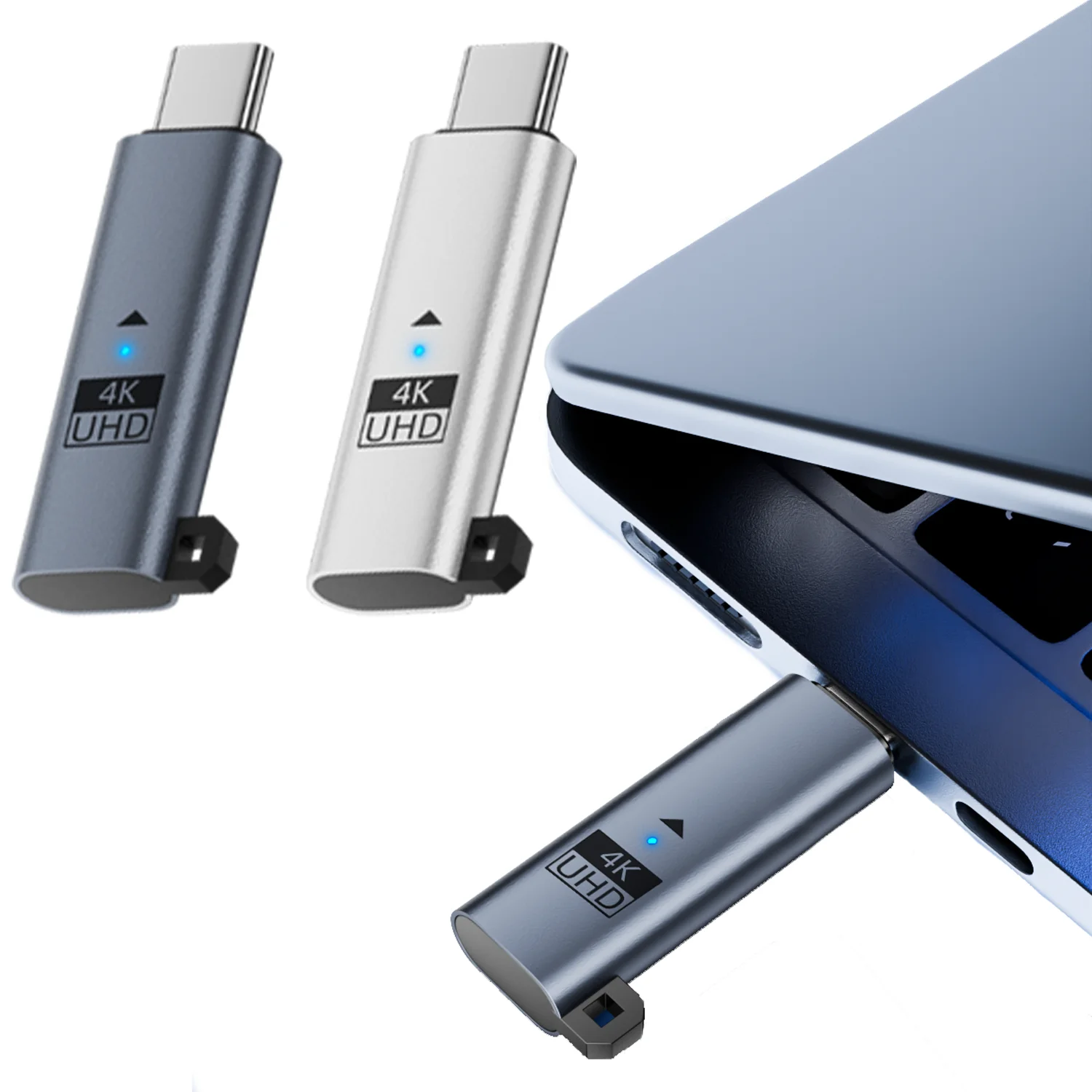
A Type-C Display Emulator (also known as a “Headless Ghost”) is a small hardware adapter that plugs into the Type-C port of a computer. Its main function is to simulate the presence of a monitor, tricking the computer into thinking a display is connected, even though there is no actual screen output.

These devices are often called Display Emulators, Headless Ghosts, or Dummy Plugs.A Type-C Display Emulator (also known as a “Headless Ghost”) is a small hardware adapter that plugs into the Type-C port of a computer. Its main function is to simulate the presence of a monitor, tricking the computer into thinking a display is connected, even though there is no actual screen output.


These devices are often called Display Emulators, Headless Ghosts, or Dummy Plugs.


Main Functions

1. Activate the Graphics Card/Video Output

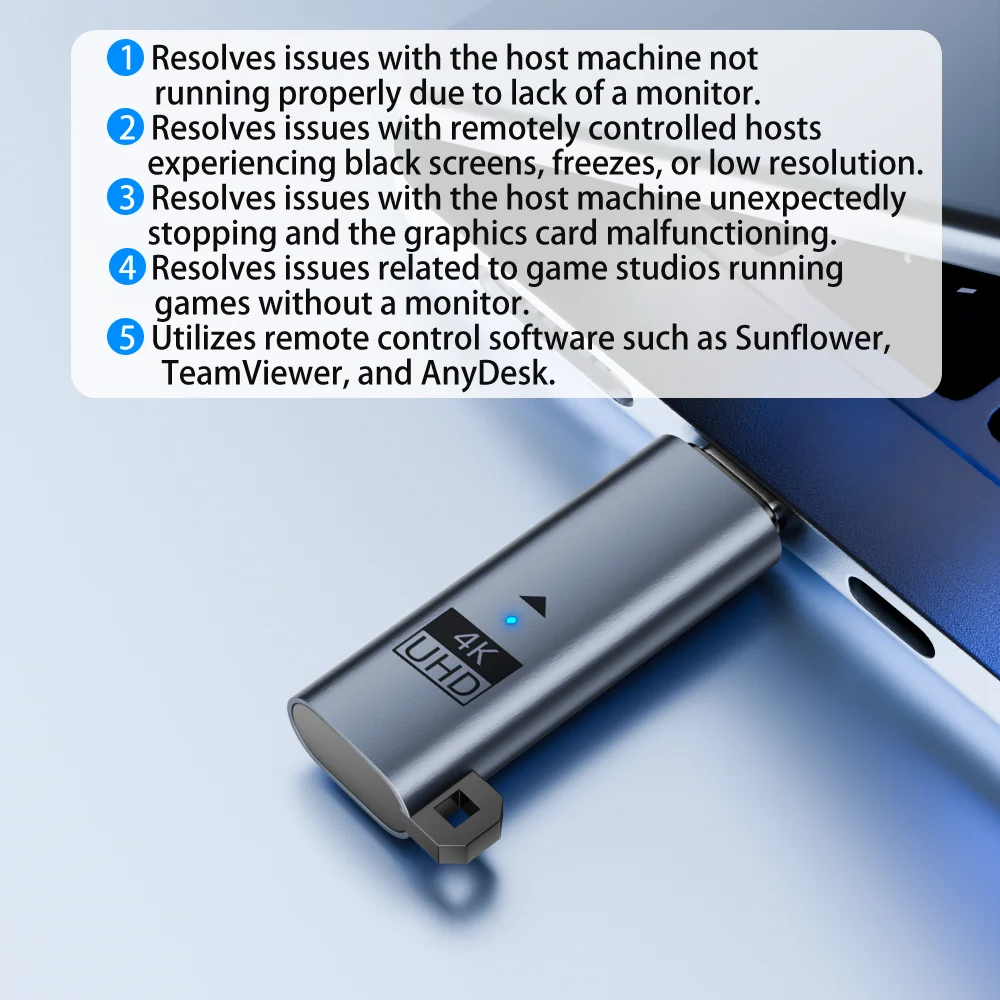
When you plug in this device, the computer thinks a monitor is connected, so the graphics card is activated and outputs video normally. Without this “dummy display,” the computer may not enable the discrete GPU, resulting in low resolution or lack of GPU acceleration for remote desktops.


2. Improve Resolution and Experience During Remote Desktop

When accessing your computer remotely (such as with Windows Remote Desktop, TeamViewer, etc.), the resolution and performance are often limited if there’s no physical monitor attached. With this device, you can get higher resolutions and a smoother experience during remote sessions.


3. GPU Acceleration for Headless Servers/Hosts

If you’re running a headless machine (like a NAS, server, or rendering host) that needs GPU acceleration for video decoding, rendering, or AI inference, using a display emulator can “trick” the computer into activating the GPU.


4. Keep Multiple GPUs Active for Mining/AI Training/Workstations

Some graphics cards will automatically downclock or stop outputting if no display is detected. With this device, the GPU will continue to operate in normal mode.


5. Testing and Developing Display-Related Hardware and Software

Engineers developing monitors or working on video output can use a display emulator to simulate monitors with different resolutions and parameters for testing purposes.


Common Use Cases for Type-C Display Emulator

1. Remote Desktop Work/Remote Control

For example, if you have a mini PC, Mac mini, small host, or Raspberry Pi at home that normally doesn’t have a monitor attached and you only use it for remote access. Without a display emulator, the remote desktop is often limited to low resolution and can have noticeable mouse lag. With this device, the system activates the dedicated graphics card, allowing you to set a higher resolution (like 4K@60hz), and the experience is just as smooth as if you had a physical monitor.


2. Home Server/NAS/Media Center

If you use your home server for downloads, Plex media streaming, etc., and need GPU hardware decoding or transcoding, these features are often disabled if there’s no monitor attached. With this emulator, you can “trick” the system into enabling hardware GPU acceleration.


3. GPU Mining, AI Training, or Multi-GPU Workstations

On mining rigs or AI training computers with multiple GPUs, graphics cards might downclock or not output at all if no monitor is detected. A display emulator ensures each GPU thinks a display is connected, so performance stays at its maximum.


4. Laptop in Clamshell Mode or Remote Use with Lid Closed

Some laptops will sleep or disable graphics output when you close the lid. By plugging in a Type-C display emulator, you can keep the graphics output active even with the lid closed, making it ideal for “desktop mode” operation.


5. Software Development, Display Output Testing, Virtualization

Software or hardware engineers working on display-related development can use a display emulator to simulate monitors with different resolutions or models, making it easy to switch EDID for testing purposes.


6. Exhibition PCs or Digital Signage Machines

Some exhibition or advertising computers need to keep video output active at all times, or the application might crash or show a black screen. Plugging in a display emulator prevents these issues.


View full details